
For decades, a certificate was a PDF. Someone designed it once, dropped in a name, and emailed it out. Nobody checked whether it was real because nobody expected anyone to fake it.
That has changed. Certificate fraud is now a real cost for HR teams screening candidates, universities protecting their brand, and event organizers whose attendee lists get copied and reused. A static PDF can be edited in minutes by anyone with basic design software. There is no way to check it against the issuer’s records, no audit trail, and no way to revoke it if something goes wrong.
This is why Digital Credential Platforms in 2026 has moved from a nice-to-have to standard infrastructure. A verifiable credential carries a unique ID, a public verification link, and often a data standard like Open Badges 3.0 that lets it travel outside the issuing platform without losing its authenticity. Instead of trusting a file, an employer or registrar can check the credential directly.
This guide is for the people who actually have to pick a platform and live with the choice: HR and L&D teams issuing training certificates, event organizers running recurring workshops, educators managing student credentials, and franchise or training operators who need to certify partners at scale. We compare 10 platforms on the things that matter most when you are the one issuing thousands of credentials a year, not just the one reading about them.
How We Evaluated These Platforms
Every platform on this list claims to solve credentialing. The differences show up once you look past the homepage. We compared each one against six criteria that consistently separate a platform that works for a growing team from one that only looks good in a demo.
- Bulk issuance and automation. Can you upload a spreadsheet and generate hundreds or thousands of credentials in one pass, or are you stuck editing templates one at a time?
- Verification method. Is authenticity checked through a database-backed verification link, a QR code, or blockchain anchoring? Each has different tradeoffs for cost and permanence.
- Branding and white-label control. Can the certificate, the verification page, and the delivery email carry your own logo and domain, or does the platform’s branding show through?
- Integrations. Does it connect to the tools you already use, such as an LMS, CRM, Google Sheets, or Zapier, without custom development work?
- Pricing transparency. Is pricing published on the website, or do you have to book a call and wait for a quote?
- Compliance. Does the platform meet data protection standards like GDPR, and does it carry security certifications such as ISO 27001 where that matters for your organization?
Pricing and features in this space move fast, so treat the numbers below as a snapshot rather than gospel. Confirm current pricing directly with each vendor before you commit budget.
The Top 10 Platforms
1. MixCertificate
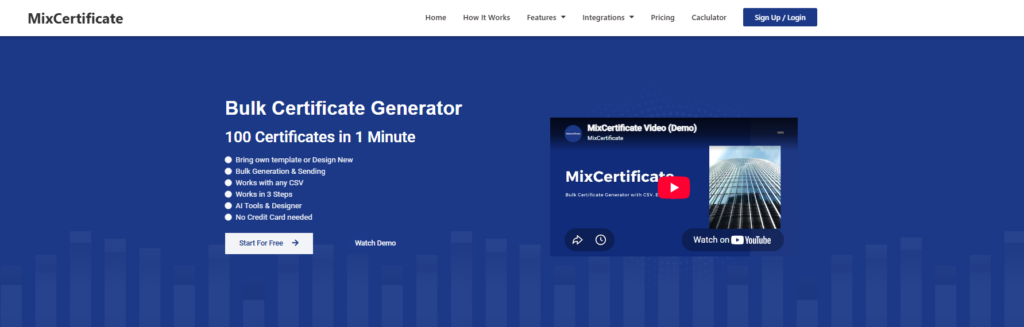
MixCertificate is built around one core problem: getting a large batch of certificates out the door fast, without needing a designer or a developer on staff. You upload a list of names from a CSV or spreadsheet, apply it to a certificate template, and the platform generates the entire batch at once. Every certificate gets a unique ID so recipients and employers can confirm it is genuine instead of trusting an editable PDF.
Where MixCertificate stands out is simplicity for non-technical teams. There is no drag-and-drop learning curve and no need to involve IT. Pricing is structured around bulk usage rather than punishing you per certificate as volume grows, which matters if you are a training company, HR team, or franchise operator issuing certificates every month rather than once a year. The dashboard also supports fixing a single misspelled name without touching the rest of a batch, resending a lost certificate, and pulling up past issuance history, which comes up constantly for anyone running recurring programs.
The tradeoff is that MixCertificate is purpose-built for certificate generation rather than the open badge ecosystem. If your program specifically needs Open Badges 3.0 portability or blockchain anchoring for skills-based hiring pipelines, that is not the current focus.
Pros: Fast bulk generation from a spreadsheet, no design background required, usage-based pricing that scales with volume, easy corrections to individual certificates in a batch, CRM webhook support.
Cons: Less built out for the open badge standards ecosystem than badge-first competitors, smaller integration library than the largest enterprise players.
Best for: Training companies, event organizers, HR and L&D teams, and franchise operators who need to issue certificates in bulk regularly without a technical team.
2. Certifier
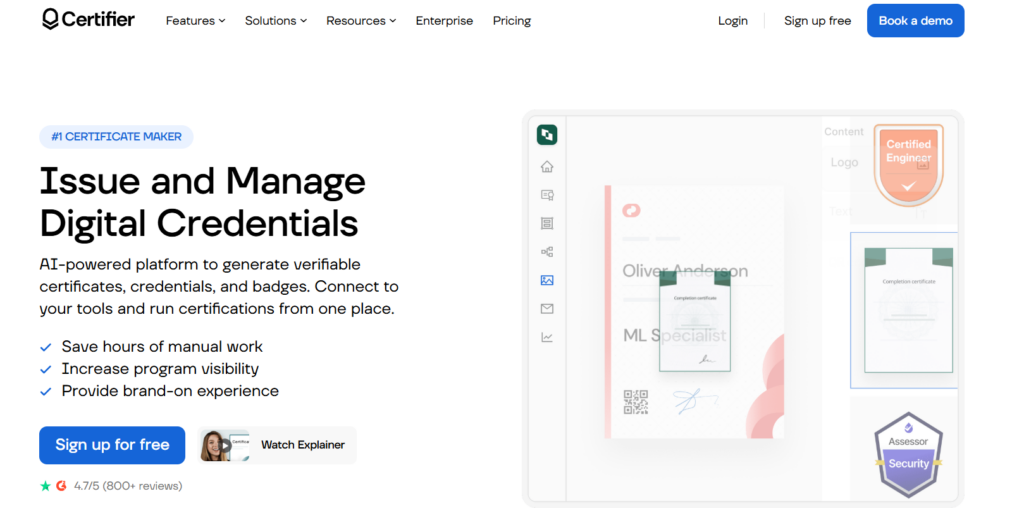
Certifier has become one of the most visible names in this space in 2026, frequently topping comparison lists for its combination of Open Badges 3.0 support, a genuinely usable free tier of 250 credentials a year, and transparent monthly pricing with no annual lock-in. It integrates natively with Google Sheets, HubSpot, Salesforce, Airtable, Zoom, and Typeform, and carries ISO 27001 and GDPR compliance.
The free plan and self-serve onboarding make it an easy platform to trial before committing budget. Independent reviews note that its standards support leans more toward Open Badges 2.0 with partial 3.0 features rather than full native compliance, so if verifiable badge portability is the entire point of your program, it is worth confirming exactly what “Open Badges 3.0 compliant” means on their current plan.
Pros: Transparent published pricing, usable free tier, no annual contract requirement, wide integration library, strong design template selection.
Cons: Standards support is described by some reviewers as partial rather than fully native 3.0, custom domain requires an upper-tier plan.
Best for: Small to mid-size training providers and institutions that want to start free and scale into paid automation without a long-term commitment.
3. Credly
Credly, now owned by Pearson, is the platform most corporate IT and enterprise certification bodies recognize on sight. It runs a shared public badge network, which gives credentials extra visibility since employers already associate the Credly badge format with legitimate professional certifications.
That brand recognition comes at a cost. Credly does not publish pricing anywhere on its site, and reports from buyers and pricing-analysis services put contracts in the range of a few thousand dollars a year at minimum, with onboarding fees that can add thousands more on top for high-volume issuers. There is no self-serve trial, so evaluating the platform means going through a sales conversation first.
Pros: Strong brand recognition among employers and IT recruiters, established badge network effect, backed by Pearson’s scale and support infrastructure.
Cons: No public pricing, no free trial, additional onboarding fees on top of subscription cost, badges only (no certificate-first workflow).
Best for: Large enterprises and certification bodies with an existing budget for a premium, network-recognized badge platform.
4. Accredible
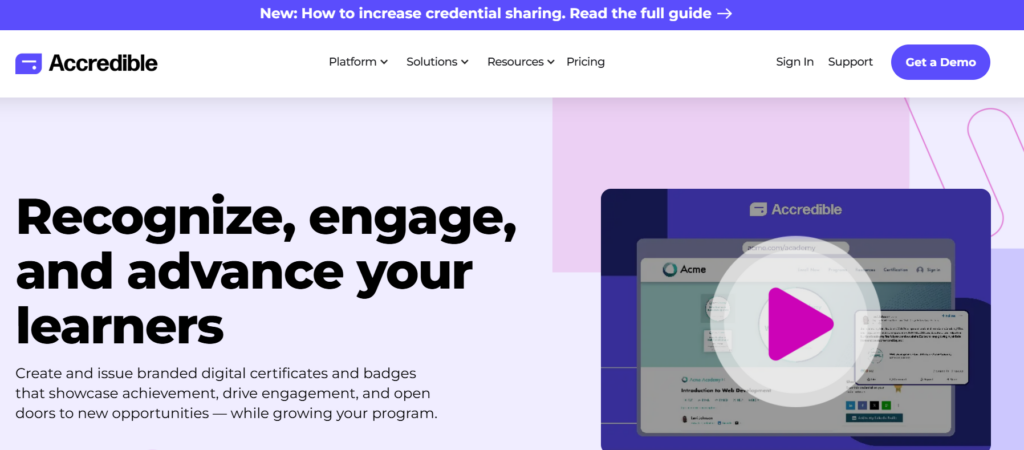
Accredible is one of the more established names in digital credentialing, supporting both traditional certificate formats and open badges under one roof. Pricing is based on the number of unique recipients rather than credentials issued, meaning you can issue unlimited credentials to the same person within your annual allowance. Plans run from a Launch tier for smaller programs up to Enterprise contracts with white-label options and SLA guarantees for institutions issuing tens of thousands of credentials.
Accredible suits organizations that want deep analytics on how recipients engage with and share their credentials, plus LMS integrations for larger programs. The tradeoff is contract structure: most plans are billed monthly on an annual commitment, and buyers report that costs can climb as programs scale, with some reviewers noting the pricing eventually competes with what a bundled LMS certificate feature offers for free.
Pros: Established enterprise track record, per-recipient rather than per-credential pricing, detailed engagement analytics, supports both certificates and open badges.
Cons: Annual commitment required on most plans, cost scales up noticeably at higher tiers, some users report reduced functionality after platform updates.
Best for: Large universities and enterprise training programs that need analytics depth and are prepared for an annual contract.
5. POK
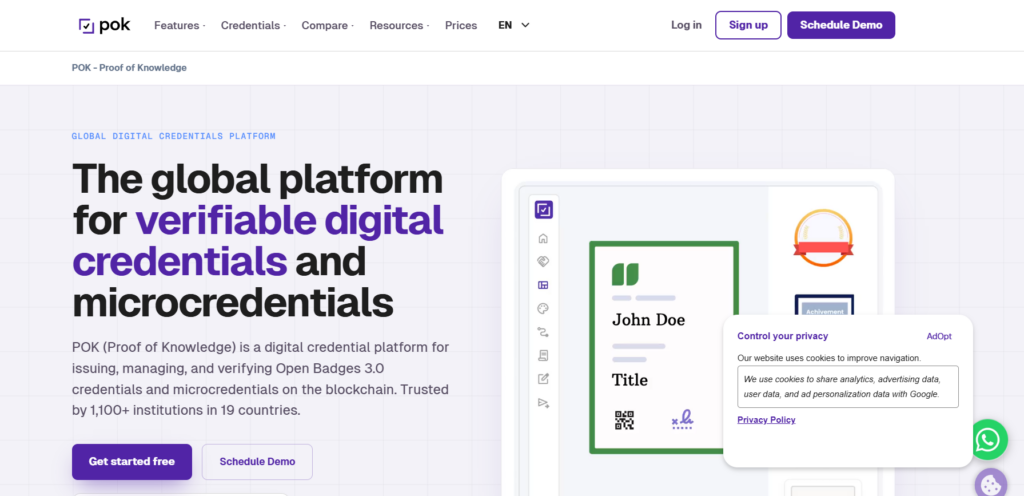
POK has grown quickly as a blockchain-first alternative, now used by more than 1,100 institutions across 19 countries. It is 1EdTech certified for Open Badges 3.0 and anchors credentials directly to a blockchain, meaning a credential stays verifiable even if an institution later moves away from the platform. It also carries ISO/IEC 27001:2022 information security certification.
POK’s pricing model is notably low-barrier compared to the rest of this list: no setup fee and no annual minimum commitment, with blockchain verification and NFT-based credentials priced per unit. That makes it accessible for institutions that are not ready for an enterprise contract but still want blockchain-level permanence.
Pros: No setup fee, no annual minimum, native blockchain anchoring, official Open Badges 3.0 certification, strong adoption in Latin American higher education.
Cons: Blockchain and NFT concepts add a learning curve for non-technical admin teams, less brand recognition in North America compared to Credly or Accredible.
Best for: Institutions that want permanent, portable, blockchain-anchored credentials without committing to an annual contract upfront.
6. Badgr / Canvas Credentials (now Parchment Digital Badges)

Badgr was once one of the most widely used free badge tools, especially for Canvas LMS users. That has changed significantly. After being acquired by Instructure and rebranded first to Canvas Badges and Canvas Credentials, the product has now been folded into Parchment Digital Badges. Free issuing was phased out entirely by the end of 2025, and badge issuance today requires a paid, quote-based enterprise subscription with no public price list.
If your institution still has a legacy Badgr or Canvas Credentials account, it is worth checking whether your issuing capability has already been converted to a read-only backpack. For anyone starting fresh, this is no longer the accessible free option it once was.
Pros: Deep native integration with Canvas LMS, familiar to institutions already inside the Instructure ecosystem, backed by Parchment’s credential network.
Cons: Free issuing has been fully discontinued, pricing is quote-based with no public list, existing free accounts have been downgraded to read-only.
Best for: Institutions already committed to the Canvas/Instructure ecosystem and prepared to move to a paid Parchment contract.
7. BCdiploma
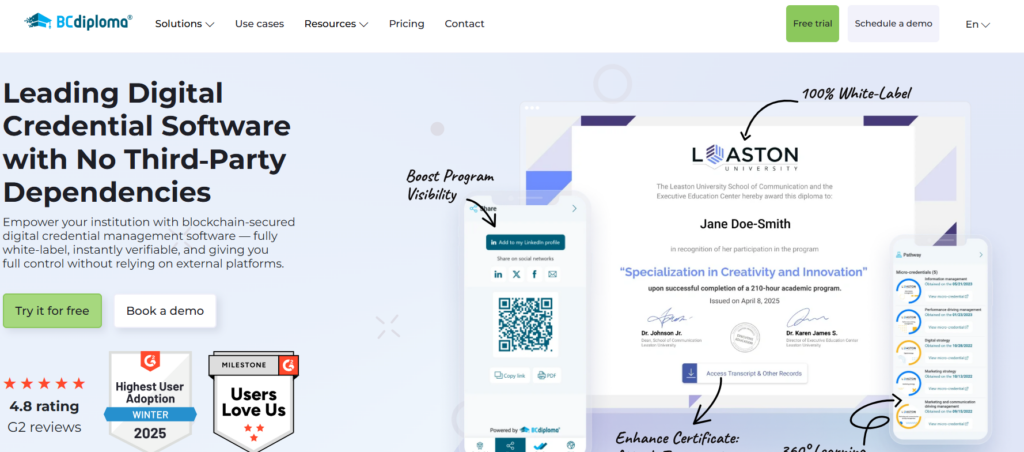
BCdiploma takes a Web3-first approach, issuing certificates directly onto a public blockchain through patented technology rather than relying on a third-party server for verification. It is used by institutions such as the University of Lille and Stanford Online, and holds a US patent for reconciling blockchain permanence with GDPR’s “right to be forgotten,” a genuinely hard problem since blockchain records are normally immutable.
This is a strong fit for higher education institutions and certification bodies where long-term data sovereignty and fraud resistance outweigh ease of setup. It is generally considered enterprise-oriented, with custom contracts rather than transparent self-serve pricing, which can be more than a smaller training provider or event organizer actually needs.
Pros: Patented blockchain-GDPR compliance approach, strong European higher-education adoption, fully branded and interactive certificate pages beyond a static PDF.
Cons: Custom enterprise pricing rather than transparent self-serve plans, blockchain-first approach may be more infrastructure than smaller teams need.
Best for: Large universities and certification bodies prioritizing absolute data sovereignty and long-term verifiability over ease of onboarding.
8. Hyperstack
Hyperstack positions itself around “proof infrastructure,” using the Hedera Hashgraph blockchain to validate credential authenticity while emphasizing migration support for organizations switching from other platforms. It offers native LMS integrations beyond just Zapier, full white-labeling on premium plans, and a recipient-facing digital wallet.
Reviewers describe its pricing as competitive and its migration assistance as a genuine differentiator for teams moving off a legacy system. As with most blockchain-anchored platforms, there is a learning curve around understanding what the underlying technology actually guarantees, and some users flag that complexity as a barrier for less technical admin teams.
Pros: Migration support for teams switching platforms, native LMS integrations, full white-labeling included on premium plans, recipient digital wallet and earners directory.
Cons: Underlying blockchain/hashgraph technology can be a conceptual barrier for non-technical users, less brand recognition than Credly or Accredible.
Best for: Organizations migrating off an existing credentialing platform that want blockchain verification without losing existing data in the switch.
9. Acreditta
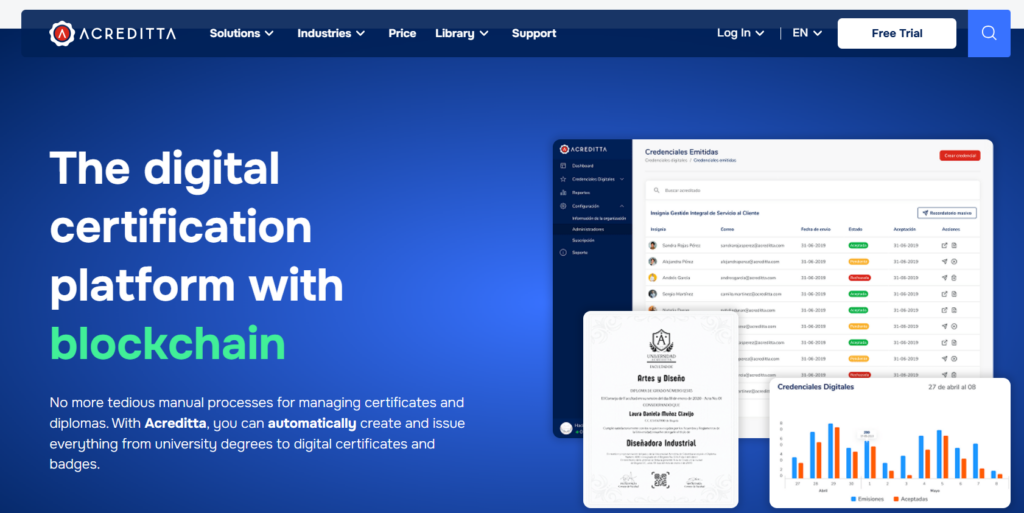
Acreditta describes itself as the most complete blockchain-based digital credentialing platform in Latin America, and its market presence backs that up. It supports badges, certificates, and full digital diplomas aligned with Verifiable Credentials, blockchain, and Open Badges 3.0 standards, with native Moodle LTI integration for automatic credential issuance on course completion.
Universities including institutions in Colombia and Mexico use Acreditta for both academic credentials and professional certifications. Setup costs are reported to run lower than Credly or Accredible, though the platform generally requires a contractual commitment rather than a pure pay-as-you-go model.
Pros: Strong regional focus and support for LATAM institutions, native Moodle integration, supports badges, certificates, and full diplomas in one system, Open Badges 3.0 aligned.
Cons: Requires contractual commitment, smaller footprint outside Latin America, less English-language documentation than global competitors.
Best for: Universities and organizations operating primarily in Latin America that want a regional platform with strong LMS integration.
10. Canva (Certificate Templates)

Canva deserves a spot on this list precisely because so many people land here first. It is genuinely excellent for designing a certificate that looks polished, and its template library and drag-and-drop editor make it the fastest way to produce something presentable for a one-off event with a handful of participants.
The important distinction is that Canva is a design tool, not a credentialing system. There is no unique verification ID, no public verification page, no way for an employer to confirm a certificate is genuine, and no bulk issuance workflow built for hundreds of recipients. Once fraud risk, verification, or repeat issuance at scale becomes a real concern, Canva stops being the right tool and becomes the reason a purpose-built platform exists in the first place.
Pros: Best-in-class design tools, huge template library, free to use for basic designs, familiar interface for non-technical users.
Cons: No verification system of any kind, no bulk issuance workflow, no audit trail, not built for repeat or high-volume issuance.
Best for: A single small event or one-off certificate where verification is not a concern and design flexibility matters more than infrastructure.
Comparison Table
| Platform | Verification Method | Bulk Issuance | Free Tier | Best For | Starting Price |
|---|---|---|---|---|---|
| MixCertificate | Unique ID, verification link | Yes, spreadsheet-based | Free plan to explore | Recurring bulk issuance, non-technical teams | Usage-based, budget friendly |
| Certifier | Open Badges (2.0, partial 3.0) | Yes | 250 credentials/year | Small to mid-size teams wanting to start free | Free, paid plans from ~$45/mo |
| Credly | Database-backed badge network | Yes | None | Large enterprises wanting brand recognition | Quote-only, reports suggest $2,500+/yr |
| Accredible | Database-backed, open badge support | Yes | Trial credits only | Enterprise programs needing analytics | ~$3,000+/yr |
| POK | Blockchain-anchored, Open Badges 3.0 certified | Yes | Free plan, $0 setup | Institutions wanting permanent, portable credentials | $0 setup, usage-based |
| Badgr / Canvas Credentials | Open Badges via Parchment network | Yes | None (discontinued end of 2025) | Existing Canvas/Instructure institutions | Quote-only |
| BCdiploma | Blockchain (patented, GDPR-compliant) | Yes | None published | Universities prioritizing data sovereignty | Custom enterprise pricing |
| Hyperstack | Hedera Hashgraph blockchain | Yes | Free trial | Teams migrating off a legacy platform | Competitive, not fully public |
| Acreditta | Blockchain, Verifiable Credentials, Open Badges 3.0 | Yes | Limited pilot tier | LATAM institutions | Contract-based, lower setup than Credly |
| Canva | None | No | Free | One-off, low-volume design needs | Free |
MixCertificate vs. the Rest — Where We Fit
MixCertificate was not built to compete with Credly’s badge network or BCdiploma’s blockchain patents, and it does not try to. It was built for the far more common problem: a team that needs to issue a real batch of certificates, correctly, on a schedule, without hiring a developer or signing an annual enterprise contract to do it.
If your organization issues credentials weekly or monthly, whether that is a training company running cohorts, an HR team certifying internal upskilling, or a franchise operator certifying partners, MixCertificate’s spreadsheet-to-certificate workflow and bulk-friendly pricing are built exactly for that rhythm. You can try it directly at MixCertificate without booking a sales call first.
If your program genuinely needs full Open Badges 3.0 portability for a skills-based hiring pipeline, a shared badge network with strong employer recognition like Credly’s, or blockchain anchoring with GDPR-compliant permanence like BCdiploma or POK offer, those platforms are the more honest fit, and we would rather say that plainly than pretend one tool fits every use case.
How to Choose the Right Platform for Your Use Case
A quick decision framework, based on the factors that actually change the answer:
- Volume. Issuing under a few hundred credentials a year rarely justifies an enterprise contract. Issuing thousands a month usually does.
- Budget. Free and usage-based plans (MixCertificate, Certifier, POK) fit smaller and mid-size teams better than quote-only enterprise platforms.
- Blockchain verification. Only worth prioritizing if long-term, platform-independent permanence is a real requirement, such as academic degrees or high-stakes professional certifications.
- LMS or CRM dependency. If your workflow already lives inside Canvas, Moodle, or a specific CRM, check native integration depth before assuming any platform will connect cleanly.
- In-house design vs. templates. If you only need a handful of nicely designed certificates with no verification requirement, a design tool like Canva may genuinely be enough, at least until volume or fraud risk changes the calculation.
FAQ
What is a digital credential platform?
A digital credential platform issues, manages, and verifies certificates or badges electronically. Unlike a static PDF, each credential typically carries a unique ID or blockchain record, along with a public verification page that lets anyone confirm it is genuine.
Is blockchain verification necessary for certificates?
Not always. Blockchain verification adds permanence and platform independence, which matters most for degrees, professional certifications, and high-stakes credentials. For routine training or event certificates, a database-backed verification link is usually sufficient and considerably simpler to manage.
Can I switch platforms and migrate old certificates?
Migration support varies significantly by platform. Some, like Hyperstack, explicitly market migration assistance. Others make exporting historical data more difficult, which is worth testing before you commit, especially with platforms currently in transition like Badgr/Parchment.
What’s the difference between a badge and a certificate?
A certificate is typically a single document representing completion of one course or program. A badge is usually a smaller, stackable credential representing a specific skill or achievement, often designed to be collected and displayed as a set. Some platforms, including MixCertificate, focus primarily on certificates; others, like Credly, focus primarily on badges.
Do these platforms integrate with Google Sheets or CRMs?
Most modern platforms support at least CSV or Google Sheets import for bulk issuance, and many connect to CRMs like HubSpot or Salesforce either natively or through Zapier. Integration depth varies, so it is worth confirming the specific connectors you need are supported before signing up.
Ready to issue your next batch of certificates without the enterprise sales call? Try MixCertificate free or explore pricing directly on the site.
Also Read Related Blog :





6 Responses