
HR teams today issue more certificates than ever before. Onboarding completions, compliance training records, skill badges, and employee recognition awards all need to be created, tracked, and shared at scale. Doing this manually in Word or PowerPoint simply does not work once a company grows past a handful of employees.
This guide breaks down the top certificate platforms built for HR use cases in 2026. We tested each platform for bulk issuing, integration options, branding flexibility, and pricing, so HR managers and People Ops teams can pick the right tool without wasting hours on trial and error.
Whether you are setting up your first employee recognition program, standardizing compliance training records across departments, or simply tired of manually editing certificates in a document editor, this comparison is meant to save you research time and point you toward a platform that actually fits your workflow.
Why HR Teams Need Dedicated Certificate Software
Traditional document editors were never designed for certificate generation at scale. Here is why HR departments are moving away from manual methods.
Volume is the biggest problem. A mid sized company running quarterly compliance training might need to issue hundreds of certificates in a single week. Manually editing a template for each employee is slow and prone to errors like misspelled names or wrong dates.
Compliance requires proof. Many industries, including healthcare, finance, and manufacturing, require documented proof that employees completed mandatory training. If an auditor asks for records, HR needs to produce them quickly. A spreadsheet of PDFs saved to a shared drive is not a reliable system.
Branding matters for recognition. When a company issues an award or a certificate of appreciation, it should look professional and reflect the company’s identity. A poorly formatted certificate undermines the recognition it is meant to convey.
Integration saves time. The best HR certificate tools connect to HRIS platforms, learning management systems, or simple spreadsheet uploads so certificates generate automatically once training is marked complete.
Employee experience matters more than most teams realize. A certificate is often the last touchpoint in a training program or the tangible proof of a recognition moment. If it arrives late, looks unprofessional, or contains an error, it can undercut an otherwise positive experience. HR teams that treat certificate generation as an afterthought often see this reflected in employee feedback surveys, where recognition programs are rated lower simply because the follow through felt sloppy.
There is also a cost dimension that is easy to overlook. Outsourcing certificate design to a graphic designer for every batch, or paying a printing service for physical copies, adds up quickly. Digital certificate platforms remove that recurring cost and let HR teams issue unlimited variations of the same template without additional design fees.
What We Looked For in Each Platform
Before ranking any platform, we evaluated each one against a consistent set of criteria that matters most to HR teams:
- Bulk generation. Can the platform create hundreds of certificates from a single CSV or spreadsheet upload, or does it require one by one entry?
- Template customization. Can HR teams apply company branding, logos, and signatures without hiring a designer?
- Integration options. Does the platform connect with common HRIS or LMS tools, or does it work as a standalone system?
- Verification and security. Are certificates verifiable through a unique link or QR code, which matters for compliance and anti-fraud purposes?
- Ease of use. Can a non-technical HR coordinator operate the platform without IT support?
- Pricing transparency. Is the pricing model clear, and does it scale reasonably as certificate volume grows?
We tested each platform hands on, uploading sample employee data, generating batches of certificates, and reviewing the output quality and download options. We also checked how each platform handled edge cases, such as long employee names, special characters, and inconsistent date formats in uploaded spreadsheets, since these are common real world problems for HR teams pulling data from multiple sources.
Beyond functionality, we paid attention to how quickly a new user could go from signup to a finished batch of certificates. A platform that looks powerful on a sales page but takes days to configure properly is not practical for busy HR departments juggling multiple responsibilities.
Top Certificate Platforms for HR Companies
1. MixCertificate
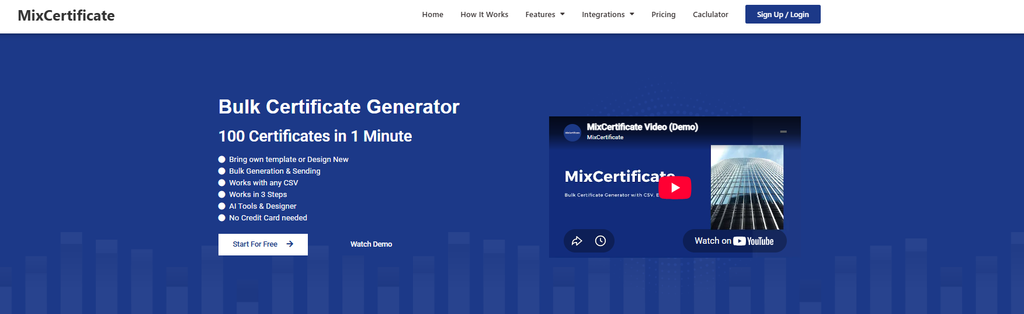
MixCertificate is built specifically around bulk certificate generation, which makes it a strong fit for HR teams issuing large volumes of training or recognition certificates. It supports CSV upload for mass generation, meaning an HR coordinator can create hundreds of personalized certificates in minutes rather than hours.
The platform includes a library of ready made templates for common HR use cases such as training completion, onboarding, and employee recognition. Teams that want a head start can browse the template library to find a design that fits their branding, then customize it with their own logo and colors.
Pros:
- Fast bulk generation from spreadsheet uploads
- Simple interface that does not require design experience
- Ready to use templates for common HR scenarios
- Affordable pricing compared to enterprise focused platforms
Cons:
- Fewer deep LMS integrations compared to enterprise platforms
- Advanced branding customization has a learning curve for complex layouts
2. Credly
Credly focuses on digital badges rather than traditional certificates, which makes it popular for skills based recognition and professional certifications. It is widely used by larger organizations that want to issue verifiable digital credentials tied to specific competencies.
Pros:
- Strong reputation for professional and skill based credentials
- Verifiable badges that employees can share on LinkedIn
- Good analytics on badge engagement
Cons:
- Higher cost, aimed more at enterprise budgets
- Badge format is less suited to formal compliance certificates
- Setup requires more configuration time
3. Accredible
Accredible is an established platform aimed at training providers and enterprise HR departments that need robust compliance documentation. It supports detailed certificate design and integrates with several learning management systems.
Pros:
- Mature platform with enterprise grade features
- Strong integration options with training and LMS tools
- Detailed reporting and analytics
Cons:
- Pricing tends to be higher than smaller competitors
- Interface can feel complex for teams that only need basic certificates
- Onboarding takes longer due to the range of features
4. Canva
Canva is not a dedicated certificate platform, but many smaller HR teams use it because of its flexible design tools and large template library. It works well for one off certificates but struggles at scale.
Pros:
- Extremely flexible design options
- Large library of free and paid templates
- Familiar interface many HR staff already know
Cons:
- No true bulk generation or CSV import for certificates
- Not built for compliance tracking or verification
- Manual process becomes unmanageable at higher volumes
5. Certifier
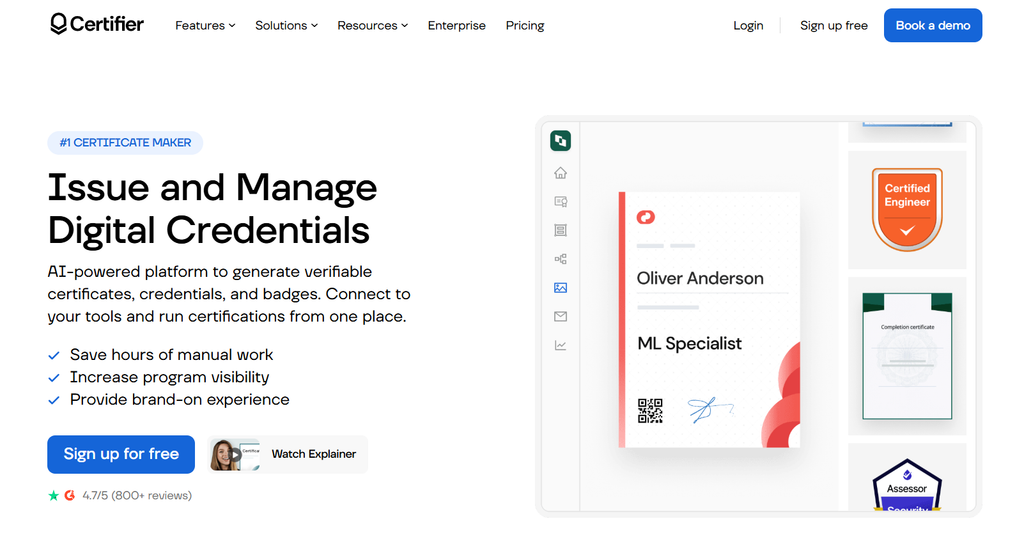
Certifier is a certificate and badge platform aimed at businesses and educational organizations. It offers both bulk generation and some automation features through integrations like Zapier.
Pros:
- Supports both certificates and digital badges
- Decent automation through third party integrations
- Reasonable template variety
Cons:
- Some automation requires connecting external tools like Zapier
- Free plan is limited in volume
- Branding customization is more limited than paid competitors
6. Google Forms and Docs Mail Merge
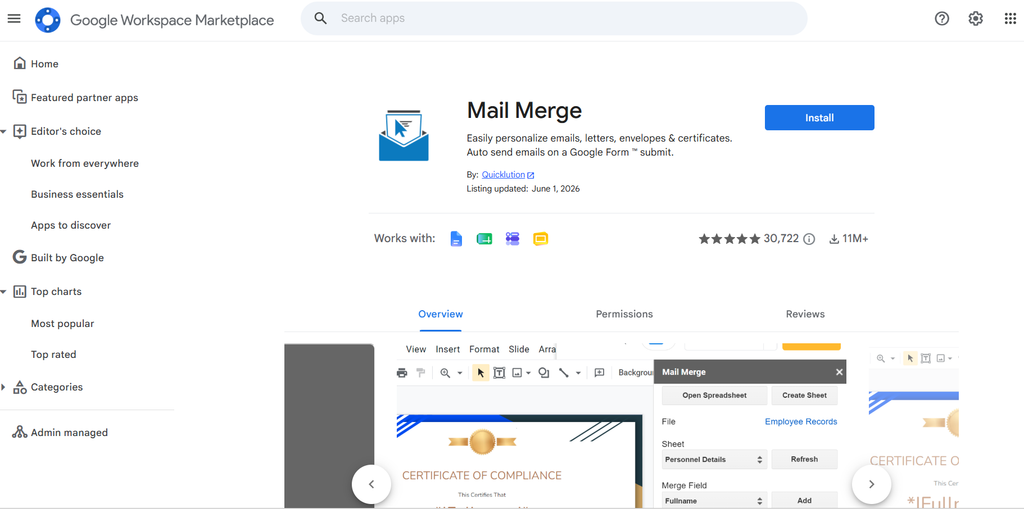
For very small teams or startups without budget for dedicated software, combining Google Forms with a mail merge add on in Google Docs is a low cost workaround.
Pros:
- Free or very low cost
- Familiar tools most HR staff already use
- No new software to learn
Cons:
- Time consuming to set up correctly
- No verification or anti fraud features
- Not scalable beyond small batches
- Prone to formatting errors during merge
7. Visme
Visme is a design tool similar to Canva but with slightly more structured template categories, including certificates. It is popular with teams that also need presentations or infographics alongside certificate design.
Pros:
- Good design flexibility beyond just certificates
- Useful if the team already uses Visme for other content
- Reasonable template selection
Cons:
- Not built specifically for HR workflows
- No dedicated bulk certificate automation
- Learning curve for teams unfamiliar with the platform
8. TalentLMS Certificates
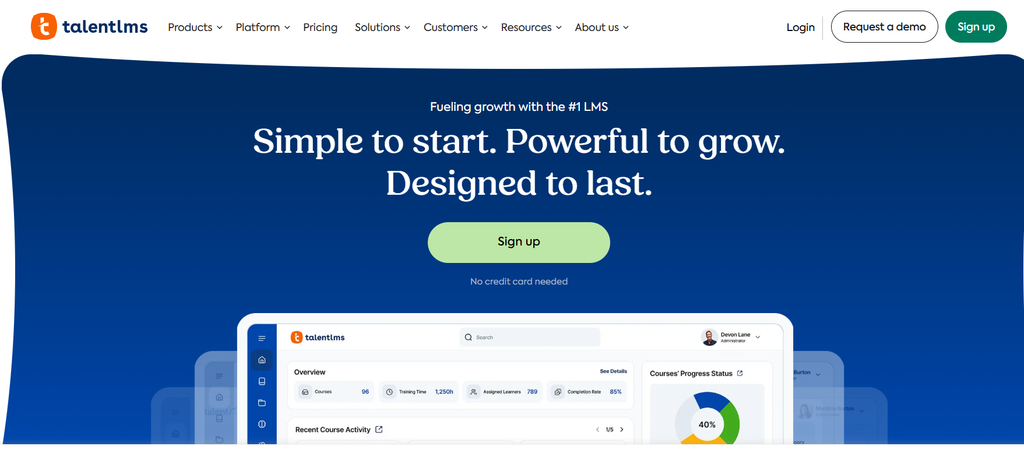
TalentLMS is a learning management system with built in certificate generation tied directly to course completion. It suits HR teams that already run training through TalentLMS and want certificates issued automatically.
Pros:
- Certificates generate automatically upon course completion
- No separate tool needed if already using TalentLMS for training
- Good fit for structured onboarding or compliance courses
Cons:
- Only useful if the company already uses TalentLMS
- Limited design flexibility outside the LMS templates
- Not a standalone certificate solution
9. Docebo Certificates
Docebo is another learning management system with certificate features built directly into its course completion workflow. It is common in mid size to large organizations that already rely on Docebo for structured onboarding, compliance, or leadership training programs.
Pros:
- Certificates trigger automatically once a learner finishes a course
- Consistent formatting across all training programs
- No need for a separate certificate tool if already on Docebo
Cons:
- Only practical for companies already invested in the Docebo ecosystem
- Certificate design options are limited compared to dedicated tools
- Switching or exporting historical certificate data can be cumbersome
Common Mistakes HR Teams Make When Choosing Certificate Software
Even with a clear list of requirements, HR teams often run into the same pitfalls when selecting a platform.
Choosing based on price alone. A cheap or free tool that cannot handle bulk uploads ends up costing more in staff hours than a paid platform built for scale. It is worth calculating the time a coordinator spends manually creating certificates and weighing that against a subscription fee.
Ignoring verification needs until an audit happens. Compliance heavy industries sometimes skip verification features early on, only to scramble when an auditor requests proof that a specific employee completed specific training on a specific date. Building this into the process from the start avoids a stressful retrofit later.
Underestimating branding consistency. When certificates are created ad hoc across different departments, the result is often a mismatched set of designs using different fonts, colors, and logo placements. A shared template system keeps every certificate looking like it came from the same company.
Not testing with real data before committing. Sample data in a demo often looks clean, but real employee records include typos, inconsistent name formats, and missing fields. Testing a platform with an actual export from your HRIS before signing a contract reveals problems a demo will not show.
Overlooking employee accessibility. Some platforms generate certificates that are difficult to download on mobile devices or require creating an account just to view a file. HR teams should confirm that employees can access their certificates without unnecessary friction.
Comparison Chart
| Platform | Bulk Generation | HRIS or LMS Integration | Verification | Best For |
|---|---|---|---|---|
| MixCertificate | Yes, CSV upload | Limited, growing | Yes | Fast bulk certificates and recognition |
| Credly | Yes | Moderate | Yes, strong | Professional skill badges |
| Accredible | Yes | Strong | Yes, strong | Enterprise compliance training |
| Canva | No | None | No | One off design flexibility |
| Certifier | Yes | Via Zapier | Yes | Certificates and badges combined |
| Google Docs Mail Merge | Manual | None | No | Very small teams on a budget |
| Visme | Limited | None | No | Teams needing broader design tools |
| TalentLMS | Automatic within LMS | Built in | Limited | Teams already using TalentLMS |
| Docebo | Automatic within LMS | Built in | Limited | Large orgs already on Docebo |
How to Choose the Right Platform for Your HR Team
The right choice depends on your company’s size, compliance needs, and existing tools.
If you issue high volumes of certificates regularly, a platform with strong bulk generation like MixCertificate or Accredible will save the most time. Look closely at how each platform handles CSV imports and whether the output quality holds up across hundreds of certificates.
If your focus is professional skill recognition, a badge focused platform like Credly may fit better than a traditional certificate tool, especially if employees want to share credentials on LinkedIn.
If your team is small and budget is tight, starting with Canva or a Google Docs mail merge workaround can work temporarily, but plan to move to dedicated software once volume grows past what a manual process can handle.
If you already use a learning management system, check whether it has built in certificate generation before adding another tool to your stack. TalentLMS, Docebo, and similar platforms handle this natively for training completions.
If verification is a hard requirement, narrow your search to platforms that offer unique certificate IDs or QR code verification, since not every tool on this list supports it. This matters most for regulated industries where a certificate might need to be checked by a third party years after issue.
It also helps to involve the people who will use the platform day to day before making a final decision. An HR coordinator who uploads spreadsheets weekly will notice usability issues that a manager evaluating the platform from a sales demo might miss entirely. Running a short trial with two or three team members, rather than a single decision maker, tends to surface these problems early.
Frequently Asked Questions
Can HR software automatically issue certificates from an HRIS system?
Some platforms support this through direct integrations or automation tools like Zapier, though the depth of integration varies. Always check whether a platform connects to your specific HRIS before committing.
Are digital certificates legally valid for compliance training records?
In most industries, a digital certificate with a timestamp and verification link is accepted as valid documentation, but requirements vary by industry and region. HR teams should confirm this with their compliance or legal department.
How much does HR certificate software typically cost?
Pricing varies widely, from free tools with limited features to enterprise platforms charging based on certificate volume or number of seats. Smaller HR teams can often start on a free or low cost tier and upgrade as needs grow.
What is the difference between a certificate and a digital badge?
A certificate is typically a formal document confirming completion of training or an achievement, while a digital badge is a smaller, shareable credential often used to highlight specific skills, particularly on professional networking sites.
Do employees need special software to view their certificates?
No. Most platforms generate certificates as PDFs or shareable web links, which employees can view, download, or print without needing any special software.
How long should a company keep certificate records?
This depends on industry regulations, but many compliance frameworks require records to be kept for several years after an employee’s training or employment ends. Platforms that store certificates in the cloud, rather than relying only on local files, make long term recordkeeping much easier.
Can small businesses benefit from certificate software, or is it only for large HR teams?
Small businesses can benefit just as much, especially once they start running recurring onboarding or training programs. The time saved from bulk generation adds up quickly even at lower volumes, and starting with a scalable tool early avoids a disruptive migration later.
Final Thoughts
Choosing the right certificate platform comes down to matching the tool to your HR team’s actual workflow. Teams issuing high volumes of training or recognition certificates will benefit most from a platform built for bulk generation, while smaller teams may get by with more general design tools in the short term.
There is no single platform that fits every HR department perfectly. A company running strict compliance training in a regulated industry has different priorities than a startup issuing its first round of onboarding certificates. Use the comparison chart and use case breakdown above as a starting point, then trial your top one or two choices with real employee data before rolling out a program company wide. A short trial period is a small investment compared to the cost of switching platforms after a full rollout, especially once employees have grown used to a particular certificate format.
For HR departments that want a fast, straightforward way to generate certificates at scale without a steep learning curve, exploring a ready made certificate template library is a good starting point before committing to a full platform migration.
Also Read Related Blog :




