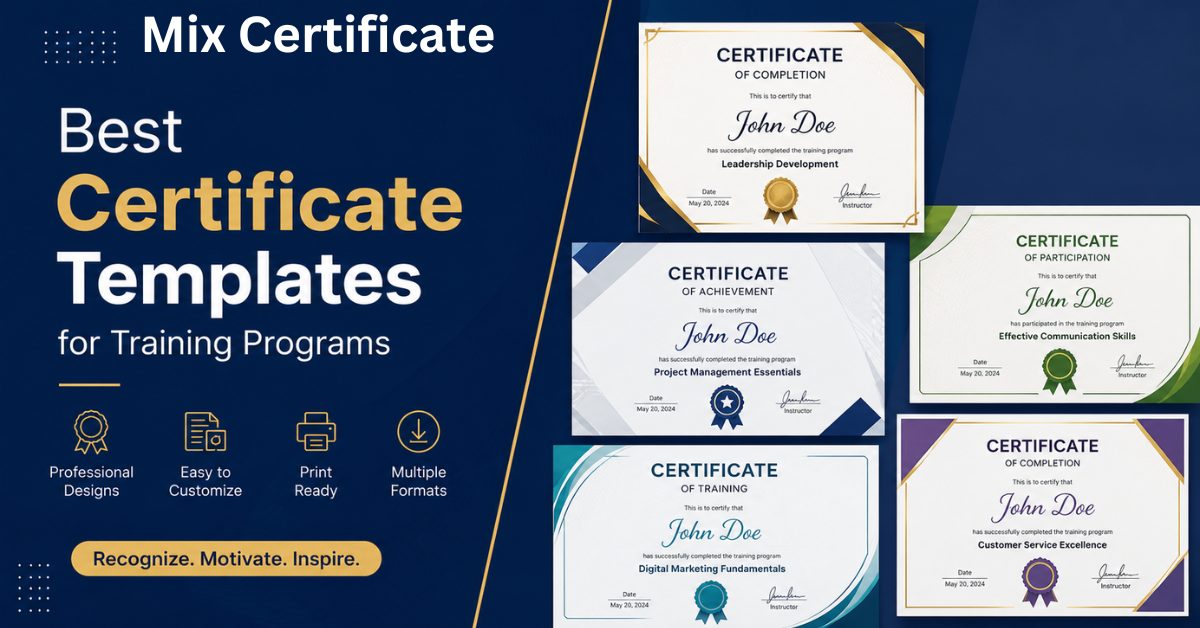
Whether you run onboarding sessions, compliance workshops, or leadership courses, a well-designed training certificate does more than mark completion. It motivates learners, adds credibility to your program, and gives employees something worth holding on to.
The good news? You do not need a graphic designer to create professional certificates. The right template gets you most of the way there. This guide covers the best training certificate templates available today, what to look for in a design, and how to get yours ready in minutes.
Why Training Certificates Matter More Than You Think
A certificate signals that someone invested time and effort. For HR teams, it also serves a practical purpose: it creates a record of training completion that can be referenced during audits, performance reviews, or compliance checks.
Beyond the paperwork, certificates have a real motivational effect. Learners who know they will receive a formal recognition at the end of a course are more likely to stay engaged and complete it. That is a simple win for any training program.
What a Great Training Certificate Needs
Before picking a template, it helps to know what goes into a strong certificate design. Here are the core elements every training certificate should include:
Recipient name — This should be large and prominent. It is the most personal part of the certificate and the first thing the recipient looks at.
Program or course title — Be specific. “Advanced Excel for Finance Teams” is more meaningful than “Training Certificate.”
Completion date — Always include the date. It matters for compliance records and professional portfolios.
Issuing organization — Your company name and logo should be clearly visible.
Authorized signature — A trainer, manager, or HR lead signature adds legitimacy.
Certificate number or verification code — Optional but useful for programs that need external verification.
On the design side, keep it clean. A consistent color scheme, readable fonts, and enough white space make the certificate easy to scan and pleasant to display.
7 Training Certificate Templates Worth Using
1. Classic Corporate Certificate
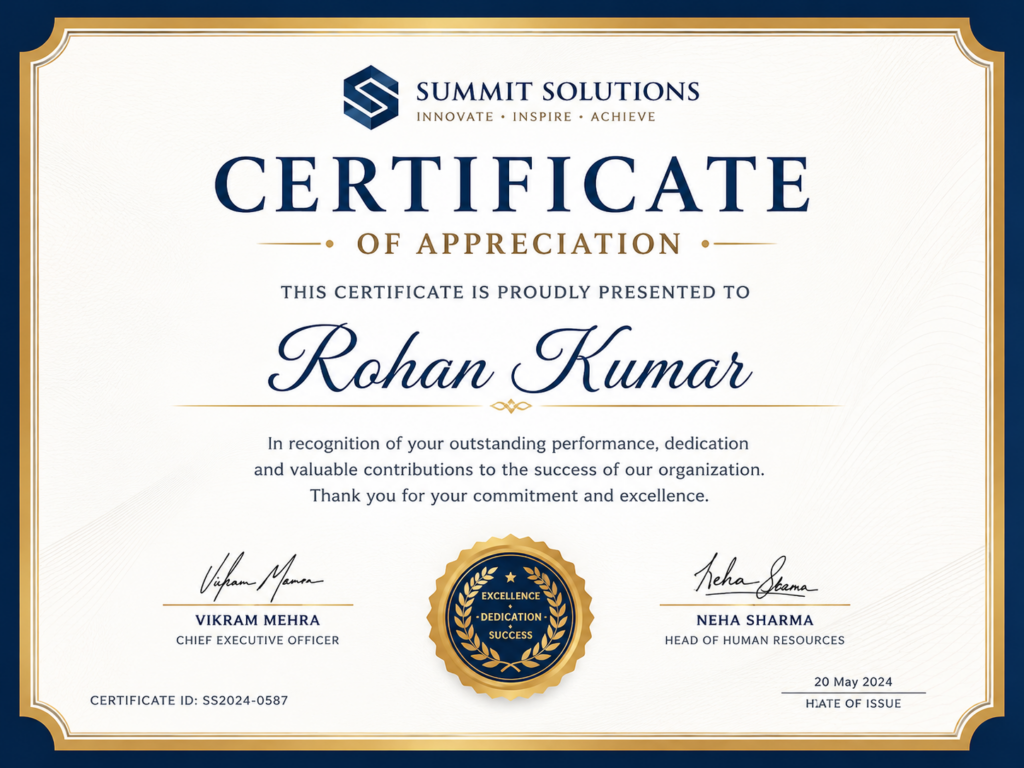
This is the standard choice for formal programs like compliance training, safety certifications, or professional development courses. It typically features a bordered layout, a formal heading, and a signature line at the bottom. The design is intentionally straightforward because the context calls for it.
Best for: compliance training, HR onboarding, legal and safety programs.
2. Modern Minimalist Certificate
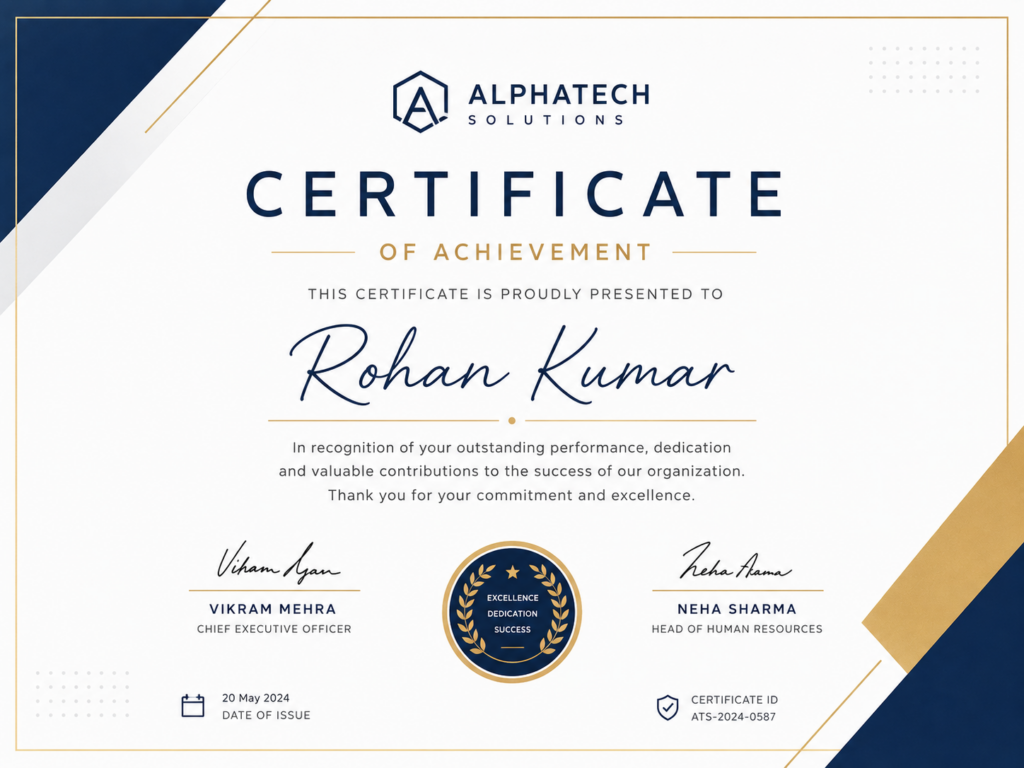
Clean lines, generous spacing, and a simple color palette. This style works well for tech companies, SaaS platforms, and creative agencies that want a certificate that feels current without being flashy.
Best for: tech teams, product training, design and UX workshops.
3. Branded Certificate
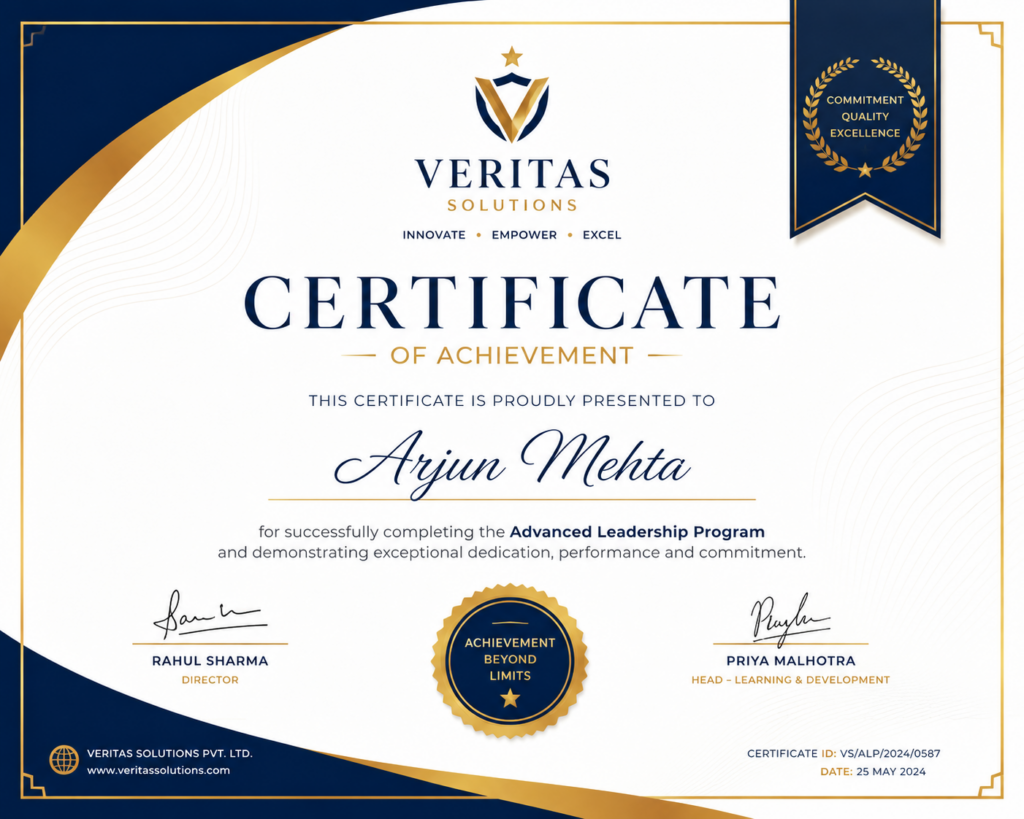
This template puts your company identity front and center. Your logo sits prominently at the top, and the color scheme matches your brand guidelines. Branded certificates are especially effective for customer-facing training programs or partner certifications.
Best for: partner programs, customer education, franchise training.
4. Course Completion Certificate
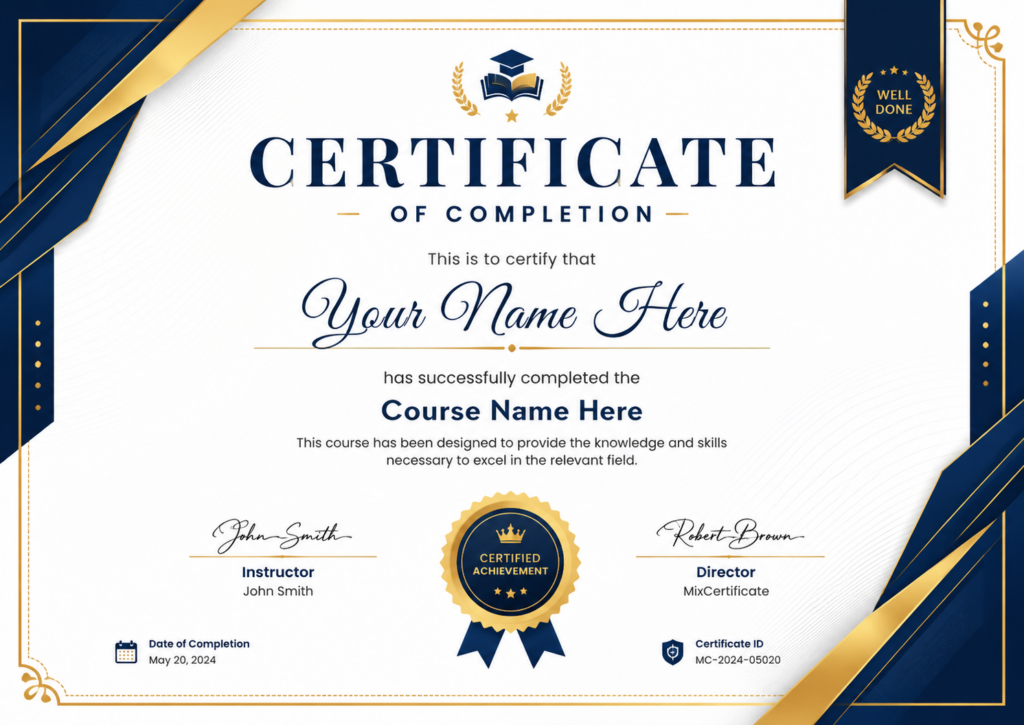
Designed specifically for e-learning platforms and LMS environments. This format typically includes fields for the number of hours completed and the course module name. It is straightforward and works well when issued at scale.
Best for: online learning programs, self-paced courses, LMS integrations.
5. Continuing Education (CEU or CPD) Certificate

This template includes specific fields for credit hours, accreditation body, and license or certification numbers. It is a more structured format designed for programs that count toward professional licenses or continuing education requirements.
Best for: healthcare training, legal education, accounting and finance CPD.
6. Workshop and Event Certificate
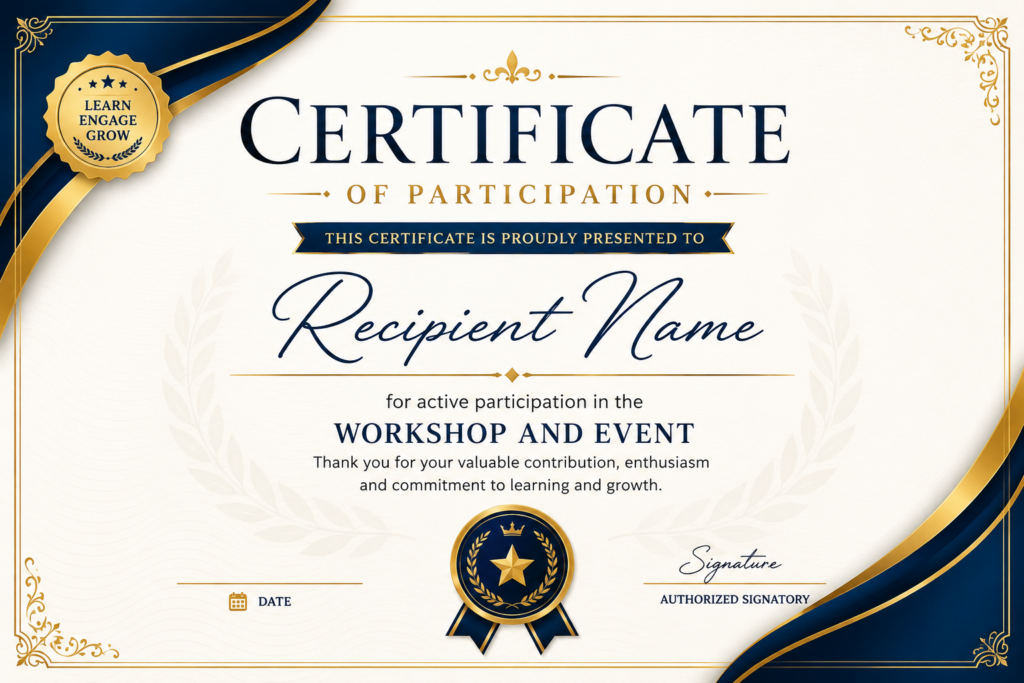
A lighter, more celebratory design suited for single-day workshops, team retreats, or in-person training events. It often includes the event name, location, and date in a clean layout that feels less formal than a compliance certificate.
Best for: team training days, leadership workshops, offsite events.
7. Achievement and Recognition Certificate
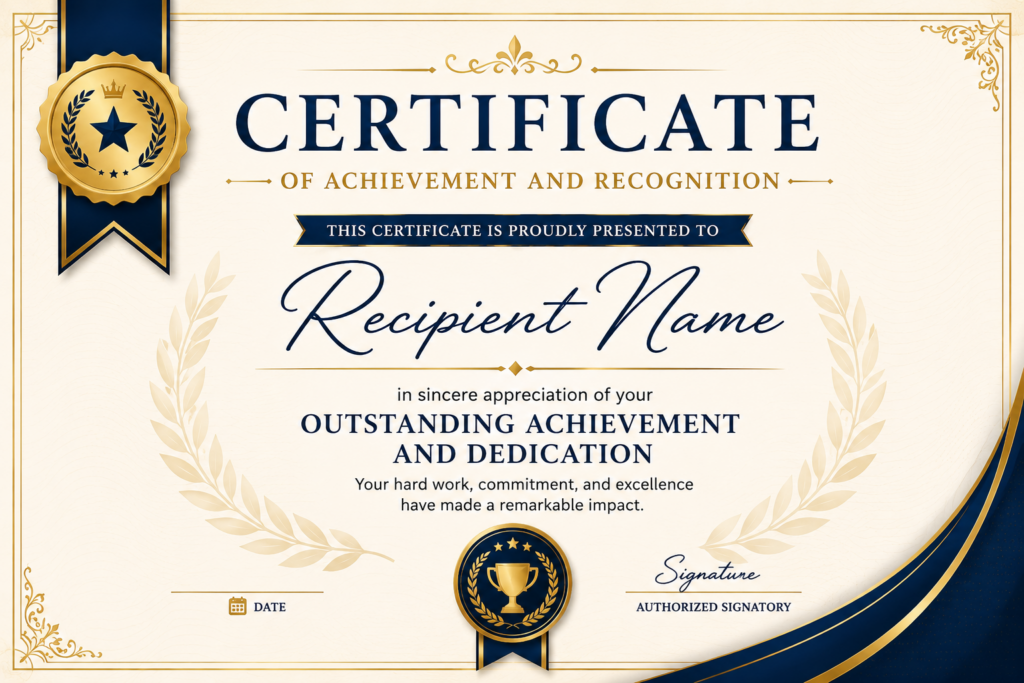
This goes beyond simple completion. It is designed to highlight outstanding performance, such as finishing first in a cohort, completing an advanced track, or earning a special distinction. The design is usually more ornate, with elements like ribbons, seals, or bold typography.
Best for: top performer recognition, graduation from multi-level programs, employee milestones.
Where to Find and Customize These Templates
One of the easiest places to create professional training certificates is MixCertificate. It offers a wide range of ready-to-use certificate templates designed specifically for training programs, with an intuitive editor that requires no design experience.
Here is what makes it stand out for HR teams and trainers:
Ready-made templates for every use case. From compliance to course completion to achievement awards, the template gallery covers the most common training scenarios so you are not starting from scratch.
Easy customization. You can swap in your logo, change the color scheme, edit all text fields, and add a signature in just a few clicks. The editor is built for people who need results quickly, not a design tool with a steep learning curve.
Bulk certificate generation. If you need to issue certificates to a whole training cohort, MixCertificate lets you do that without manually editing each one. Upload your list, and it handles the rest.
PDF and shareable link export. Download a print-ready PDF or share a digital version with a link. Both options look polished and professional.
For any team that runs training programs regularly, having a reliable certificate tool like MixCertificate saves hours of work and keeps every certificate consistent.
How to Choose the Right Template for Your Program
Not every certificate fits every program. Here are a few quick questions to help you decide:
How formal is the program? Compliance certifications and professional development programs call for a more traditional design. Internal skill-building sessions can use something lighter.
Will it be printed or sent digitally? Print certificates benefit from landscape orientation and higher-contrast colors. Digital certificates can be more flexible in terms of layout.
Does it need to be branded? If the certificate will go on a LinkedIn profile or be shared publicly, strong branding adds credibility.
Does it need to include credit hours or an accreditation reference? If yes, choose a template with dedicated fields for that information rather than trying to squeeze it in later.
Will you need to issue it in bulk? If so, prioritize a tool that supports batch generation from the start.
Tips for Designing a Certificate That Gets Noticed
A template gives you the structure, but small decisions can make a big difference in how the final product looks.
Use your actual brand fonts if possible. Most certificate tools allow custom font uploads. If not, choose a clean serif font for headings and a sans-serif for body text.
Keep the layout balanced. A certificate with too much text feels cluttered. If you find yourself adding more than five or six fields, consider whether all of them are necessary.
Test it before you send it. Print a single copy or preview it on a mobile screen before sending to a full cohort. It only takes a minute and can catch issues like text that is too small or a logo that did not upload correctly.
Add a verification element if the certificate carries any external value. A simple certificate ID that can be verified on your website adds a layer of trust that makes the credential more meaningful.
Final Thoughts
A training certificate is a small thing that carries real weight. It marks the end of a learning journey, gives employees something to be proud of, and serves as a practical record for your organization.
The templates in this guide cover every major use case, from quick internal workshops to formal compliance programs. And with a tool like MixCertificate, getting from template to finished certificate takes minutes, not hours.
Browse the template gallery, pick a design that fits your program, and issue certificates that your team will actually want to keep.
Also Read Related Blog :





2 Responses