
If you run workshops, you already know that a good certificate does more than just mark attendance. It gives participants something to show for their time. It builds trust in your brand. And for many attendees, it becomes proof of skill that they can add to their resume or LinkedIn profile.
I have worked with training teams, HR departments, and independent workshop hosts who all faced the same problem. They needed a fast, reliable way to create certificates for dozens or even hundreds of participants without spending hours in a design tool. After testing and researching a wide range of certificate generator platforms over the past few years, I put together this list to help you skip the trial and error.
This guide breaks down the top 10 certificate generator tools for workshops in 2026. Each one is reviewed for bulk generation ability, template quality, pricing, and how easy it is for a non-designer to use.
What to Look for in a Workshop Certificate Generator
Before jumping into the list, it helps to know what actually matters when picking a tool. Not every certificate platform is built with workshops in mind. Some are designed for large-scale corporate credentialing, while others work better for one-off events.
Here are the main things worth checking:
Bulk generation. If your workshop has more than 10 attendees, manually creating each certificate is a waste of time. Look for tools that support CSV upload or spreadsheet import so you can generate certificates in one batch.
Template variety. A workshop certificate should look professional but does not need to be overly complex. Good tools offer templates that are easy to customize with your logo, colors, and workshop details.
Ease of use. You should not need design experience or a steep learning curve to get a certificate ready. The best tools let you go from blank template to finished certificate in under 15 minutes.
Verification and sharing. Modern certificates often include QR codes or verification links so recipients can prove authenticity. This matters more if your workshop certificates carry any professional weight.
Pricing that fits your scale. Some platforms charge per certificate, others use monthly subscriptions. If you run workshops occasionally, a pay-as-you-go model might save money. If you run them often, a subscription usually works out cheaper.
With that in mind, here is the comparison you came here for.
Quick Comparison Table
| Tool | Best For | Bulk Generation | Free Plan | Starting Price |
|---|---|---|---|---|
| MixCertificate | Workshops and bulk events | Yes, CSV upload | Yes | Free tier, paid plans scale with volume |
| Certifier | Corporate training programs | Yes | Limited trial | Paid plans only |
| Canva | Custom design flexibility | Limited | Yes | Free, Pro paid |
| Accredible | Large institutions and universities | Yes | No | Custom pricing |
| Credly | Digital badges and credentials | Yes | No | Enterprise pricing |
| BCdiploma | Blockchain-verified certificates | Yes | No | Custom pricing |
| Acreditta | Skills-based credentialing | Yes | Limited trial | Paid plans |
| Hyperstack | API-driven certificate issuing | Yes | Developer trial | Usage-based |
| POK | Academic and training institutions | Yes | Limited trial | Paid plans |
| Badgr (Canvas Credentials) | Education and LMS integration | Yes | Free for basic use | Paid tiers for scale |
Now let’s look at each tool in more detail.
1. MixCertificate
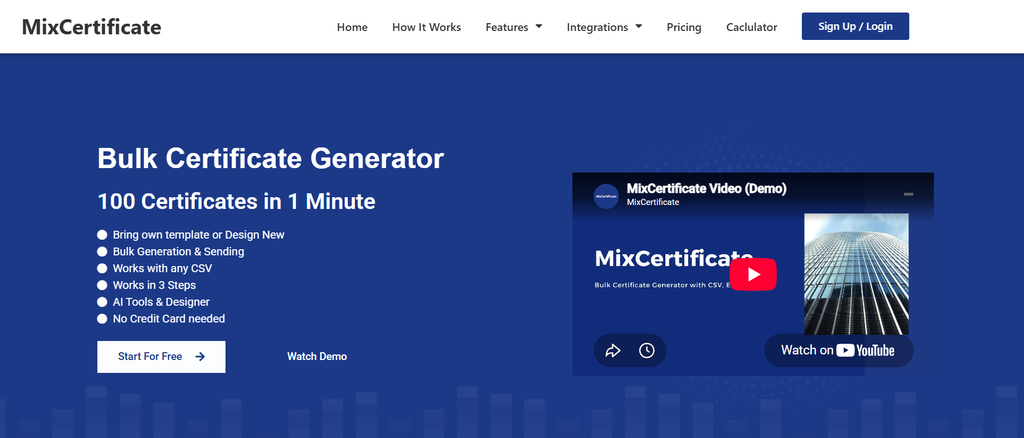
MixCertificate is built specifically around the idea of making bulk certificate generation simple, which is exactly what most workshop hosts need. Instead of designing each certificate individually, you can upload a spreadsheet of attendee names and generate the entire batch in minutes.
What stands out is how approachable the platform feels for people who are not designers. The template editor is straightforward, and you can add your workshop branding, dates, and signatures without wrestling with complicated tools.
For anyone hosting a workshop series or recurring training sessions, having a dedicated bulk tool like MixCertificate removes one of the most tedious parts of event wrap-up. You upload your list, pick a template, and the certificates are ready to send out the same day.
Pros:
- Fast bulk generation from CSV or spreadsheet upload
- Simple interface, minimal learning curve
- Templates suited for workshops, training, and events
- Free tier available for smaller batches
Cons:
- Fewer advanced blockchain verification features compared to some enterprise tools
- Template library is more workshop-focused than academic-focused
Best for: Workshop hosts, trainers, and small to mid-size teams who need to issue certificates quickly without a design background.
2. Certifier
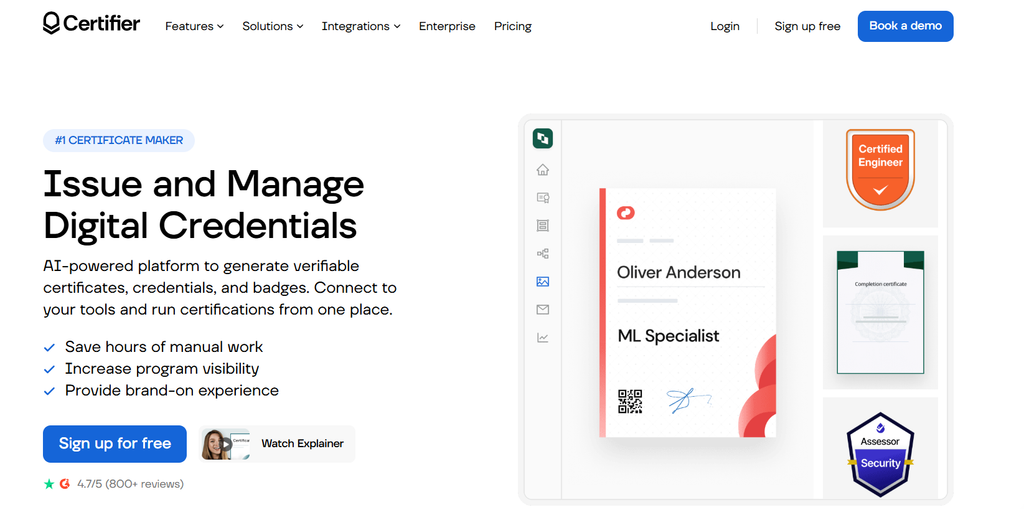
Certifier is a well-known name in the certificate and badge space, especially for corporate training programs. It supports bulk issuing and has a decent template library, along with integrations for platforms like Zapier.
The tool leans more toward companies running structured internal training rather than one-time workshops, but it can still work well if your workshops are part of a larger program.
Pros:
- Strong integration options
- Good template customization
- Supports both certificates and digital badges
Cons:
- No generous free plan for ongoing use
- Can feel like overkill for a single small workshop
Best for: Companies running recurring internal training that need certificates tied into a broader credentialing system.
3. Canva
Canva is not a dedicated certificate generator, but many workshop hosts use it because of its design flexibility. You get access to thousands of templates and can customize every element down to the font and color.
The tradeoff is that Canva was not built for bulk certificate issuing. If you have a large group of attendees, you will likely need a third-party plugin or manual process to personalize each certificate, which slows things down.
Pros:
- Huge template selection
- Full design freedom
- Free plan covers most basic needs
Cons:
- No native bulk generation for large groups
- Requires more manual work per certificate
Best for: Small workshops with a handful of participants where design flexibility matters more than speed.
4. Accredible
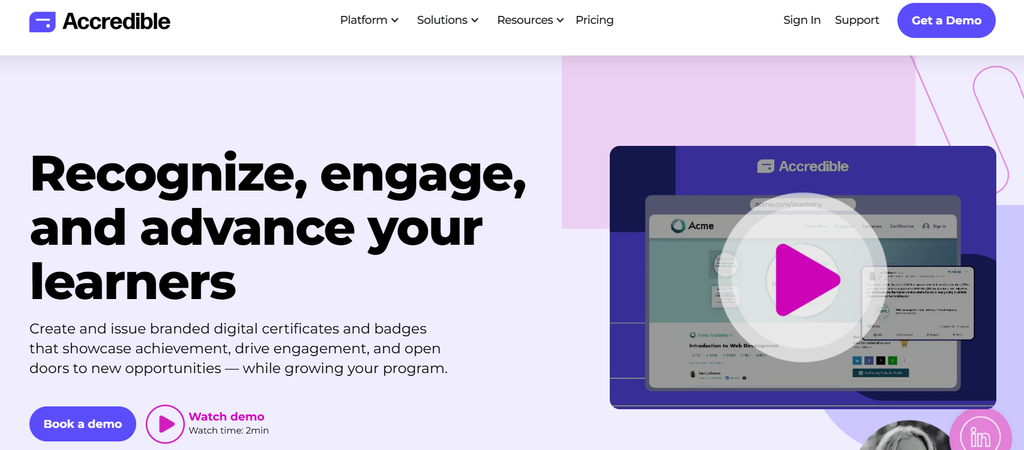
Accredible is aimed at universities, large training providers, and organizations that need robust digital credentialing. It supports detailed verification, analytics on who views and shares certificates, and integration with learning management systems.
This is a heavier tool than most standalone workshops need, but if your workshop is part of an accredited program, it might be worth the investment.
Pros:
- Strong verification and analytics features
- Scales well for large institutions
- LMS integrations available
Cons:
- Pricing is not transparent, requires custom quotes
- More complex than needed for simple workshops
Best for: Universities and large training organizations issuing high volumes of accredited certificates.
5. Credly
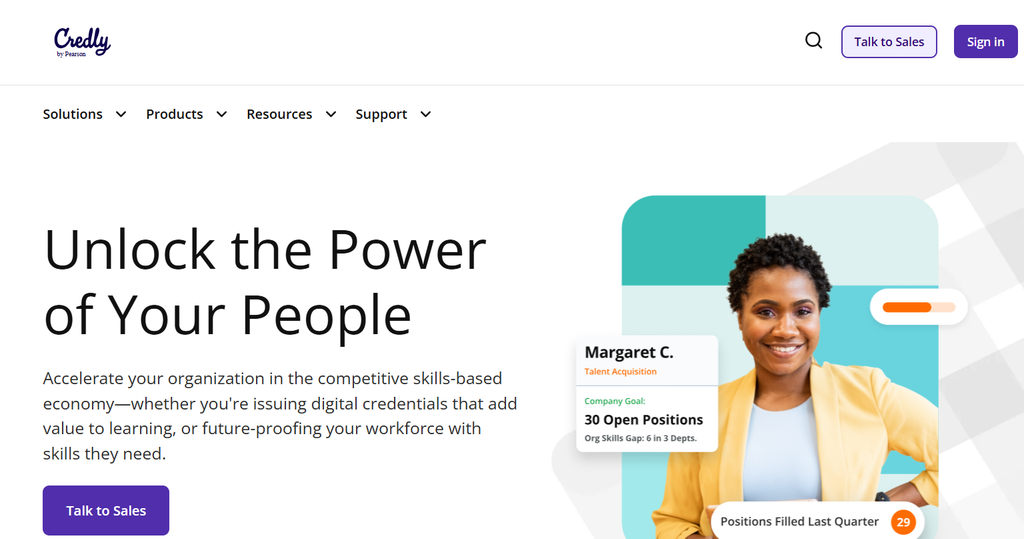
Credly focuses heavily on digital badges rather than traditional certificates, though it does support certificate issuing as well. It is widely used by professional certification bodies and is recognized across LinkedIn and other platforms.
If your workshop is tied to a professional certification, Credly’s badge system can add credibility. For a casual workshop, it may be more infrastructure than necessary.
Pros:
- Well recognized badge and credential system
- Strong for professional certifications
- LinkedIn integration for sharing
Cons:
- Enterprise-focused pricing
- Setup can take longer than simpler tools
Best for: Professional certification programs rather than informal or one-time workshops.
6. BCdiploma
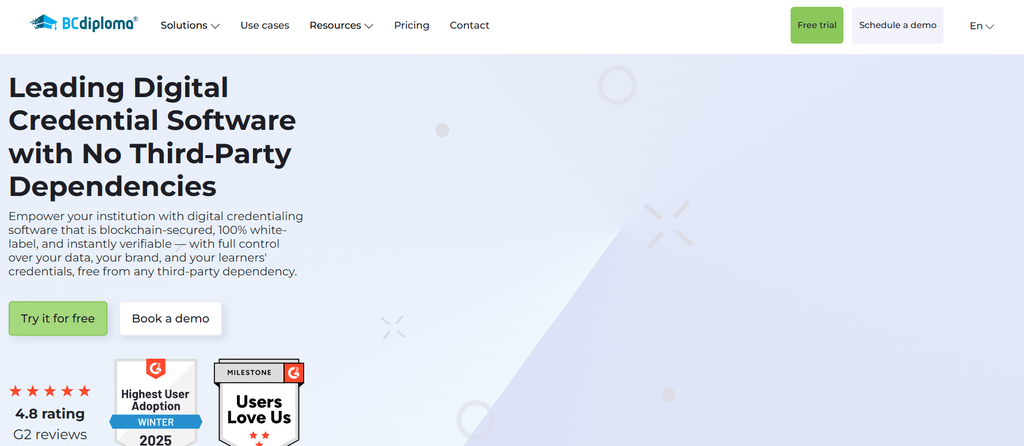
BCdiploma uses blockchain technology to issue tamper-proof, verifiable certificates. This appeals to organizations that need extremely high trust and security around their credentials, such as universities issuing degrees or diplomas.
For most workshops, this level of security is more than what is needed, and the pricing reflects that added infrastructure.
Pros:
- Blockchain-based verification adds strong security
- Good for high-stakes credentials
- Certificates are tamper-proof by design
Cons:
- Overkill for casual or short workshops
- Higher cost due to blockchain infrastructure
Best for: Institutions issuing high-value, high-trust credentials like degrees or professional licenses.
7. Acreditta
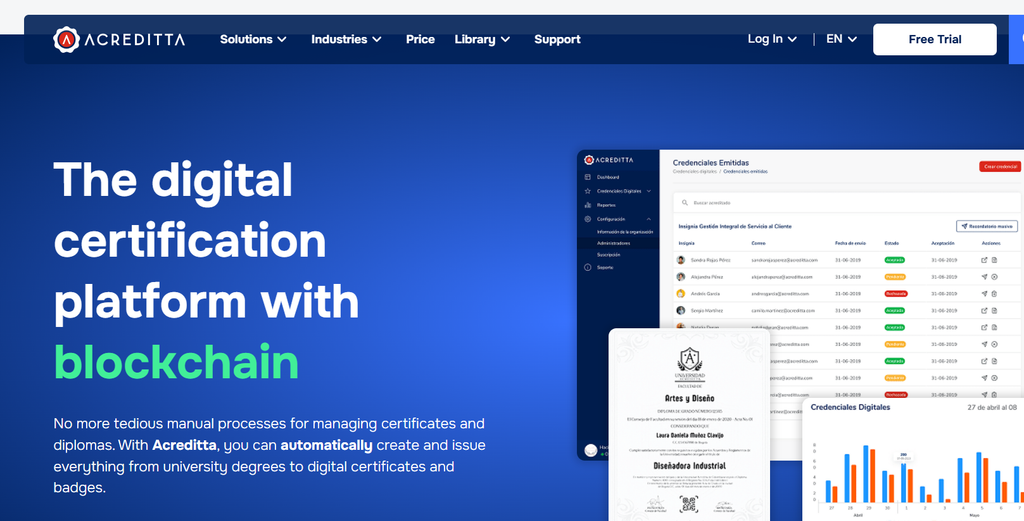
Acreditta focuses on skills-based credentialing, allowing organizations to map certificates to specific competencies. This works well for companies trying to build structured skill-tracking systems tied to employee development.
It is a solid tool, but its skills-mapping focus makes it more suited to ongoing programs than single workshops.
Pros:
- Skills mapping adds structure to credentials
- Useful for tracking employee development over time
- Clean, modern interface
Cons:
- Learning curve for setting up skills frameworks
- Limited free access
Best for: Companies building long-term skills development programs rather than one-off events.
8. Hyperstack
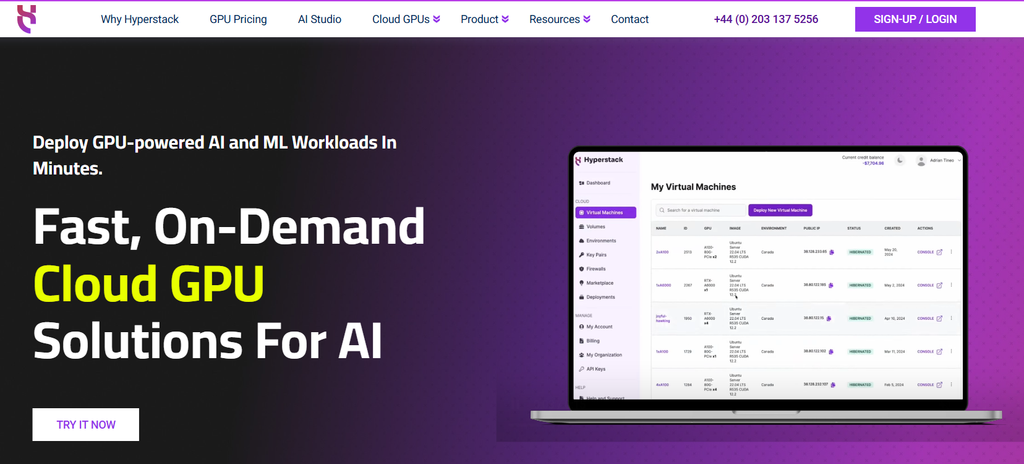
Hyperstack takes an API-first approach, making it a good choice for developers who want to build certificate issuing directly into their own platform or app. This is less of a plug-and-play tool and more of a building block.
If your workshop platform already has custom software, Hyperstack lets you integrate certificate generation without relying on a separate dashboard.
Pros:
- Highly flexible through API access
- Good for custom-built platforms
- Scales well for developers
Cons:
- Requires technical knowledge to implement
- Not suited for non-technical users needing a quick solution
Best for: Developers and platforms that want certificate generation built into their existing product.
9. POK
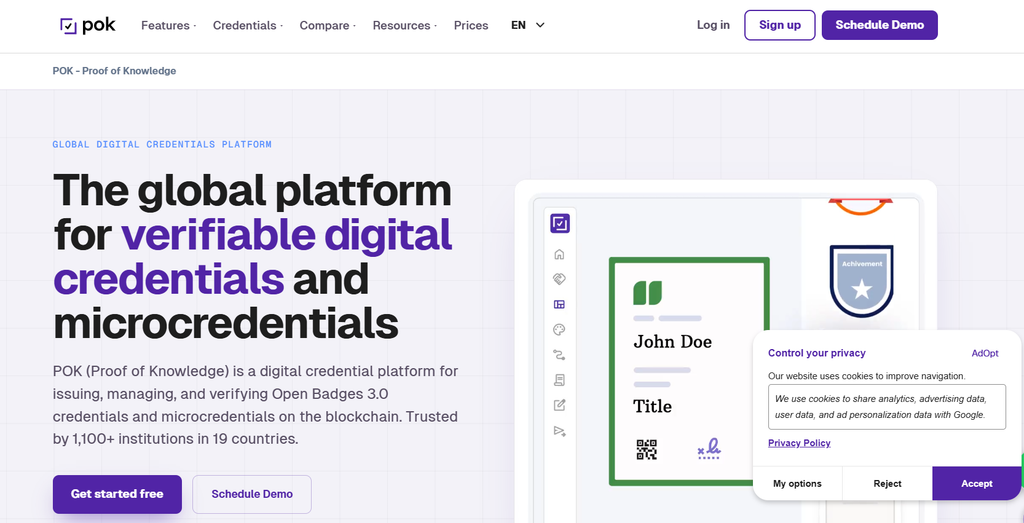
POK is popular among academic institutions and training providers in certain regions, offering both certificate and badge issuing with verification features. It has a reasonable template library and supports bulk operations.
It is a capable tool, though it is less widely known outside academic and institutional circles compared to some other names on this list.
Pros:
- Good verification tools
- Supports bulk certificate generation
- Works well for academic settings
Cons:
- Smaller brand recognition outside certain regions
- Limited free trial
Best for: Academic institutions and training centers needing verified credentialing at scale.
10. Badgr (Canvas Credentials)

Badgr, now part of Canvas Credentials, is closely tied to the education sector and integrates directly with Canvas LMS. It is a strong choice if your workshop already runs through a Canvas-based learning environment.
Outside of that ecosystem, it is less convenient to use, since much of its value comes from the LMS integration.
Pros:
- Free for basic use
- Deep integration with Canvas LMS
- Good for badge-based recognition
Cons:
- Less useful outside the Canvas ecosystem
- Fewer customization options for certificate design
Best for: Schools and training programs already using Canvas LMS.
How to Choose the Right Tool for Your Workshop
With ten solid options on the table, the right choice really comes down to a few practical factors.
Think about your attendee count. A workshop with 15 people has very different needs than one with 500. Smaller groups can get away with more manual tools like Canva, while larger groups benefit from dedicated bulk platforms.
Consider how often you run workshops. If this is a one-time event, a free plan or pay-per-certificate option makes sense. If you run workshops monthly or quarterly, a subscription-based tool will likely save money over time.
Check your branding needs. Some tools offer more design freedom than others. If your certificates need to closely match your brand identity, prioritize tools with flexible template editors.
Decide if verification matters. For casual workshops, a simple PDF certificate is often enough. For professional or accredited workshops, verification features like QR codes or blockchain records add real value.
Budget realistically. Enterprise tools like Accredible or BCdiploma come with strong features, but the cost may not make sense for a small or occasional workshop. Tools built with simplicity and workshops in mind tend to offer a better balance of features and price for most hosts.
Frequently Asked Questions
Can I generate certificates in bulk for a workshop?
Yes. Most modern certificate generators support CSV or spreadsheet upload, allowing you to create certificates for dozens or hundreds of attendees in one batch instead of designing each one individually.
Are free certificate generators good enough for workshops?
For small workshops with fewer attendees, free plans often cover what you need. As your attendee list grows or you need advanced verification features, a paid plan usually becomes worth the investment.
What is the easiest tool for a one-time workshop?
Tools with simple template editors and bulk upload features tend to work best for one-time events, since they let you get certificates ready quickly without a steep learning curve.
Do workshop certificates need verification features like QR codes?
Not always. Casual workshops can usually skip verification. If your workshop is tied to professional development or accreditation, adding a QR code or verification link gives recipients a way to prove authenticity.
How long does it take to create certificates for a large workshop?
With a dedicated bulk certificate tool, generating certificates for a large group typically takes under an hour, including uploading attendee data and applying your template.
Final Thoughts
Choosing the right certificate generator comes down to matching the tool to your workshop’s size, frequency, and branding needs. Enterprise platforms offer impressive features, but many workshop hosts find that simpler, purpose-built tools get the job done faster and at a lower cost.
Whichever platform you choose, the goal stays the same. Give your workshop attendees something professional and easy to share, without adding hours of extra work to your event wrap-up.
Also Read Related Blog :





3 Responses