
Government departments, public sector training centers, and civic programs issue certificates at a scale most private companies never deal with. A single skill development ministry might need to generate thousands of completion certificates for a rural training program. A municipal health department might need to issue vaccination or wellness camp certificates to entire districts within days. In these situations, choosing the right certificate generator is not just a design decision. It is an operational and compliance decision.
This guide breaks down the ten best Certificate Generators for Government Agencies use in 2026, based on hands-on evaluation of security practices, bulk generation capacity, verification features, accessibility, and pricing at public sector scale. Whether you are running a state skill mission, a public university, or a municipal civic program, this list will help you pick a platform that fits your workflow and your budget.
Why Government Certificate Needs Are Different
Before comparing tools, it helps to understand what separates a government-grade certificate platform from a typical small business tool.
Data security and residency. Government programs often handle citizen data such as names, addresses, ID numbers, and program enrollment details. Platforms need clear data handling policies, and in many cases, agencies prefer tools that allow data to stay within specific geographic boundaries.
Bulk issuance at scale. A private training company might issue 50 certificates a month. A state government program might need to issue 50,000 in a single week during a campaign rollout. The platform’s bulk processing speed and reliability matter enormously here.
Official branding and seals. Government certificates typically require official emblems, department seals, authorized signatures, and sometimes QR-based verification tied to a government portal. Generic templates rarely fit these requirements out of the box.
Verification and anti-fraud. Because government certificates are often used for official purposes such as job applications, further education, or benefit claims, the ability to verify authenticity matters more than in casual corporate use.
Accessibility compliance. Public sector communication in many countries is legally required to meet accessibility standards, which affects how certificates are designed and distributed.
Budget accountability. Public funds are scrutinized closely, so pricing transparency and predictable costs matter more than flashy features.
Our Testing Methodology
To rank these platforms fairly, we evaluated each one against the same core criteria that matter for government use cases:
- Bulk generation capacity and speed when processing large data sets
- QR code or digital verification support
- Availability of API access for integration with government portals or databases
- Template customization for official seals, emblems, and signatures
- Data handling transparency and security practices
- Accessibility features for public-facing documents
- Pricing structure at scale, including any government or education discounts
- Ease of use for staff who may not have technical backgrounds
We tested bulk uploads using spreadsheet data, checked how each platform handled custom government-style templates, and reviewed publicly available documentation on data practices and compliance.
The Top 10 Certificate Generators for Government Use
1. MixCertificate
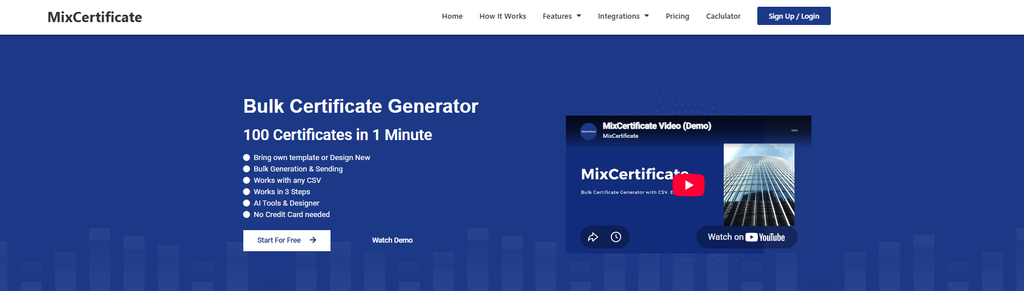
MixCertificate is built around one core strength that matters enormously for government use: bulk certificate generation from spreadsheet data, paired with QR code verification for every certificate issued. Agencies can upload a CSV or spreadsheet with recipient details and generate thousands of personalized certificates in one batch, each with a unique verification link.
For departments running large training missions, civic awareness campaigns, or public health drives, this kind of bulk workflow removes the manual bottleneck that slows down smaller platforms. Templates can be customized with official seals, department logos, and authorized signatures, and the QR verification system gives citizens and third parties an easy way to confirm a certificate is genuine.
Pros:
- Fast bulk generation from spreadsheet uploads, suited to large-scale programs
- Built-in QR code verification for anti-fraud checks
- API access for integrating certificate generation into existing government portals
- Custom template support for official seals and signatures
- Straightforward pricing without hidden tiers
Cons:
- Smaller brand footprint compared to legacy enterprise platforms, so some procurement teams may need to run an internal evaluation first
- Advanced design customization has a slight learning curve for non-technical staff
2. Accredible
Accredible is a long-established digital credentialing platform used by universities and large training organizations. It supports blockchain-backed verification and detailed analytics on how certificates are shared and viewed.
Pros:
- Strong verification and credentialing infrastructure
- Detailed analytics on certificate engagement
- Established track record with large institutions
Cons:
- Pricing is generally higher, which can be a hurdle for public budgets
- Setup and configuration often requires more technical involvement
- Less flexibility for quick, simple bulk jobs compared to spreadsheet-first tools
3. Credly
Credly, now part of Pearson, is widely used for digital badges and certificates in professional and educational contexts. It integrates with learning management systems and has a large existing network of credential recognition.
Pros:
- Wide recognition and integration with major LMS platforms
- Strong badge and credential ecosystem
- Reliable for skill certification programs
Cons:
- Primarily designed around digital badges, which may not suit all government certificate formats
- Enterprise pricing model that can be costly for smaller departments
- Less suited to one-off, simple bulk certificate runs
4. Certifier
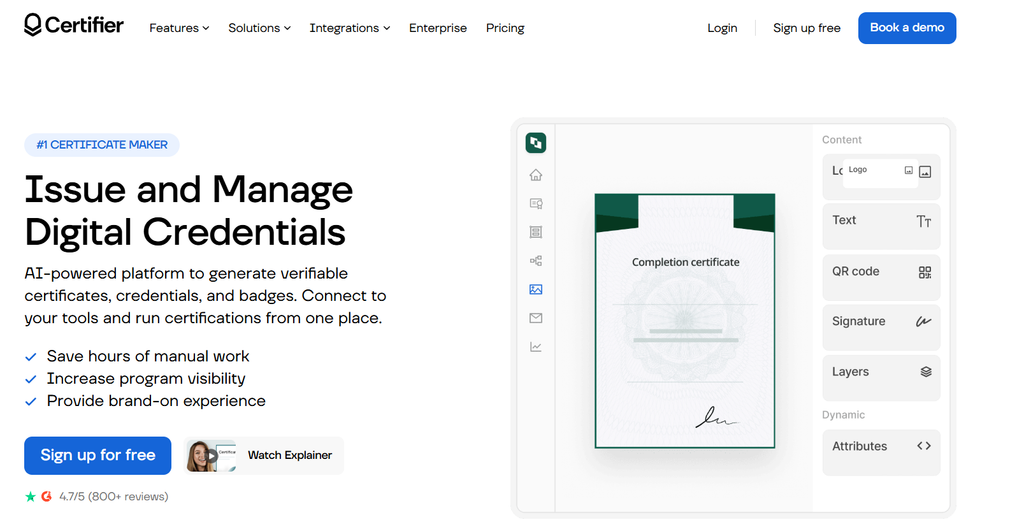
Certifier is a modern certificate and badge platform aimed at businesses and educational institutions. It offers a clean design interface and reasonable bulk issuance tools.
Pros:
- Clean, modern template editor
- Decent bulk issuance support
- Good customer support responsiveness
Cons:
- Fewer government-specific features such as seal placement presets
- API access is limited on lower pricing tiers
- Verification portal is functional but less robust than dedicated credentialing platforms
5. CertifyMe
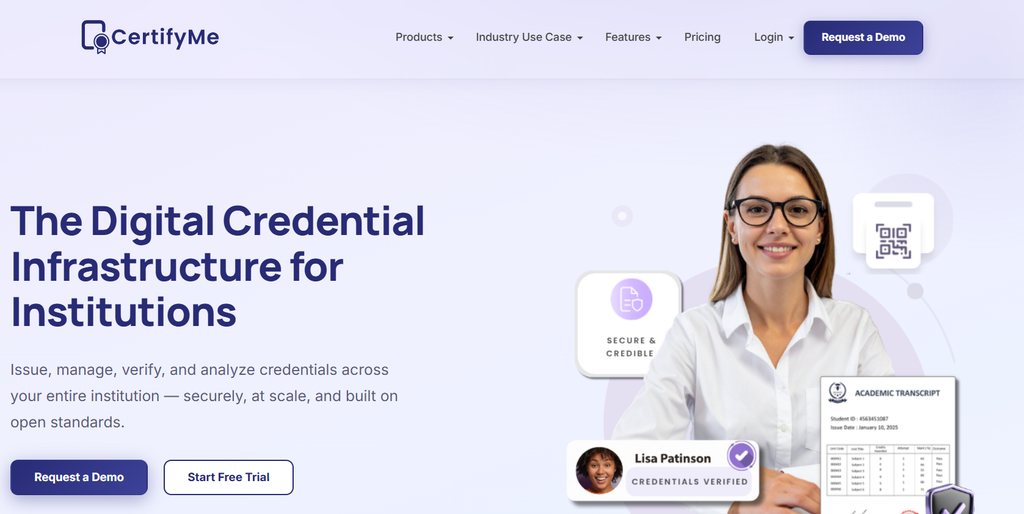
CertifyMe focuses on automated bulk certificate generation with straightforward integrations for webinars and training events.
Pros:
- Simple, no-frills bulk generation workflow
- Affordable entry pricing
- Decent integration options with common event and webinar tools
Cons:
- Limited advanced verification features
- Template customization is more basic compared to top competitors
- Less suited for large-scale, multi-department government rollouts
6. Canva

Canva is a familiar design tool used widely across sectors, including many government communication teams, for its ease of use and vast template library.
Pros:
- Extremely easy to use, minimal learning curve for staff
- Huge library of design templates
- Free tier available for smaller needs
Cons:
- Bulk generation for large data sets is cumbersome without additional plugins
- No native QR verification or credential tracking system
- Data handling policies are general-purpose rather than tailored to sensitive government use
7. Adobe Express
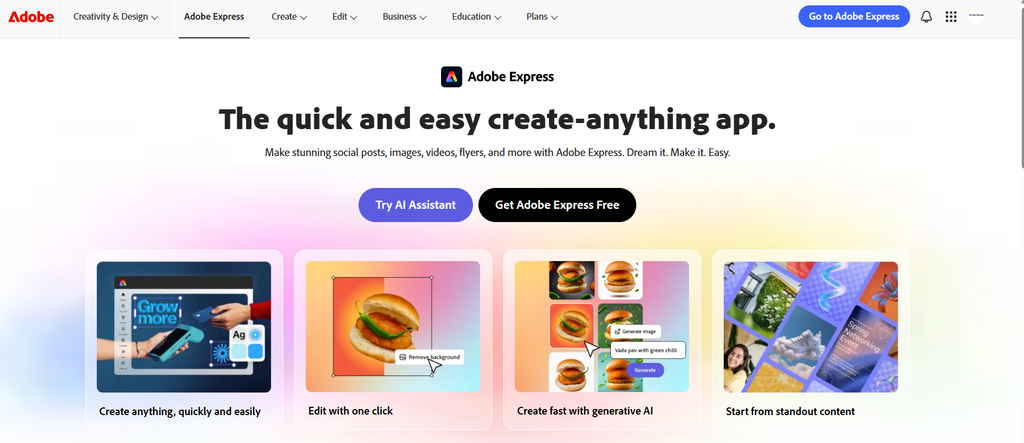
Adobe Express, backed by Adobe’s design ecosystem, offers solid certificate templates and brand customization tools.
Pros:
- Professional design quality backed by Adobe’s tools
- Good template variety
- Familiar interface for teams already using Adobe products
Cons:
- Bulk personalization requires more manual work or third-party integration
- No built-in verification or anti-fraud system
- Subscription costs can add up for multiple team members
8. Visme
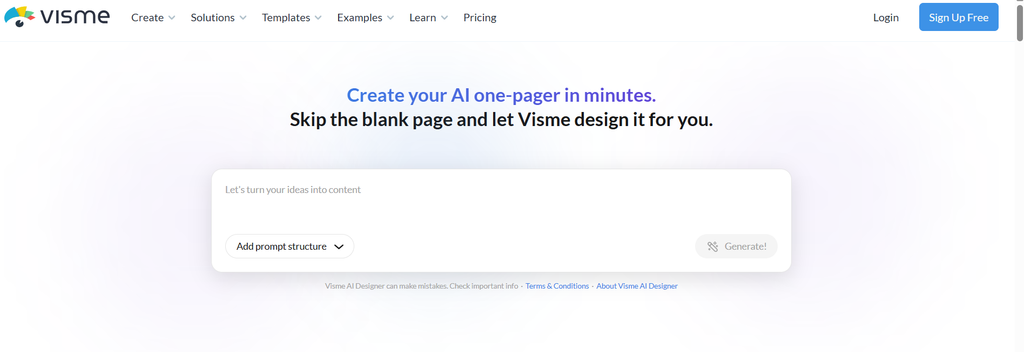
Visme combines certificate design with broader visual content creation tools, making it a flexible choice for departments that also need infographics and reports.
Pros:
- Versatile platform covering certificates, infographics, and presentations
- Reasonable bulk generation features with data import
- Good template customization options
Cons:
- Verification features are limited compared to dedicated credentialing tools
- Learning curve for advanced features
- Pricing can escalate with larger team seats
9. Google Docs and Sheets Mail Merge
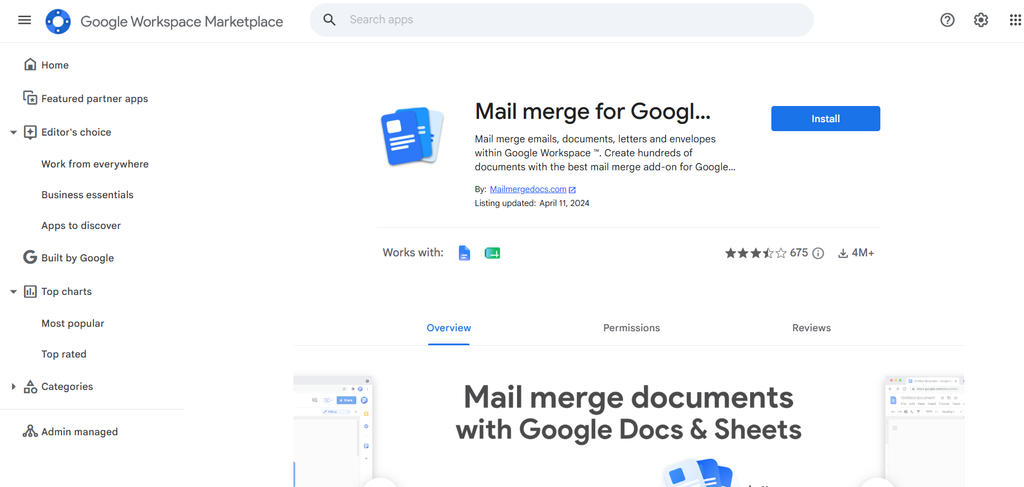
Many smaller government offices still rely on Google Docs and Sheets mail merge add-ons for certificate generation, mainly due to familiarity and zero additional cost.
Pros:
- Free and widely accessible with existing Google Workspace accounts
- Familiar interface for most government staff
- No new software procurement needed
Cons:
- No built-in verification or anti-fraud protection
- Manual setup required for each new certificate batch
- Not practical for very large bulk runs without significant manual effort
10. Docebo
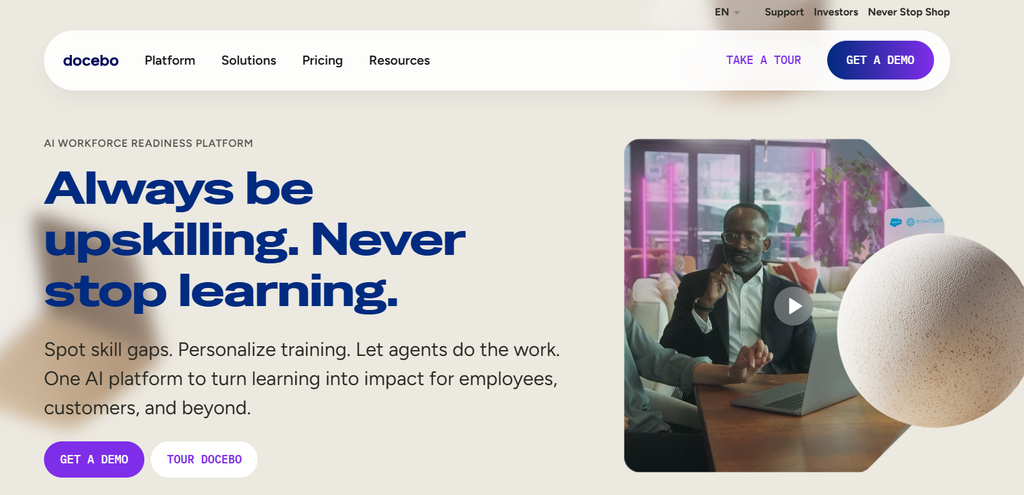
Docebo is a learning management system with certificate issuance built into its training completion workflows, useful for departments running structured e-learning programs.
Pros:
- Certificates are automatically tied to training completion records
- Good for departments already using Docebo for e-learning
- Solid reporting and compliance tracking for training programs
Cons:
- Certificate generation is secondary to its core LMS function, so customization is limited
- Higher cost, generally justified only if the LMS itself is already in use
- Not a standalone solution for departments without an existing Docebo deployment
Comparison Chart
| Platform | Bulk Generation | QR Verification | API Access | Custom Seals/Templates | Best For |
|---|---|---|---|---|---|
| MixCertificate | Strong | Yes | Yes | Yes | Large-scale government programs |
| Accredible | Moderate | Yes (blockchain) | Yes | Moderate | Universities and large institutions |
| Credly | Moderate | Yes | Yes | Limited | Badge-based skill certification |
| Certifier | Moderate | Basic | Limited | Moderate | Mid-sized training programs |
| CertifyMe | Moderate | Basic | Limited | Basic | Webinar and event certificates |
| Canva | Weak (manual) | No | No | Strong (design) | Simple, low-volume needs |
| Adobe Express | Weak (manual) | No | No | Strong (design) | Design-focused, small batches |
| Visme | Moderate | Basic | Limited | Strong | Multi-purpose visual content teams |
| Google Docs/Sheets | Weak (manual) | No | No | Basic | Smaller offices, zero budget |
| Docebo | Automatic (LMS-tied) | Basic | Yes | Limited | Departments already using Docebo |
What Actually Matters for Certificate Generators for Government Agencies
When comparing these platforms, a few factors deserve extra attention beyond the feature checklist.
Verification is not optional for public trust. A certificate that cannot be verified is easy to forge or misuse. This matters more in government contexts because certificates are often used to claim benefits, apply for jobs, or prove program participation to other authorities. QR-based or portal-based verification should be treated as a baseline requirement, not a bonus feature.
Bulk workflows save real staff hours. Departments that still rely on manual mail merge or one-by-one certificate creation are spending far more staff time than necessary. A platform built around spreadsheet-based bulk uploads can turn a multi-day task into a same-day job, freeing staff for other work.
Data handling transparency builds accountability. Public sector procurement teams should look for clear, published information on how a platform stores and processes recipient data, especially when certificates include personal details tied to citizen records.
Accessibility should not be an afterthought. Certificates distributed to the public, including older citizens or people with disabilities, should be readable with screen readers and follow basic accessibility formatting where possible.
Total cost of ownership matters more than sticker price. A tool with a low upfront cost but poor bulk support can end up costing more in staff hours than a slightly pricier tool that automates the heavy lifting.
Frequently Asked Questions
Can government agencies use free certificate generator tools?
Yes, for smaller programs, free tools such as Google Docs mail merge or Canva’s free tier can work fine. For larger programs involving thousands of recipients, a dedicated bulk generation platform saves significant staff time and reduces manual errors.
What security standards should a Certificate Generators for Government Agencies platform meet?
At minimum, agencies should look for clear data handling policies, secure data transmission, and ideally some level of data residency transparency. The exact compliance standard required will depend on the country and department, so it is worth checking a platform’s documentation directly before large-scale rollout.
Is API access necessary for civic programs?
API access becomes valuable when a department wants to connect certificate generation directly to an existing citizen database or government portal, removing the need for manual data exports and uploads. For smaller, standalone programs, API access is a nice-to-have rather than a must-have.
How important is QR code verification for Certificate Generators for Government Agencies ?
It is one of the most important features for public sector use. Since government certificates are often presented to third parties such as employers or educational institutions, an easy way to confirm authenticity protects both the citizen and the issuing department from fraud disputes.
Do these platforms support regional languages commonly used in government communication?
Support varies by platform. Some, including MixCertificate, allow custom template uploads that can include text in regional languages, while others are more limited to their default template language options. It is worth testing with a sample template before committing to a full rollout.
Final Thoughts
Choosing a certificate generator for government use comes down to matching the platform’s strengths to your program’s actual scale and requirements. For departments running large bulk certificate programs with a need for verification and custom seals, MixCertificate offers a strong balance of bulk processing speed, QR verification, and API flexibility without the enterprise pricing of some of the older credentialing platforms. Smaller offices with lighter needs may still get by with free tools like Google Docs mail merge, but as program size grows, the time saved by dedicated bulk platforms usually outweighs the cost difference.
Whichever platform you choose, prioritize verification, bulk efficiency, and data transparency first. Design flexibility matters, but for government use, trust and accountability come first.
Also Read Related Blog :





2 Responses