
If you need certificates for a course, a webinar, an internal training program, or a school event, the problem is rarely finding a template. A search for “Free Editable Certificate Templates” returns thousands of options within seconds. The real problem is picking a platform that matches how many certificates you actually need to produce and what happens after someone downloads theirs.
We spent time in 13 template sites, built a certificate in each one from a blank template, tried to personalize it for more than one recipient, and checked what the export actually looked like once it left the editor. Some of these tools are excellent for a single, one-off award. Others fall apart the moment you need to issue the same certificate to 40 people with different names. This guide ranks them by what they are genuinely good at, not by template count alone.
Quick Comparison
| Platform | Best For | Bulk Generation | Verification | Free Tier Limits |
|---|---|---|---|---|
| MixCertificate | Recurring, high-volume issuing | Native CSV/Sheets upload | Built-in QR + link | Free plan available |
| Canva | One-off, high visual polish | Bulk Create add-on | None | Best templates gated to Pro |
| Microsoft Office | Offline, Word/Excel workflows | Mail merge | None | Fully free |
| Google Docs/Slides | Google Workspace teams | Via Autocrat add-on | None | Fully free |
| Adobe Express | Design-forward one-offs | None native | None | Some assets need subscription |
| Template.net | Niche/unusual categories | None native | None | Best templates paywalled |
| Vertex42 | Simple, no-signup downloads | Excel mail merge only | None | Fully free, small library |
| Visme | Brand-matched business certificates | None native | None | Downloads watermarked on free plan |
| Fotor | Quick, informal certificates | None | None | Fully free, casual quality |
| PosterMyWall | Social-style certificate graphics | Bulk create (paid) | None | Watermarks on free exports |
| Edit.org | Fast mobile editing | None native | None | Fully free, limited categories |
| VistaCreate | Brand kits, social sharing | None native | None | Premium content gated |
| Piktochart | Infographic-style certificates | None native | None | Free plan capped on downloads |
How We Tested These
Each platform was evaluated the same way: create a certificate from a blank or near-blank template, edit the name field and one design element, then check whether the tool could handle more than one recipient without manual re-editing. We also checked export resolution at actual print size, not just on-screen preview, since a certificate that looks fine at 100% zoom can still print blurry.
Four things mattered most in ranking:
Editability. Can you actually change text, fonts, colors, and layout, or does the free version lock the useful templates behind a paywall at the export step?
Bulk generation. If you only need one certificate, almost any tool works. If you need fifty, a hundred, or a thousand, the platform needs to support CSV upload, mail merge, or an API. Otherwise you are manually swapping names one file at a time, which is where most teams lose hours they did not budget for.
Export quality. We checked for high-resolution PNG or PDF output. A certificate that pixelates when printed undercuts the credibility of whatever it is recognizing.
Verification. For anything a recipient might list on a resume, a LinkedIn profile, or a school application, a verification link or unique ID matters more than decoration. This is a trust signal, not a nice-to-have.
1. MixCertificate
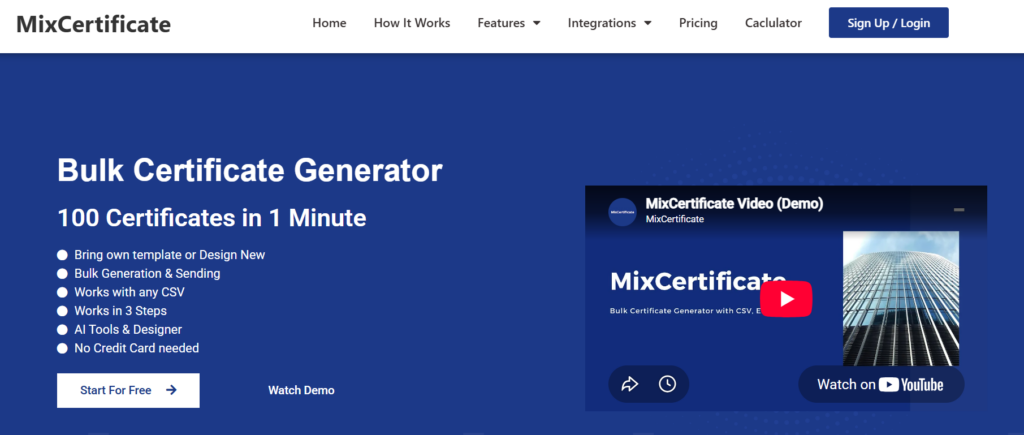
MixCertificate is built specifically around issuing certificates at volume rather than designing a single one-off award. The template library covers course completion, event participation, employee recognition, webinar attendance, and academic achievement, and every template stays editable in the browser without a paywall gate at export.
The workflow difference shows up once you move past the first certificate. You upload a spreadsheet of recipient names, map the fields to the template, and generate the full batch in one pass. Each certificate can carry a QR code or verification link, which matters once the recipient wants to prove the credential is real.
Pros: Free templates that stay editable at export, native bulk generation from a spreadsheet, verification links and QR codes built in, templates organized by use case rather than a generic grid.
Cons: Smaller decorative template library than general-purpose design platforms, and it is not a tool you would reach for outside of certificates specifically.
If the goal is producing certificates rather than browsing design inspiration, this is the most purpose-built option on the list.
2. Canva
Canva has the largest certificate template library of any tool we tested, and the drag-and-drop editor is genuinely easy to pick up with no design background. For a single certificate or a small handful, it is hard to beat on visual variety.
Pros: Massive template variety, beginner-friendly editor, easy to drop in a logo or brand colors, works well for one-off or small-batch certificates.
Cons: Many of the best-looking designs sit behind Canva Pro, bulk personalization requires the separate Bulk Create feature with its own setup curve, free exports can cap at lower resolution, and there is no built-in verification.
Canva is the right call when visual polish matters more than volume.
3. Microsoft Office Templates
If you already live in Word or PowerPoint, Microsoft’s own library has a solid range of free certificate designs that integrate with mail merge, the built-in tool for pulling names from an Excel sheet into a document.
Pros: Completely free, familiar interface for anyone who already uses Word, mail merge enables basic bulk personalization, easy to edit with tools most people already know.
Cons: Designs read as dated next to newer web tools, mail merge setup is fiddly on a first attempt, no verification or online distribution, and formatting can shift between Word versions.
This suits an offline-first workflow, especially in schools and small organizations already running Microsoft 365.
4. Google Docs and Slides Templates
Google’s template gallery, paired with an add-on like Autocrat, lets you pull data from Sheets to personalize certificates automatically without leaving the Google ecosystem.
Pros: Free and cloud-based, real-time collaboration if more than one person is building the design, genuine bulk generation once Autocrat is configured, works naturally for teams already on Google Workspace.
Cons: Native template selection is thinner than Canva, bulk generation depends on installing a third-party add-on, design flexibility is limited compared to dedicated tools.
This is a practical, no-cost bulk workflow for teams willing to set up an add-on once.
5. Adobe Express
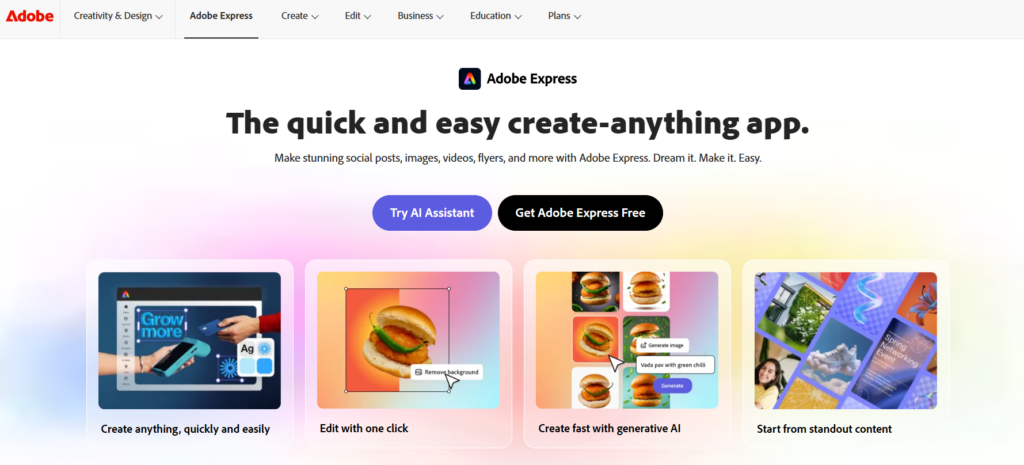
Adobe Express brings Adobe’s design pedigree into a simplified browser editor, with a certificate category that leans clean and professional and taps into Adobe’s stock and font libraries.
Pros: Strong design quality, editor that does not require Photoshop or Illustrator skills, solid font and color control, works for both corporate and academic styles.
Cons: Some templates and assets need a subscription, no dedicated bulk workflow, smaller certificate-specific category, and bulk exports still mean downloading files one at a time.
Good for a small number of certificates where visual polish is the priority.
6. Template.net
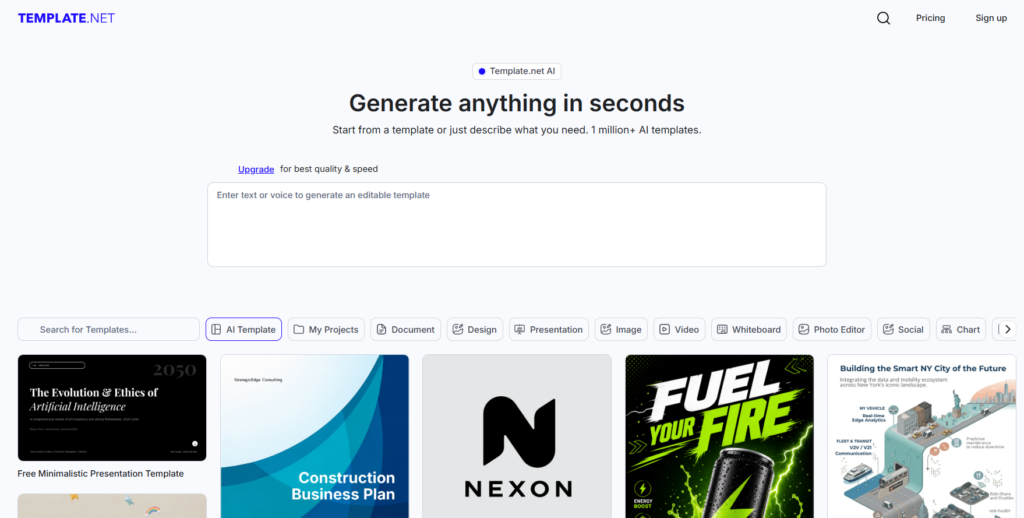
Template.net’s catalog spans sports achievement, corporate training, and academic diplomas, with downloads available in Word, PDF, or Illustrator format.
Pros: Wide variety including niche categories that other sites skip, multiple file formats, a workable free tier alongside paid premium designs.
Cons: Many of the better templates sit behind a paid membership, editing often means leaving the site for Word or Illustrator, no built-in personalization, and navigation feels cluttered given the size of the catalog.
Worth a look for an unusual or specific certificate category, less so for a fast, in-browser edit.
7. Vertex42
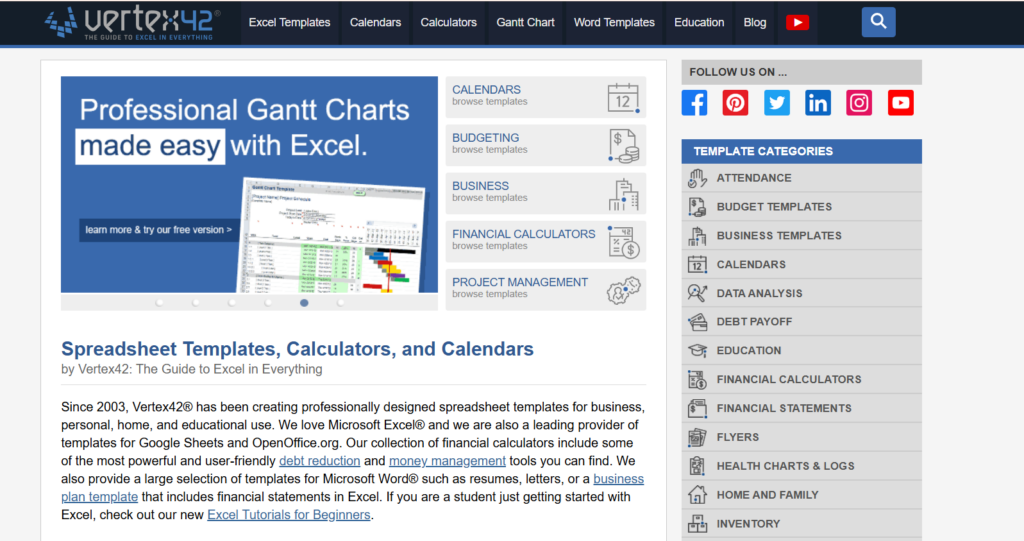
Vertex42 is better known for spreadsheet templates, but its small certificate collection is genuinely free with no forced upgrade at download, and the designs lean classic rather than trendy.
Pros: No paywall, clean and understated designs, native Excel compatibility for basic data merging, no account required for most templates.
Cons: Very limited design variety, a visual style that shows its age, no automation beyond manual Excel and Word mail merge.
A fit for anyone who wants a simple, no-frills template and already knows Excel mail merge.
8. Visme
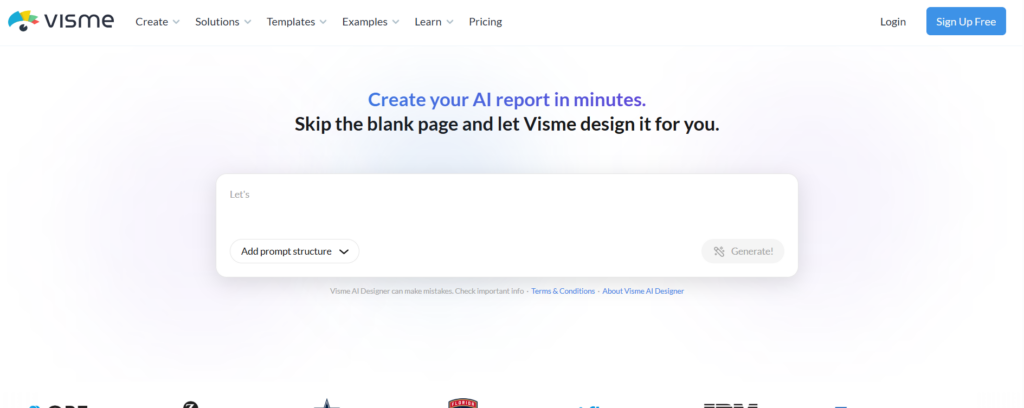
Visme is a broader design and data visualization platform with a certificate section aimed at businesses that want certificates to match a brand kit used across other materials like presentations and reports.
Pros: Strong brand kit tools for consistency across materials, workable free tier, modern template designs, decent animation options for digitally shared certificates.
Cons: Free plan watermarks some exports and limits downloads, the certificate category is smaller than Visme’s other template types, no dedicated bulk personalization, and the learning curve is steeper than Canva.
Makes sense mainly for teams already using Visme for other design work.
9. Fotor
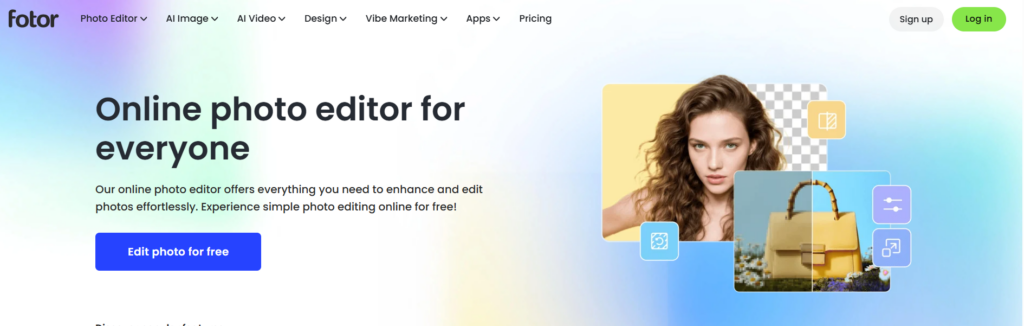
Fotor is primarily a photo editor, with a modest certificate category aimed at fast, informal use rather than formal credentials.
Pros: Fast, minimal-learning-curve editor, free for basic templates, decent for casual recognition like classroom rewards or small event shout-outs.
Cons: Limited template variety, casual design quality that does not suit formal or corporate use, no bulk generation or verification.
Treat this as a backup option, not a primary tool, for anything beyond a quick, informal certificate.
10. PosterMyWall
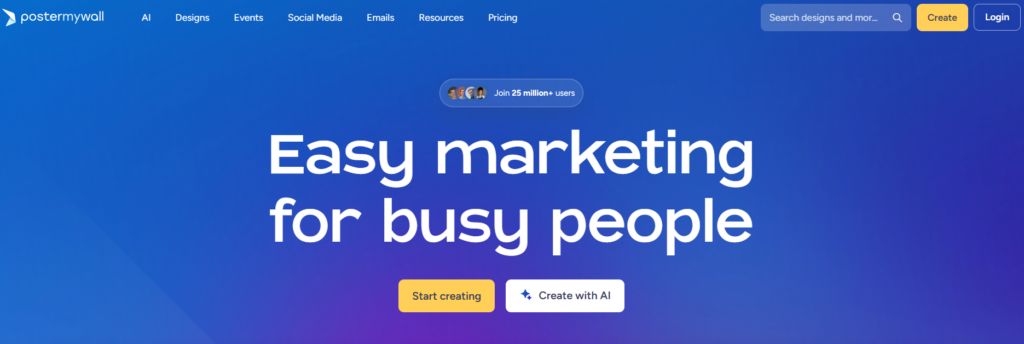
PosterMyWall started as a poster and flyer tool and now carries a certificate category with a social-graphics aesthetic. It handles bulk personalization, but the feature sits behind a paid plan.
Pros: Fast editing similar to Canva, decent template variety, a bulk create tool exists for teams that upgrade.
Cons: Free exports carry a watermark, bulk generation is paywalled, and the design style leans more toward marketing graphics than formal credentials.
Reasonable for a casual or social-facing certificate, less so for something someone will print and frame.
11. Edit.org
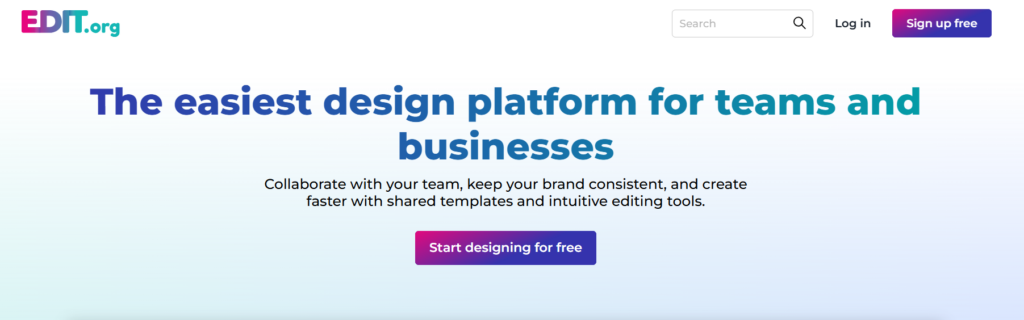
Edit.org is a lightweight, mobile-friendly editor with a certificate section built for quick edits from a phone or tablet without installing anything.
Pros: Genuinely fast to use, works well on mobile, free templates with no account required for basic edits.
Cons: Smaller certificate category than dedicated sites, no bulk personalization, and export resolution can vary by template.
Useful when speed matters more than depth, such as editing a single certificate on the fly.
12. VistaCreate
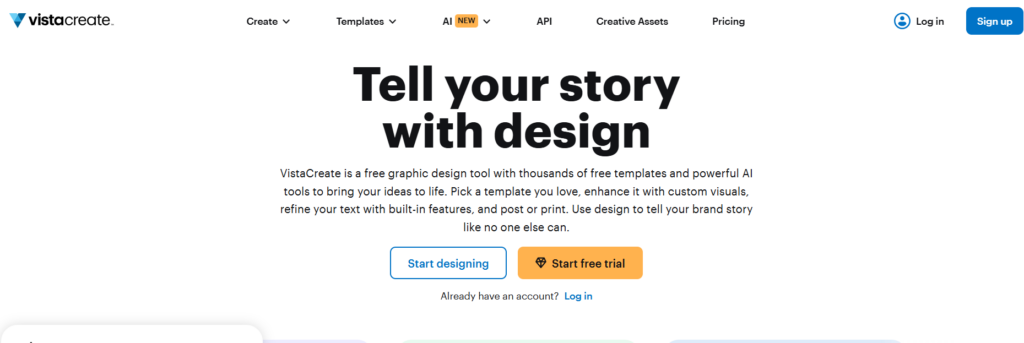
VistaCreate (formerly Crello) offers a Canva-adjacent editor with certificate templates aimed at brand-consistent, social-shareable design.
Pros: Clean interface, solid brand kit features, decent free tier for basic use.
Cons: Premium content is gated, no native bulk certificate workflow, and the certificate category is smaller than the platform’s other template types.
Fits teams already using VistaCreate for other branded content who want certificates in the same visual system.
13. Piktochart
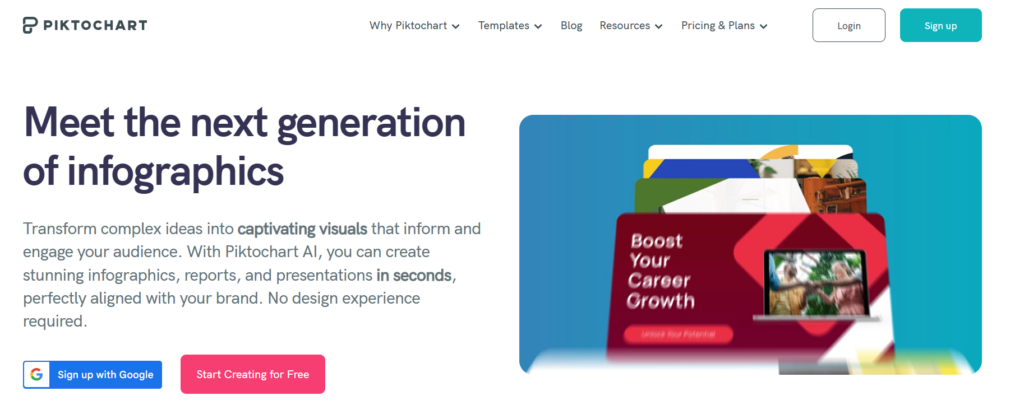
Piktochart is built for infographics and reports, and its certificate templates carry that same data-forward visual style, which suits certain corporate or training contexts.
Pros: Distinct visual style compared to typical certificate sites, decent editing tools, works well if other company materials are also built in Piktochart.
Cons: Free plan caps downloads, no bulk certificate generation, and the certificate category is a small offshoot of the platform’s core infographic focus.
Worth considering only if your team already has a Piktochart subscription for other design work.
How to Choose the Right Platform
The right answer depends on volume and what happens after someone receives the certificate.
For a single certificate or a one-time event, Canva or Adobe Express deliver the most visual polish for the least effort. For teams already inside Microsoft or Google Workspace, native templates paired with mail merge or Autocrat are free and familiar, even if the process stays manual.
The calculation changes once certificates become a recurring output rather than a one-time task, for an online course, a certification program, employee training, or a recurring event series. Manually editing and exporting dozens or hundreds of certificates in a general design tool becomes a real time cost, and it is easy to introduce errors, a misspelled name, an inconsistent date format, when everything happens by hand.
This is the specific problem MixCertificate is built to solve. Instead of treating each certificate as its own design task, it treats certificate issuing as a repeatable process: pick a template once from the template library, connect recipient data, and generate the full batch with consistent formatting and a verification link built in.
Frequently Asked Questions
Are free certificate templates actually free to download, or do most sites charge at export?
It varies by platform. Vertex42, Microsoft Office templates, and MixCertificate’s core templates download without a paid tier. Canva, Template.net, Visme, and PosterMyWall all reserve their strongest templates or watermark-free exports for paid plans, so check the export step before you invest time designing.
Which platform is best for issuing certificates to a large group at once?
MixCertificate and Google Sheets with the Autocrat add-on are the two genuinely bulk-capable free options in this list. Canva’s Bulk Create and PosterMyWall’s bulk tool exist but sit behind paid plans.
Do certificate templates need a verification feature?
Only if the recipient might need to prove the certificate is real, for a job application, a school application, or a professional credential. For casual recognition, like a classroom reward or a small internal shout-out, verification matters less.
What file format should I export a certificate in?
PDF for anything that will be printed, since it preserves resolution and layout across devices. PNG works for certificates that will only ever be viewed or shared digitally.
Can I use Word or Excel instead of a design tool?
Yes. Microsoft’s templates paired with mail merge handle basic bulk personalization without any new software, though the setup is more manual than a purpose-built platform and there is no verification layer.
A Note on Trust
A certificate is a trust document. Whether it recognizes course completion, a training milestone, or an employee achievement, the recipient often needs to show it to someone else as proof that something real happened. A template that looks professional but offers no way to confirm its authenticity provides weaker value to the recipient than one with a verification link or unique ID attached.
If credibility matters for your use case, prioritize platforms that support verification, not just visual design. This is where purpose-built certificate platforms like MixCertificate hold an advantage over general design tools for anything beyond casual, informal recognition, since verification, bulk sending, and QR-based authenticity checks are part of the core workflow rather than an afterthought.
Final Thoughts
There is no single best website for free, editable certificate templates, because the right choice depends on your volume, the tools you already use, and how much authenticity matters for your use case.
For quick, one-off certificates, Canva, Adobe Express, and Edit.org all get the job done with minimal setup. For teams already inside Microsoft or Google Workspace, native templates paired with mail merge remain a genuinely free and reliable option. But once you are issuing certificates regularly and need a workflow that scales past a handful of recipients while staying professional and verifiable, a dedicated platform like MixCertificate and its free template library is worth trying before committing to editing certificates one at a time.
Start with the volume and verification needs you actually have, not just the templates that look best in a screenshot, and the right platform becomes a lot easier to pick.
Also Read Related Blog :





2 Responses