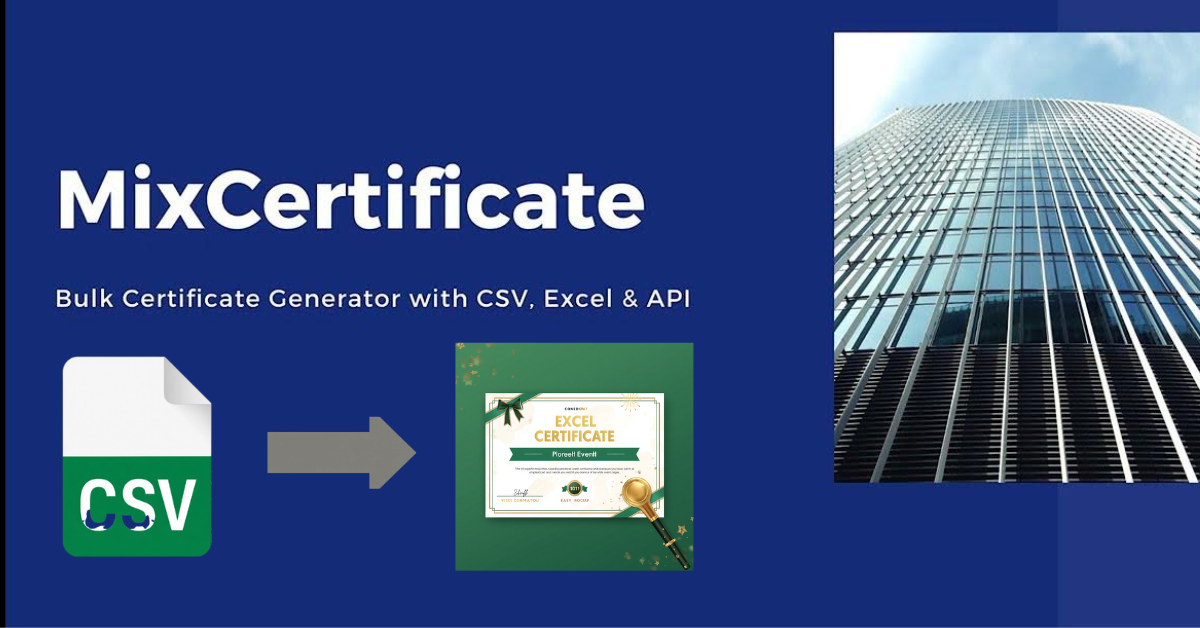
Issuing certificates for an event sounds simple until you have 300 attendees waiting. If you have ever opened a Word document and started typing names one by one, you already know how painful that gets. A single typo, a wrong date, or a misaligned logo and you are starting over.
The good news is that bulk certificate generators for events exist to handle all of that for you. In this guide, we have reviewed the 10 best tools available today, covering everything you need: CSV uploads, Excel imports, Google Sheets connections, and API integrations. Whether you are an event planner, educator, HR manager, or online course creator, there is a tool here that fits your workflow.
What to Look for in a Bulk Certificate Tool
Before jumping into the list, here are the key things worth checking in any bulk certificate tool:
- Data source support: Can it read your CSV, Excel file, or Google Sheet directly?
- Template designer: Does it let you customize fonts, logos, colors, and signatures?
- Output options: Can you export as PDF, PNG, or share a hosted link?
- Email delivery: Does it send certificates to recipients automatically?
- Verification: Can recipients and employers verify authenticity with a QR code or unique ID?
- Volume limits: What does the free plan allow, and how does pricing scale?
- Team access: Can multiple people in your organization use it with different roles?
With those criteria in mind, here are the top 10 tools.
Top 10 Bulk Certificate Generators for Events
1. MixCertificate (Best Overall for Events and Organizations)
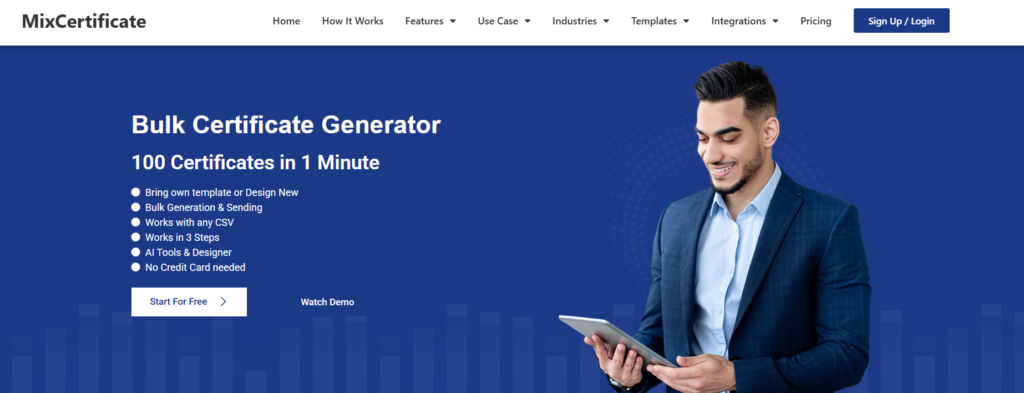
MixCertificate is a purpose-built bulk certificate platform designed for events, education, HR teams, and NGOs. It handles everything from design to delivery in one place, without requiring any technical knowledge.
What makes MixCertificate stand out is how complete it is. Most tools handle one part of the process well. MixCertificate handles all of it: bulk generation, email sending, certificate hosting, QR-based verification, and detailed analytics, all from a single dashboard.
Data sources supported: CSV, Excel, Google Sheets, API, Zapier, Webhook, AWS SES, Custom SMTP
Key features:
- Generate 100 certificates in under 1 minute from a CSV or Excel file
- Connect your Google Sheet directly and pull participant data automatically
- Built-in email delivery with custom SMTP support so certificates go out from your own domain email
- Every certificate gets a unique QR code and verification link for authenticity
- Host certificates online so recipients can share or download anytime
- Dynamic QR codes, white-labeled portal, custom subdomain support
- Role-based access for teams with multiple users
- Detailed analytics to track who has viewed and verified their certificate
- LinkedIn sharing and social media integration built in
- AI tools to help with design and template creation
Free plan: Yes, with no credit card required.
Best for: Event organizers, universities, training providers, HR teams, NGOs, and online communities who need to issue certificates at scale with full tracking and delivery.
Ready to try it? Create your free MixCertificate account at app.mixcertificate.com/register and start generating certificates in minutes.
Start for Free (250 free certificates)
2. Certifier

Certifier is a clean, no-code tool focused on issuing digital certificates and badges for events and courses. It connects with tools like Zoom and Eventbrite, which makes it useful for webinar organizers.
Data sources: CSV, API
- Simple drag-and-drop certificate designer
- Automated delivery via email after an event ends
- LinkedIn add-to-profile button for recipients
- Public certificate verification page
Free plan: Yes, limited to a small number of certificates per month.
Best for: Small event organizers looking for a quick and clean solution.
3. Canva Bulk Create

Canva is primarily a design tool, but its Bulk Create feature lets you upload a CSV (paid plan needed) to a template and generate personalized designs at scale. It is great if you already use Canva for your visual assets.
Catch: Canva only does bulk design even on paid plan, it doesn’t have option to send in bulk. Means you will have to download and send one by one using mail.
Data sources: CSV
- Library of certificate templates (Most of them are paid, requires paid plan)
- Full design control over fonts, colors, and layouts
- Bulk download as PDF or PNG
- No built-in email delivery or verification
Free plan: Canva Paid is needed for bulk create access; Canva Enterprise unlocks more.
Best for: Design-focused teams who want beautiful certificates and can handle distribution themselves.
4. Accredible

Accredible is a professional credentialing platform used by large organizations and universities. It supports both certificates and digital badges and connects with major LMS platforms like Canvas and Moodle.
Data sources: CSV, API, LMS integration
- Deep LMS and CRM integrations
- Detailed analytics on recipient engagement
- Blockchain-backed credentials available
- Wallet for recipients to store and share credentials
Free plan: No. Pricing is on the higher side, suited for enterprise.
Best for: Universities and large training providers already running LMS platforms.
5. Sertifier
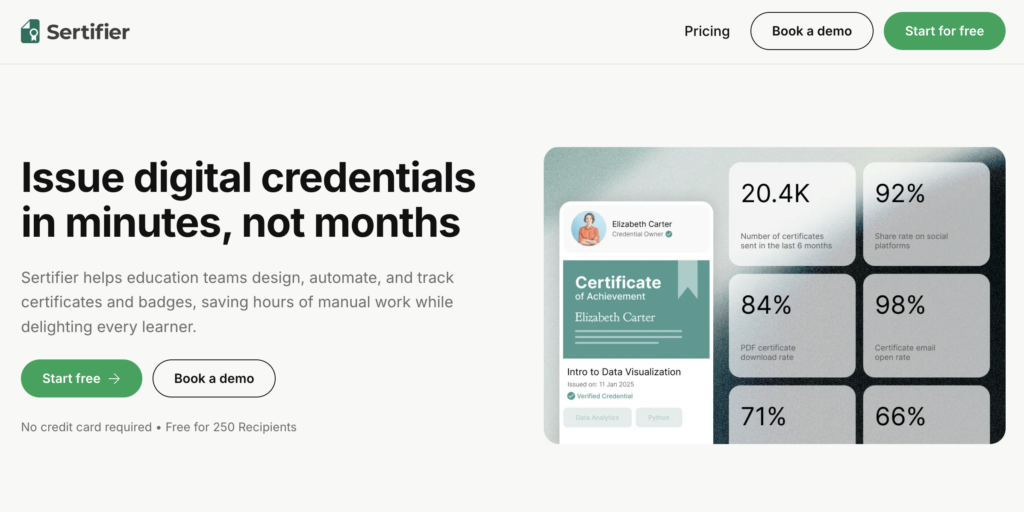
Sertifier is a credentialing platform with a strong focus on Google Sheets integration and automation. It works well for training organizations that run recurring programs.
Data sources: CSV, Google Sheets, API
- Native Google Sheets connector
- Digital badge and certificate issuance in one platform
- Email delivery and recipient portal
- Analytics dashboard
Free plan: Yes, with limited monthly issuances.
Best for: Training organizations who manage participant data in Google Sheets.
6. CertifyMe

CertifyMe focuses on digital badges alongside certificates and has verification and sharing features. It integrates with tools like Zapier and Salesforce.
Data sources: CSV, API, Zapier
- Open Badges standard supported
- LinkedIn and social sharing for recipients
- Custom branding and white-label options
- Zapier integration for workflow automation
Free plan: Yes, limited.
Best for: Organizations that want to issue both badges and certificates with strong social sharing.
7. Google Slides with Apps Script (Free DIY Option)

If you need a completely free solution and are comfortable with a coding setup, Google Slides combined with Google Apps Script is a powerful combination. You can pull data from a Google Sheet, auto-fill a Slides template, and export each slide as a PDF certificate.
Data sources: Google Sheets
- Completely free to use
- Full design flexibility inside Google Slides
- Requires some scripting knowledge to set up
- No built-in email delivery or verification
Best for: Tech-comfortable educators or admins with time to set up a custom code workflow.
8. Microsoft Word Mail Merge with Power Automate
For teams already deep in the Microsoft ecosystem, Word mail merge plus Power Automate can handle bulk certificate creation. You design a template in Word, connect it to an Excel sheet, and automate the output.
Data sources: Excel, SharePoint lists
- Works natively inside Microsoft 365
- Power Automate can trigger generation and email delivery
- Requires setup and some technical understanding
- No built-in verification or hosting
Best for: Organizations that are Microsoft-first and already use Power Automate for other workflows.
9. Credly

Credly is one of the most recognized digital credential platforms globally. It is built for professional certifications and partners with major industry bodies like CompTIA and PMI.
Data sources: CSV, API
- Globally recognized platform with a large recipient network
- Strong employer verification ecosystem
- Earner wallet and profile page
- Focused on digital badges more than traditional certificates
Free plan: No. Enterprise pricing.
Best for: Professional certification bodies and large enterprises issuing industry credentials.
10. PDFMonkey (API-Driven Certificate Generation)
For developers who want complete control, PDF generation APIs like PDFMonkey let you build certificate generation directly into your application. You define an HTML/CSS template and send participant data via a REST API call to get a PDF back.
Data sources: REST API (any source)
- Full control over design and logic
- Can trigger generation from any system: CRM, LMS, event platform
- Scales to thousands of certificates without manual steps
- Requires developer time to set up and maintain
Best for: Development teams building certificate generation into a product or internal system.
Quick Comparison: Which Tool Supports What?
- MixCertificate: CSV, Excel, Google Sheets, API, Zapier. Free plan available. Best for events, education, HR, NGOs.
- Certifier: CSV, API. Free plan available. Best for small events and webinars.
- Canva Bulk Create: CSV, Google Sheets. Free with limits. Best for design-focused teams.
- Accredible: CSV, API, LMS. No free plan. Best for universities and enterprise.
- Sertifier: CSV, Google Sheets, API. Free plan available. Best for training programs.
- CertifyMe: CSV, API, Zapier. Free plan available. Best for badges and social sharing.
- Google Slides + Apps Script: Google Sheets. Completely free. Best for DIY on a zero budget.
- Word Mail Merge + Power Automate: Excel. Included in Microsoft 365. Best for Microsoft environments.
- Credly: CSV, API. Enterprise pricing. Best for professional industry certifications.
- PDFMonkey / DocRaptor: API only. Pay-per-use. Best for developers building custom systems.
How to Generate Bulk Certificates from Google Sheets (Step by Step)
If you want to connect a Google Sheet to a certificate tool and generate everything automatically, here is how to do it with MixCertificate:
- Log in to your MixCertificate account. If you do not have one yet, you can sign up for free at app.mixcertificate.com/register with no credit card needed.
- Create a new project and pick a certificate template. You can use a ready-made design or build your own by uploading your own artwork and adding text fields.
- Go to the Integrations section and connect your Google Sheet. MixCertificate pulls the data directly using your sheet link.
- Map your columns to the right fields on the certificate. For example, column A might be the recipient name, column B the event name, column C the date.
- Click Generate and the platform creates a personalized certificate for every row in your sheet automatically.
- Choose how to deliver them. You can send certificates by email in bulk, share individual hosted links, or let recipients download them directly.
- Track verifications inside your dashboard. You can see who has opened, downloaded, or verified their certificate.
The whole process takes about 10 minutes to set up the first time and just a few clicks for every event after that. Start your free account at app.mixcertificate.com/register.
Using an API for Automated Certificate Generation
If you are managing thousands of certificates or want to trigger generation automatically from your existing systems, an API is the right approach.
Here is when an API makes more sense than a no-code tool:
- You are generating certificates at scale, for example after every completed course or training session
- You want certificates to be issued instantly without any manual steps
- Your participant data already lives in a CRM, LMS, or custom database
- You want to integrate certificate issuance into your own platform or app
MixCertificate offers a full REST API that lets you generate, send, and verify certificates programmatically. You can also connect it to Zapier or a Webhook to trigger generation from virtually any tool without writing code. Check out the integrations at app.mixcertificate.com/integrations.
For pure developer API tools like PDFMonkey or DocRaptor, the workflow looks like this:
- Define your certificate as an HTML and CSS template
- Send a POST request to the API with your recipient data as JSON
- The API returns a generated PDF ready to store or deliver
This approach gives you maximum flexibility but does require development time to set up and maintain.
Frequently Asked Questions
Can I generate bulk certificates for free? Yes. MixCertificate, Certifier, Sertifier, and CertifyMe all offer free plans. MixCertificate is a strong starting point because it requires no credit card and supports CSV uploads right away. You can also use Google Slides with Apps Script for a completely free DIY setup.
What is better: a PDF certificate or a digital badge? Both have their place. PDF certificates are familiar, easy to print, and work well for formal events like conferences and graduation ceremonies. Digital badges carry metadata and are easier to verify and share online, especially on LinkedIn. Tools like MixCertificate support both, so you do not have to choose.
How do I add a logo or signature to bulk certificates? Most tools on this list have a template editor where you can upload your logo and signature as images. With MixCertificate, you can upload these once and they will appear on every certificate generated in that project, no matter how many you create.
Can certificates be sent automatically by email? Yes. MixCertificate includes built-in bulk email delivery. You can use the platform’s default email setup or connect your own SMTP server so emails come from your organization’s domain. This gives your certificates a professional, branded feel when they land in recipients’ inboxes.
Is Excel or Google Sheets better for managing certificate data? Both work well. Google Sheets has an advantage if your team collaborates in real time, since multiple people can update the participant list at the same time. Excel is great if your data is already in that format or if you are working offline. MixCertificate supports both, so you can use whichever fits your existing workflow.
How many certificates can I generate in one batch? This depends on the tool. MixCertificate can generate 100 certificates in under a minute for most batches. Very large batches of 500 or more may take a little longer and could require manual approval on some plans to prevent spam. Check the pricing page for specifics on your plan.
Final Thoughts: Which Tool Should You Choose?
If you only have one recommendation to take from this guide, it is this: do not waste hours creating certificates by hand when a tool can do it for you in minutes.
Here is how to narrow down your choice:
- For events, education, HR, and NGOs: MixCertificate is the most complete option. It handles bulk generation, email delivery, hosting, and verification in one platform, and it has a free plan to get started.
- For design-first teams: Canva Bulk Create gives you the most template variety and design control.
- For professional industry credentials: Credly or Accredible are the recognized names in that space.
- For developers building custom systems: Use the MixCertificate API or a dedicated PDF generation API like PDFMonkey.
- For zero budget: Google Slides with Apps Script or MixCertificate’s free plan will get you started.
MixCertificate is trusted by universities, NGOs, event organizers, and training companies around the world. It is one of the few platforms that covers the full journey: from designing your certificate to generating it in bulk, delivering it by email, hosting it online, and letting recipients verify and share it.
You can get started for free, with no credit card required, at app.mixcertificate.com/register. Your first batch of certificates could be ready in under 10 minutes.
Also Read Related Blog :





6 Responses