Sending certificates by hand does not scale. Whether you run an online course, a training program, or a corporate certification, you need software that does the heavy lifting for you. Here are the top 10 softwares that let you send certificates via email automatically, with full details, pricing, pros, cons, and a final comparison to help you choose the right one.
1. MixCertificate
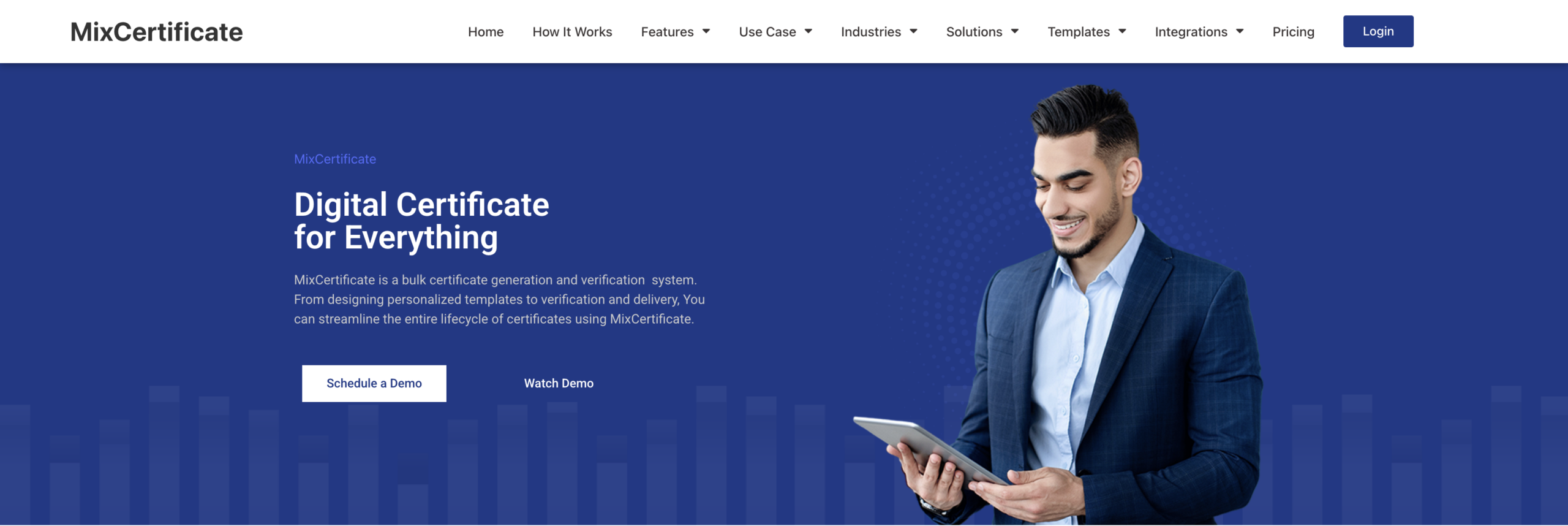
MixCertificate is the simplest and most focused certificate delivery tool available. You design your certificate once using a clean drag-and-drop editor, upload your recipient list with names and emails, and the platform sends every certificate automatically. No manual steps, no complicated setup, no coding required.
What sets it apart is how little friction there is between creating a certificate and getting it into someone’s inbox. It supports bulk sending for hundreds or thousands of recipients in one go, keeps a full log of every certificate sent, and lets you resend with one click if needed. It includes certificate verification with dynamic QR codes, full analytics on opens and downloads, and the ability to send from your own domain using custom SMTP.
It is built for course creators, training managers, event organizers, and HR teams who want a clean tool that handles certificates without getting in the way of everything else.
| Pros | Cons |
|---|---|
| Extremely easy to set up and use | Newer tool, fewer third-party integrations than legacy platforms |
| Built specifically for certificate automation | No badge or blockchain credentialing |
| Bulk sending with one click | |
| Free plan to get started | |
| Delivery logs, analytics, and resend capability | |
| Dynamic QR verification on every certificate | |
| Custom SMTP and custom subdomain support |
Website: mixcertificate.com
Best for: Course creators, event organizers, HR teams, and trainers who want the fastest, cleanest way to automate certificate delivery without a steep learning curve.

2. Certifier
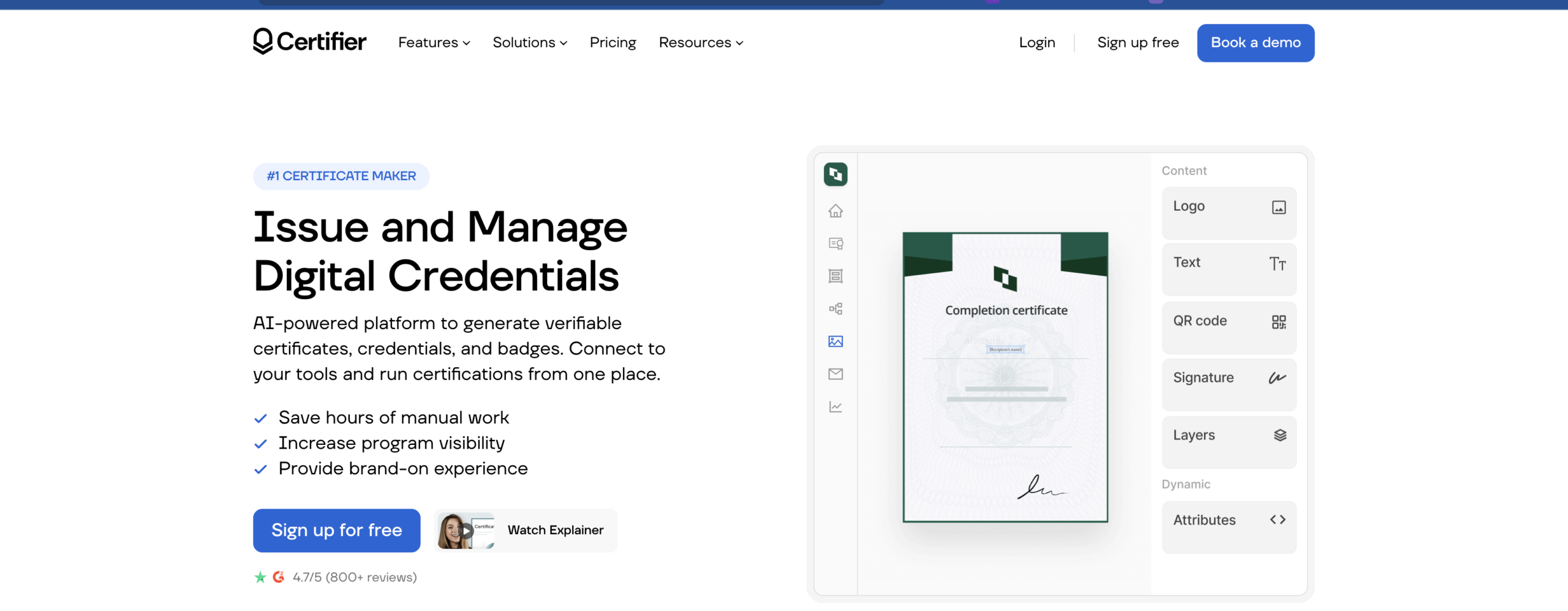
Certifier is one of the most well-known names in digital credentialing. It lets you generate certificates in bulk, send them via email, and supports digital badges with QR code verification. You can connect it to Google Sheets or Microsoft Excel so that every time a new row is added, Certifier automatically generates and sends a certificate.
The platform has a large template library, a visual certificate builder, branded email templates, and delivery analytics. It is a solid, mature tool with many features, though the pricing can become a barrier for smaller organizations as you scale up.
Starting price: Free plan allows up to 250 credentials per year. Paid plans start from $39/month.
Website: certifier.io
Best for: Growing teams and organizations that need deep automation, integrations, and verifiable digital credentials.
| Pros | Cons |
|---|---|
| Large template library | Can feel complex for beginners |
| Google Sheets and Excel integration | Paid plans needed for white-label branding |
| Bulk certificate generation | Free plan capped at 250 per year |
| QR code verification built in | Some native integrations still limited |
| Delivery analytics included | Higher cost at scale |
3. SimpleCert
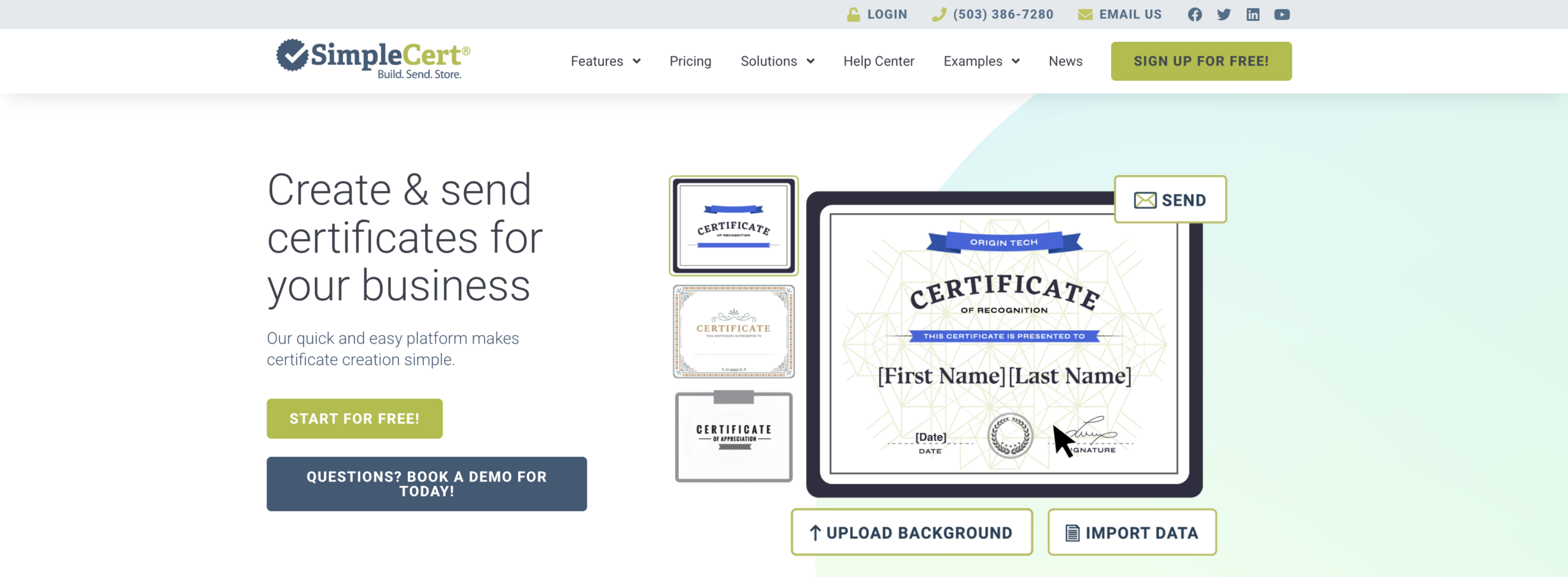
SimpleCert lets you build fully customized certificates, upload recipient data, and send emails to recipients so they can download their certificates, all from one platform. It also comes with an API, so developers can connect it directly to websites or learning platforms to automatically trigger certificate generation and delivery the moment someone finishes a course or test.
It is a reliable, no-frills certificate management system that works well for organizations with steady, recurring certificate needs. If you are considering moving away from it, here are the top SimpleCert alternatives worth looking at.
Starting price: Starts at $19 per month. Free account available with limited credits.
Website: simplecert.net
Best for: Small to mid-size organizations and developers who want API-level control over certificate delivery.
| Pros | Cons |
|---|---|
| Free account available | Limited post-send engagement tracking |
| API available on all plans | No native integrations beyond Zapier |
| Easy recipient list upload | Interface feels dated compared to newer tools |
| Tracks who accessed their certificate | Design flexibility is limited |
| Resend individual certificates easily | Not suitable for badge credentialing |
4. Certify’em
Certify’em sends certificates automatically from your Google or Gmail account when a participant fills out your Google Form with a passing score. It generates a unique PDF for each person based on a Google Slides template, delivers it by email, and includes a unique certificate ID plus an optional QR code for verification.
With over 100 million certificates delivered, thousands of businesses, schools, and organizations use it for job training, student rewards, webinar attendance, safety training, and client education. It lives entirely inside Google Workspace, which makes setup time very short for anyone already using Google Forms for assessments.
Starting price: Free plan available. Paid plans from $19/month.
Website: certifyem.com
Best for: Educators, trainers, and small organizations that already run assessments through Google Forms.
| Pros | Cons |
|---|---|
| Works entirely within Google Workspace | Fully dependent on Google ecosystem |
| Certificates sent automatically on form completion | Limited design customization |
| Fast to set up | Not suitable outside Google tools |
| Free plan available | QR codes only on paid Platinum plan |
| Over 100 million certificates delivered | No standalone bulk upload option |
5. CertifySimple
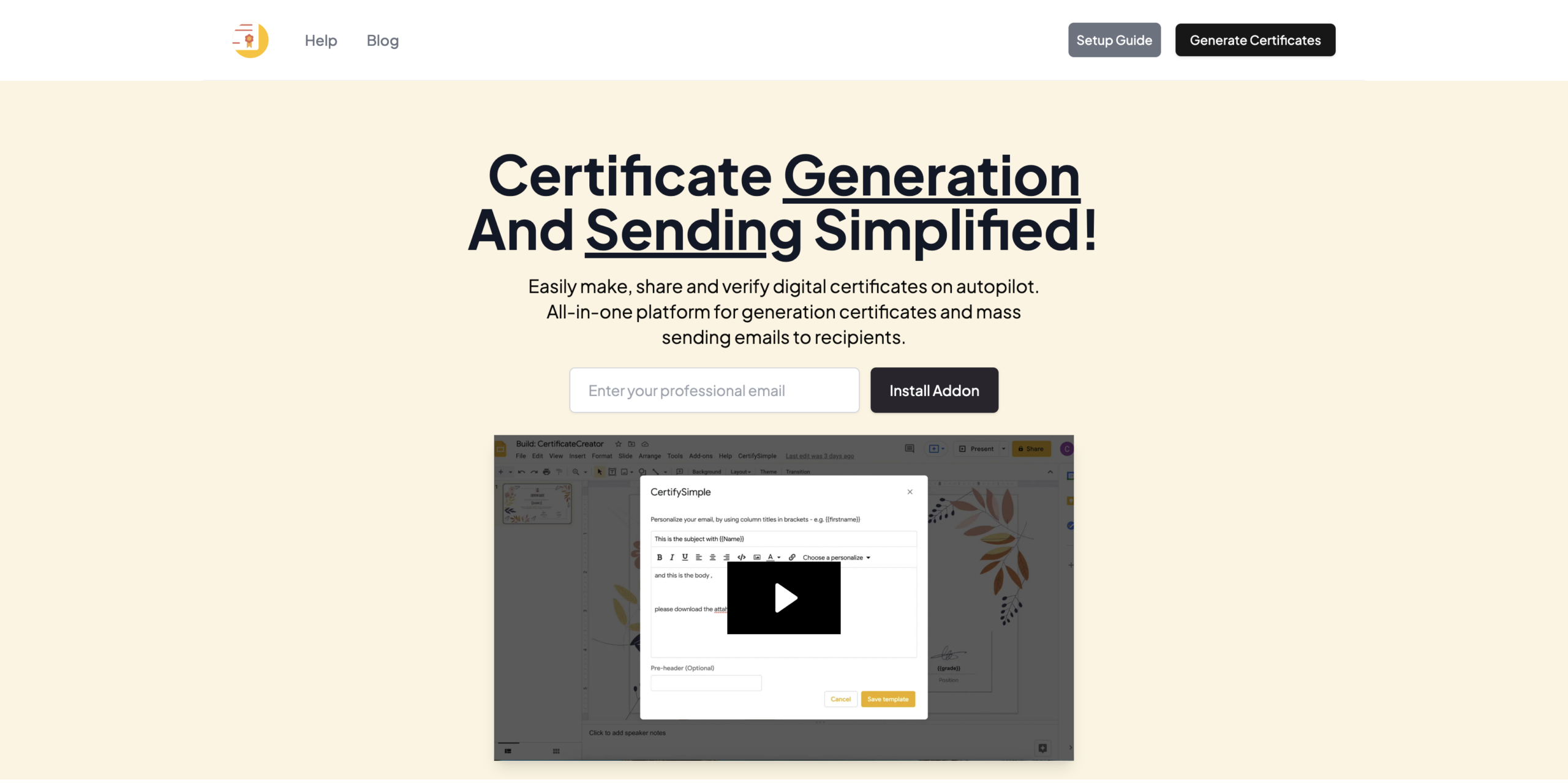
CertifySimple lets you import a Canva design into Google Slides, pull recipient names and emails from Google Sheets, and send personalized certificates to everyone with one click. You can use dynamic tags like name and course title so each certificate is automatically personalized. It runs as a Google Workspace add-on, so there is nothing new to install or learn if your team already lives in Google.
It is a practical option for smaller teams who want Canva-quality design combined with simple bulk sending, without needing a separate subscription to a dedicated credentialing platform.
Starting price: One-time purchase model starting around $49 per user license. Free trial available.
Website: certifysimple.app
Best for: Solo educators and small teams who design in Canva and want to send from Google Sheets without a monthly subscription.
| Pros | Cons |
|---|---|
| Supports Canva template imports | Tied to Google Workspace |
| One-time pricing option | Per-user license model |
| Dynamic tags for personalization | Limited to Gmail sending limits |
| Fast setup for Google users | Less suited for large organizations |
| No monthly subscription required | No delivery analytics |
6. Accredible
Accredible is an enterprise-grade credentialing platform used by large organizations including Google and Slack. It lets you issue, manage, and track certificates and badges, with features like expiry dates and built-in verification. It supports blockchain credentials, digital wallet cards, and a branded credential portal for recipients.
If you run a large-scale certification program and need airtight verification and white-label delivery, Accredible delivers. The trade-off is cost. For teams that need something equally capable but more affordable, see the best Accredible alternatives.
Starting price: Starts at $960 per year, covering up to 250 unique recipients.
Website: accredible.com
Best for: Large enterprises, professional associations, and certification bodies with high-volume credentialing needs.
| Pros | Cons |
|---|---|
| Enterprise-grade features | Very expensive for small teams |
| Blockchain verification available | Minimum $960/year entry point |
| Detailed analytics and tracking | Complex setup for simple use cases |
| White-label branding | Requires demo before purchase |
| Trusted by major global brands | Overkill for course creators or solo educators |
7. Sertifier
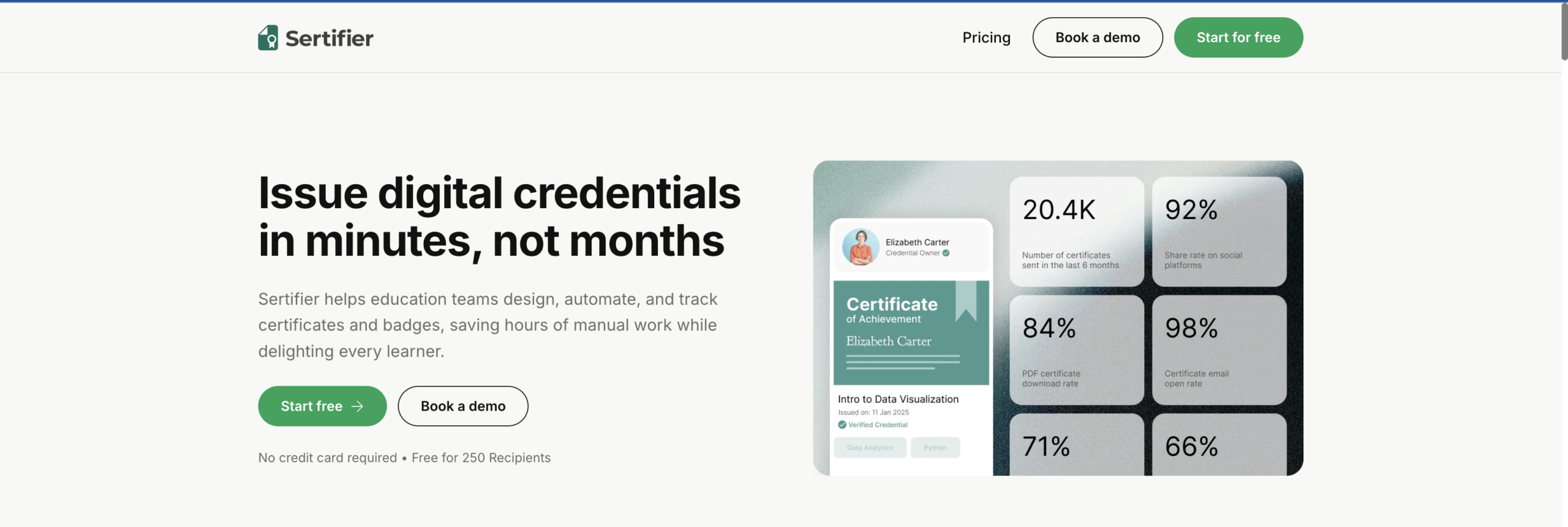
Sertifier is a comprehensive digital credentialing platform built for organizations that issue credentials at scale. It supports full REST API and webhooks, lets you connect your LMS or CRM, and automatically issues credentials when recipients meet defined completion rules. It also tracks social shares and profile additions, giving you visibility into how your credentials perform after they are sent.
It is more feature-rich than most tools on this list, which also means it takes longer to set up and costs more to run.
Starting price: Starts at $75/month, which includes unlimited certificates for up to 50 recipients annually.
Website: sertifier.com
Best for: Corporations, universities, and training providers that need enterprise features and LMS integrations.
| Pros | Cons |
|---|---|
| LMS and CRM integrations | Expensive for small teams |
| Blockchain verification | Can feel complex to navigate |
| Social sharing analytics | Limited template customization options |
| Responsive customer support | Some users report occasional bugs |
| Webhooks and API available | Not ideal for quick or casual setups |
8. IssueBadge
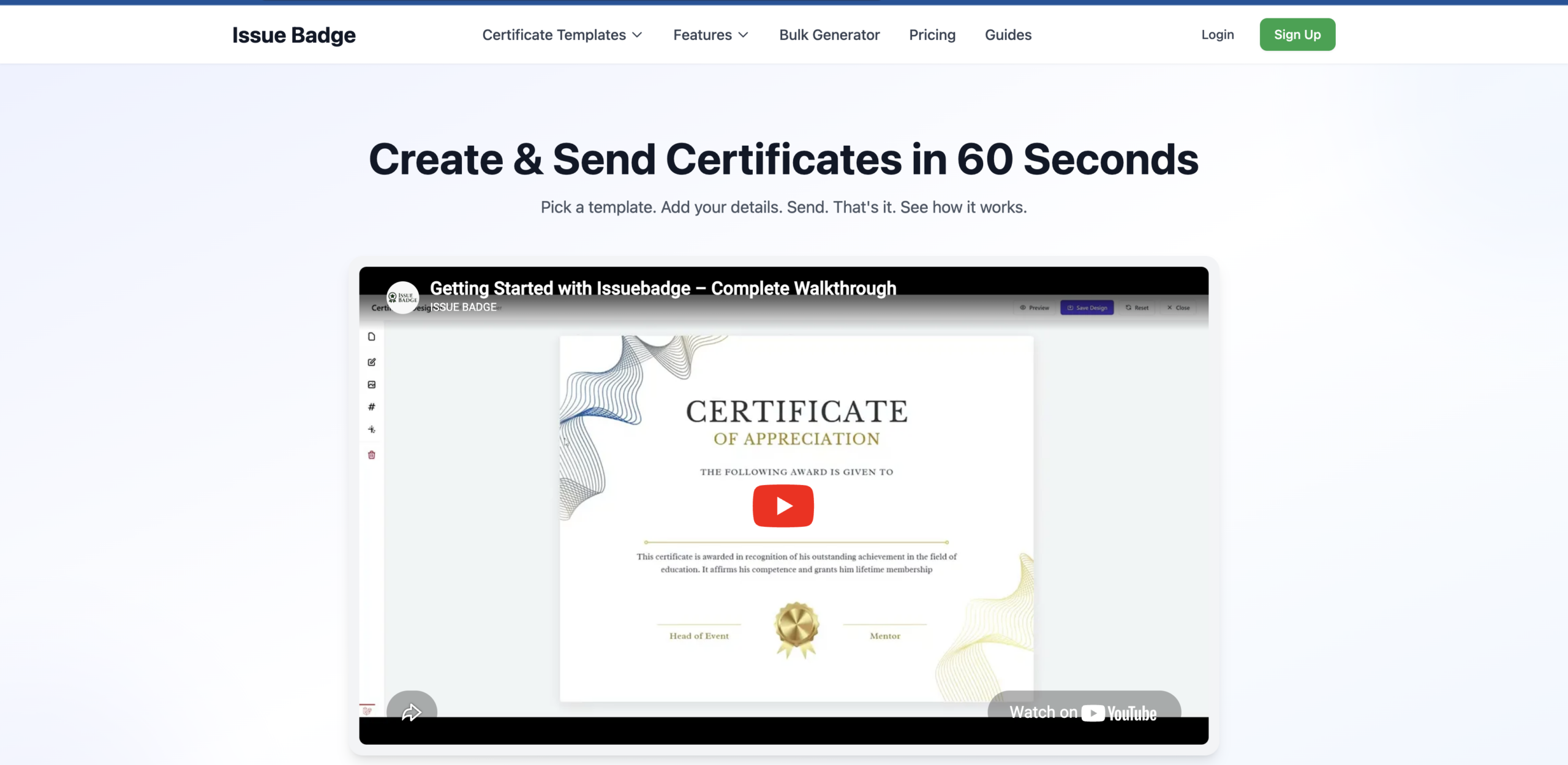
IssueBadge includes automatic email distribution, delivery tracking, and open rate analytics, letting you send thousands of personalized certificates with one click. You upload your Excel or CSV file, pick a template, customize it, and the tool handles the rest. Every certificate includes a unique QR code for verification and is designed to be accessible to anyone who can use a spreadsheet.
It is a solid option for high-volume senders who want analytics without paying enterprise prices.
Starting price: Free plan available. Paid plans available based on volume.
Website: issuebadge.com
Best for: Organizations and training providers who send certificates in large volumes and want delivery and open rate tracking.
| Pros | Cons |
|---|---|
| Delivery and open rate tracking | Less established than other tools |
| Accepts Excel and CSV uploads | Limited design customization |
| QR verification on every certificate | Fewer integration options |
| Free plan available | Smaller user community and reviews base |
| Simple for non-technical users |
9. Mettl
Mettl is primarily an online assessment and proctoring platform, with certificate generation built into its broader workflow. It covers software certification, industry certification, and educational assessments, making it a good fit for organizations that already use Mettl for testing and want certificates to flow automatically from completed exams.
The certificate tool is not standalone. You get it as part of the wider Mettl subscription, which means you are paying for a lot more than just certificate sending. If you only need certificates, a dedicated tool will serve you better and cost less.
Starting price: Custom pricing only. Contact Mettl for a quote.
Website: mettl.com
Best for: Organizations that already use Mettl for online assessments and want certificates generated automatically on completion.
| Pros | Cons |
|---|---|
| Certificates tied directly to assessments | Not a standalone certificate tool |
| Suits compliance and corporate training | Custom pricing only, no transparency |
| Handles proctoring and credentialing together | Expensive if you only need certificates |
| Good for regulated industries | Overkill for course creators |
| Scalable for enterprise use | Slow to set up and configure |
10. Canva with Zapier
This is not a single product but a widely used combination. You design a certificate in Canva, connect it to a Google Form, Typeform, or spreadsheet via Zapier, and build a workflow that generates and emails a certificate every time a trigger fires. It gives you full creative control and works with almost any tool in your existing stack.
The downside is setup time. You are stitching two or more tools together, there is no built-in certificate management, no delivery tracking, and no resend functionality unless you build it yourself. If you are using this setup today and want something more purpose-built, here is a youtube playlist to get started.
Starting price: Canva free plan available. Zapier starts at $19.99/month. Combined cost can rise quickly depending on volume.
Website: canva.com + zapier.com
Best for: Tech-comfortable teams that want maximum design freedom and already use Zapier for other automations.
| Pros | Cons |
|---|---|
| Full creative design freedom via Canva | Requires multiple tools and setup time |
| Works with almost any trigger or platform | No built-in certificate management |
| Flexible and customizable workflows | No delivery tracking out of the box |
| No vendor lock-in | Maintenance required when tools update |
| Both tools have free tiers | Combined costs add up at scale |
Final Comparison Table
| Tool | Starting Price | Free Plan | Bulk Sending | Auto Email | Delivery Tracking | QR Verification | Ease of Setup | Best For |
|---|---|---|---|---|---|---|---|---|
| MixCertificate | Free | Yes | Yes | Yes | Yes | Yes | Very Easy | Colleges, NGO, events, trainers & API |
| Certifier | $39/month | Yes (250/year) | Yes | Yes | Yes | Yes | Easy | Growing teams with integrations |
| SimpleCert | $19/month | Yes (limited) | Yes | Yes | Basic | No | Easy | Developers, small orgs |
| Certify’em | $19/month | Yes | Yes | Yes | No | Paid plan only | Easy (Google) | Google Forms users |
| CertifySimple | ~$49 one-time | Trial only | Yes | Yes | No | No | Easy (Google) | Canva + Google users |
| Accredible | $960/year | No | Yes | Yes | Yes | Yes | Moderate | Large enterprises |
| Sertifier | $75/month | Trial only | Yes | Yes | Yes | Yes | Moderate | Corporates, universities |
| IssueBadge | Free | Yes | Yes | Yes | Yes | Yes | Easy | High-volume senders |
| Mettl | Custom | No | Yes | Yes | No | No | Complex | Assessment-based orgs |
| Canva + Zapier | $19.99/month | Yes (Canva) | With setup | With setup | No | No | Complex | Technical teams |
MixCertificate wins on the combination that matters most: the easiest setup, a free plan to start, bulk sending in one click, automatic email delivery, delivery tracking, and QR verification, all without the complexity or cost of enterprise tools. Every other tool on this list either costs more, takes longer to configure, locks key features behind expensive tiers, or requires external tools to function.
Try MixCertificate free today and send your first batch of certificates in minutes.