
Certificates used to be simple. You designed one in Photoshop, printed a hundred copies, and mailed them out. That world is gone now. Today, certificates are created on demand. A webhook triggers them, an email API sends them, and a link lets anyone check if they are real. If you are a developer, startup founder, or engineering lead trying to add certificates to your product, you are not looking for a design tool anymore. You need infrastructure.
This guide explains what a good API-based certificate platform should do, compares the top options available today, and looks at why MixCertificate has become a popular choice for teams that want easy certificate automation. If you are building an LMS, a hackathon platform, an HR onboarding tool, or a certification body, this guide is for you.
Why “API-Based Certificate Platforms” Matters More Than “Certificate Generator”
Search for “certificate generator” and you will find a lot of drag-and-drop design tools. These work fine if one person is making fifty certificates a month by hand. But they stop working once you need:
- Certificates issued automatically when a course, quiz, or event ends
- Thousands of certificates made in one batch, with no manual review
- A way for outside people to check if a certificate is real
- Webhooks that tell your system the moment a certificate is issued, downloaded, or cancelled
- Certificates that carry your brand, not the certificate company’s brand
A true API-based platform is built for these needs from the start. The certificate becomes a small part of a bigger workflow, not something someone sits down and designs by hand. That is the whole reason this category is different from normal design software.
What to Check Before You Integrate
Before you pick a platform, it helps to know what makes a good API different from a weak one. Here is a simple checklist experienced teams use:
| Evaluation Criteria | Why It Matters |
|---|---|
| REST API with clear, versioned docs | Stops sudden changes from breaking your app |
| Webhook support | Lets your app react in real time to new certificates |
| Bulk generation endpoint | Needed for graduations, mass onboarding, or big events |
| Verification endpoint | Builds trust with people checking a certificate |
| SDKs for common languages | Cuts integration time from days to hours |
| Custom domains and white-labeling | Keeps things consistent with your own brand |
| Sandbox or test environment | Lets your team test without using real credits |
| Uptime and rate limit info | Shows if the API can handle busy days |
| Data security | Matters a lot for HR platforms, schools, and regulated industries |
| Support response time | Affects how fast you can fix problems |
Keep this list nearby as you read the comparison below. Every platform looks good on its homepage. The real differences show up a few days into the integration.
Top API-Based Certificate Platforms Compared
| Platform | API Docs | Webhooks | Bulk Generation | Verification Links | Best For |
|---|---|---|---|---|---|
| MixCertificate | Full REST API with interactive docs | Yes | Yes, high volume | Yes, built in | Startups, LMS platforms, event and training providers |
| Certifier | REST API available | Limited | Yes | Yes | Mid-size training organizations |
| Accredible | REST API, more enterprise-focused | Yes | Yes | Yes | Large enterprises, accreditation bodies |
| Credly (by Pearson) | API access, mainly for badges | Limited | Yes | Yes | Professional certification and digital badges |
| Canva (API/Bulk create) | Limited API, template-based | No | Partial | No | Simple design work, not heavy automation |
MixCertificate was built around the developer workflow: issue, verify, notify, done. The docs are written so a backend developer can go from signup to a working test call in under thirty minutes, which is fast for this category.
Accredible works well if you are a large enterprise with a dedicated integration team and a big budget, but smaller teams often find it heavier to set up than they need.
Credly focuses mostly on professional badges, similar to LinkedIn credentials, rather than regular certificate documents. It fits better if badges, not printable certificates, are your main goal.
Canva is great for design, but it was never built for automation. If your main need is a webhook-triggered API call, Canva will feel like the wrong tool.
Platform by Platform: Pros and Cons
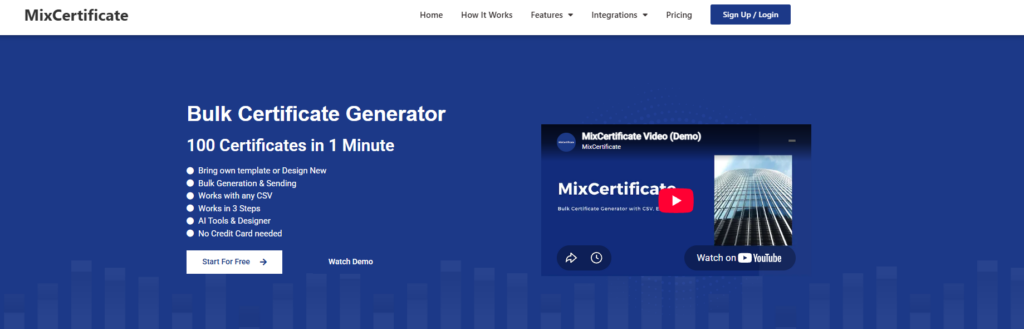
MixCertificate is an online platform for creating, managing, and sending digital certificates at scale. It supports issuance from a CSV file, Google Sheets, or a direct API call, and it was built from the ground up around the developer workflow of issue, verify, and notify. It is aimed at startups, LMS platforms, and event or training providers that need automation without a heavy setup process.
- Pros: Full REST API with clear, interactive docs. Built-in webhook support. Strong bulk issuance for high volumes. Verification links and QR codes included by default. Fast onboarding — a backend developer can get a test call working in under 30 minutes. Transparent, risk-free pricing with a sandbox environment.
- Cons: Newer and less established as a brand name compared to Accredible or Credly, so it may have a smaller public track record for very large enterprise buyers who prioritize brand recognition.
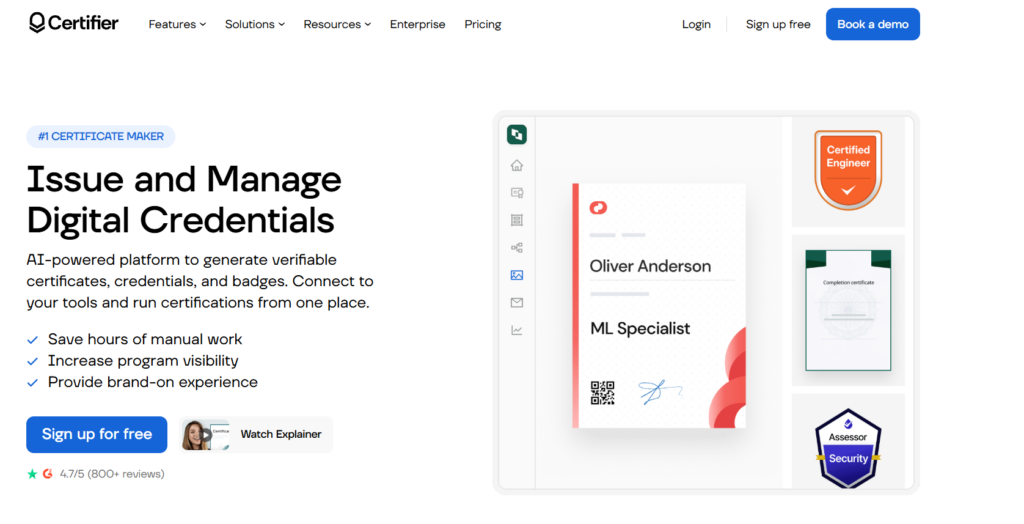
Certifier is a digital credentialing platform popular with training providers and educational institutions. It focuses on custom certificate design combined with bulk issuance, and it leans on integrations like Zapier rather than deep native automation to connect with a team’s existing tools.
- Pros: Solid REST API. Supports custom design and bulk issuance. Integrates with Zapier, which helps it connect to existing workflows without custom code. Popular with training providers who want LinkedIn-style sharing.
- Cons: Webhook support is limited, so real-time reactions, like updating your own database instantly, are harder to build. Less suited to teams that want deep, code-first automation.
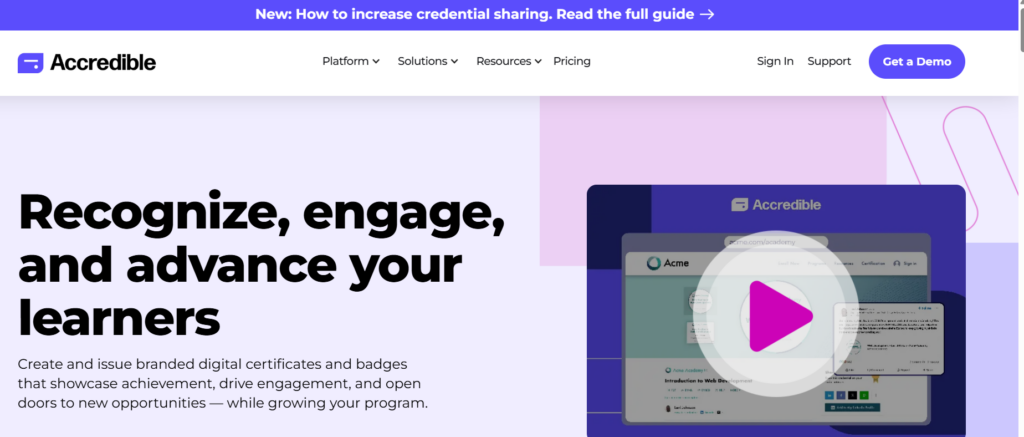
Accredible is one of the more established names in digital credentialing. It supports both traditional certificate formats and open badges, including blockchain-backed credentials, and it is built with enterprise-scale features aimed at larger institutions and accreditation bodies.
- Pros: Enterprise-grade REST API. Full webhook support. Strong for large organizations and accreditation bodies. Supports both open badges and traditional certificates, including blockchain-backed credentials.
- Cons: Heavier onboarding process, often needs a dedicated integration team. Typically priced and structured for enterprise budgets, so smaller teams can find it slow and costly to get running.
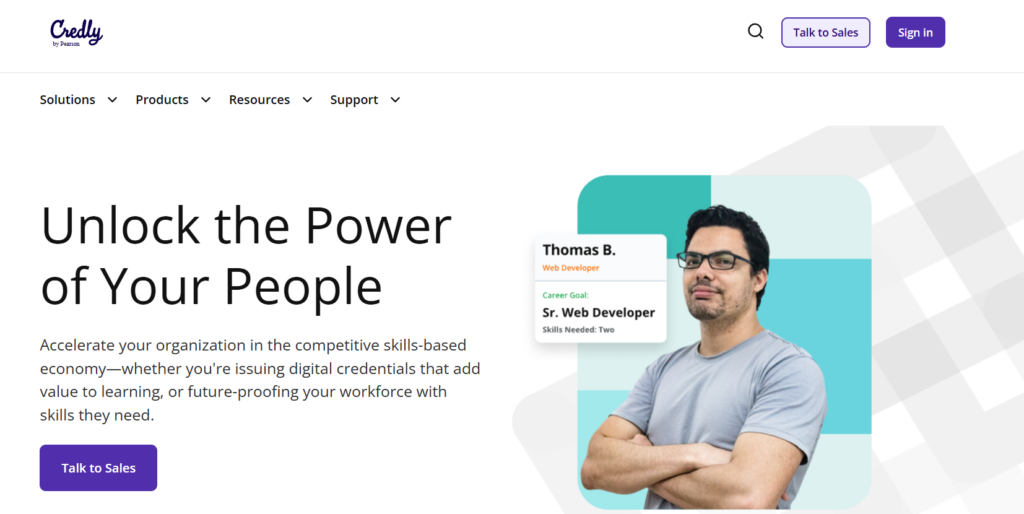
Credly, owned by Pearson, is a digital credentialing platform built mainly around professional badges rather than printable certificates. It is widely used for LinkedIn-style credentials that showcase a skill or certification, and it fits organizations focused on professional recognition more than document-based proof of completion.
- Pros: Strong API access for badge-based credentials. Good verification and bulk issuance. Well recognized in professional certification and LinkedIn-style digital badging.
- Cons: Focused mainly on badges rather than printable or PDF certificates, so it is a weaker fit if certificate documents are your main output. Webhook support is limited.
Canva (API/Bulk create)

Canva is a general-purpose design tool that also offers limited bulk creation and API features. It was built for visual design first, not for automated, workflow-driven certificate issuance, so its API capabilities are more of an add-on than a core feature.
- Pros: Excellent for visual design and one-off certificate creation. Easy for non-technical users. Good if you just need a handful of nicely designed certificates.
- Cons: Very limited API surface. No webhook support. No verification links at all. Bulk generation is only partial. It is a design tool, not automation infrastructure, so it breaks down fast for workflow-driven or high-volume use cases.
The overall pattern: MixCertificate and Accredible are the two most complete API-first platforms, with full webhooks, full bulk issuance, and full verification. MixCertificate fits startups and mid-size teams best, while Accredible fits large enterprises with compliance needs. Certifier and Credly sit in the middle, each strong in one direction (Zapier-friendly workflows for Certifier, professional badging for Credly) but weaker on real-time automation. Canva is the odd one out — a design tool that was never built for developer-driven certificate infrastructure.
A Closer Look at the MixCertificate API
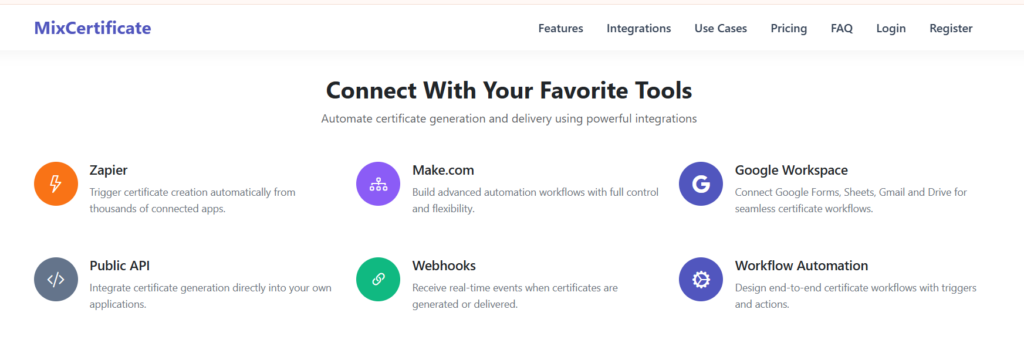
If certificate issuing is a core part of your product, not just a side task, the MixCertificate API is worth checking out. Here is what the integration usually looks like:
- Authentication – You get an API key, with separate keys for testing and production.
- Template setup – Design your certificate once in the dashboard, then use its ID in every API call. No need to re-upload the design each time.
- Single or bulk issuance – Call the issuance endpoint with recipient details (name, course, date, score) for one certificate, or send a list for thousands at once.
- Webhook notification – Your backend gets a message the moment a certificate is made, so you can update your database or send a notification without checking constantly.
- Verification endpoint – Every certificate gets its own verification link and QR code, so anyone can check if it’s real without contacting your support team.
- Revocation – If you need to cancel a certificate (mistake, fraud, expired credential), one API call marks it as revoked. The public verification page updates right away.
This flow fits what most LMS platforms, hackathon organizers, HR tools, and online course creators actually need. Check the MixCertificate integrations page to see the full technical guide, example requests, and authentication steps, and test everything in a sandbox before going live.
Where MixCertificate Fits Best
Not every platform works for every team. Being honest about fit matters. MixCertificate tends to work best when:
- You are a startup or mid-size company that needs to move fast, without a long enterprise sales process
- You want bulk issuance for cohorts, webinars, or events without re-uploading templates each time
- You need certificates that carry your own brand, not a third-party watermark
- Your team is small and needs docs clear enough that one backend developer can finish the integration alone
- You want clear, simple pricing instead of custom enterprise quotes
If you are a large enterprise with complex compliance needs across many countries, it is worth also looking at Accredible. But for most developer teams and startups adding certificates to their product, MixCertificate’s mix of solid API features, clear docs, and simple pricing is hard to beat.
Why Trust and Experience Matter Here
Certificates are not a small thing. They carry real weight. A university uses them to confirm a degree. A company uses them to confirm finished training. A bootcamp uses them to show job readiness. When people (and search engines) evaluate a platform in this space, they are checking for real experience, expertise, authority, and trust.
Here is what that looks like in practice when you are choosing a certificate API, not just reading about one:
- Experience – Has the platform actually issued certificates at scale, across real industries like education, corporate training, and events?
- Expertise – Do the docs show a real understanding of developer needs like auth, rate limits, webhooks, and error handling, or do they read like marketing copy?
- Authority – Are there real integrations and a visible track record, or just vague claims with no proof?
- Trust – Is pricing clear? Is support fast to respond? Is there a verification system that protects both the sender and the receiver from fake certificates?
MixCertificate’s public docs, sandbox environment, and verification system are built to answer these questions, both for search engines checking the platform’s content and for developers and teams who need to trust the tool before putting their name on every certificate it sends out.
Pricing and a Risk-Free Way to Try It
One of the biggest worries when trying a new API vendor is spending money before knowing if it will actually work for you. MixCertificate solves this directly: your payment is risk-free when you sign up for MixCertificate, backed by a satisfaction-first approach and a sandbox environment so you can test the whole issuing and verification flow before anything goes live. You are not locked into a long contract just to find out the API does not fit your stack.
For teams comparing several platforms, this makes testing much cheaper. You can run a real integration against MixCertificate’s API, issue test certificates, check the verification endpoint, and confirm webhook delivery, all before deciding whether to scale up.
Frequently Asked Questions
Do I need a dedicated backend developer to set this up? Not necessarily. Most modern certificate APIs, including MixCertificate’s, follow standard REST rules. Any developer who has worked with third-party APIs like Stripe, SendGrid, or Twilio can complete the integration without needing special certificate knowledge.
Can I use my own certificate design, or am I stuck with templates? Good platforms let you upload and fully customize your own template, then use its ID in API calls. This is standard on MixCertificate and most other platforms listed here.
How do people check if a certificate is real? Through a unique verification link (often with a QR code) made for each certificate. Anyone — an employer, a university, or a client — can visit that link and confirm if it’s valid, expired, or revoked.
What happens if I issue a certificate by mistake? Platforms with revocation support let you cancel a specific certificate with an API call. The verification page updates right away to show it is no longer valid.
Is bulk issuance really necessary for a small startup? If you expect even one cohort, webinar, or event with more than a handful of people, bulk issuance saves a lot of manual work and cuts down on data entry mistakes.
Final Thoughts
Choosing a certificate platform in 2026 is not about finding the prettiest template library. It is about picking infrastructure your product can rely on as it grows. A REST API with clear docs, solid webhooks, bulk issuance, and built-in verification is not a bonus feature anymore. It is the baseline.
Among the platforms compared here, MixCertificate stands out for developer teams and startups because it was built around the API-first workflow from day one, instead of adding an API onto a design tool later. With clear, risk-free pricing and a sandbox environment for testing before you commit, it removes most of the usual friction that comes with trying a new integration.
If you want to see the technical details yourself, check out MixCertificate’s bulk certificate generation features and run a test integration in the sandbox.
Also Read Related Blog :





8 Responses