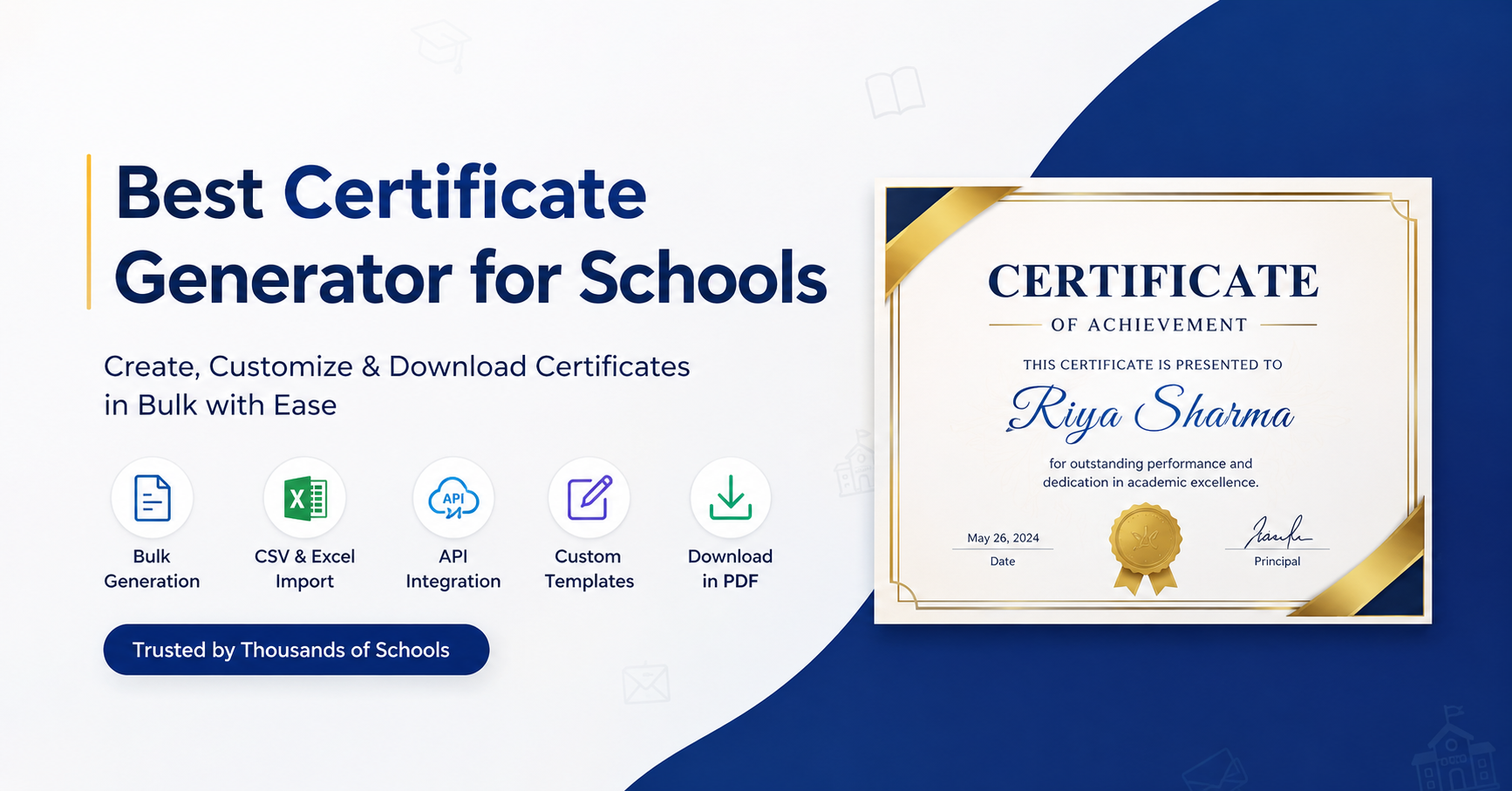
Issuing certificates is one of those tasks that looks simple until you are managing it for hundreds of students at once. A single prize distribution day can require 400 personalized certificates. An annual sports meet or inter-school competition can push that number even higher. And if your team is still doing this manually in Word or Canva, someone is likely spending an entire week on it.
The good news is that dedicated Best Certificate Generator for Schools have made this process fast, professional, and nearly effortless. In this guide, we cover the best tools available for schools in 2026. We will walk through what features actually matter, compare the top options, and help you pick the right one for your institution.
Why Schools Need a Proper Certificate Generator
Most schools start with Microsoft Word or Google Docs. It works for the first few certificates. Then the requests pile up. A class teacher asks for 60 merit certificates. The sports department needs participation certificates for three events. The principal wants branded annual day certificates with individual student names, dates, and signatures.
That is when the manual process breaks down.
A purpose-built certificate generator solves this by letting you:
- Generate hundreds of personalized certificates in minutes using bulk upload
- Apply consistent school branding across every certificate
- Give students or parents access to download certificates from a portal
- Add digital verification features like QR codes for authenticity
- Reduce back-and-forth between departments and the admin office
Beyond saving time, a professional certificate also reflects on the school. Students keep their certificates. Parents frame them. A well-designed, properly branded certificate from your school carries genuine pride and credibility.
What to Look for in a School Certificate Generator
Before comparing tools, it helps to know which features actually matter for school use. Here is a checklist to guide your evaluation.
Bulk Generation This is non-negotiable for schools. You need to upload a CSV or Excel file with student names and have the tool generate individual certificates for each row automatically. Any tool that requires manual entry per certificate is not built for scale.
School Branding Your certificate should look like it came from your school, not a generic template site. Look for tools that let you upload your school logo, add an official seal, set your brand colors, and include principal or class teacher signatures.
Template Quality Merit awards, sports day participation, attendance recognition, and competition certificates all look different. A good tool will have a solid template library covering these categories, with options that feel formal and credible.
Student or Parent Download Portal One underrated feature is a portal where recipients or their parents can log in and download certificates. This removes a huge load from admin staff who otherwise field dozens of individual download requests.
Digital Verification QR codes, unique certificate IDs, and shareable verification links make your certificates tamper-proof and trustworthy — useful when students need to submit proof of awards to other schools or programs.
Ease of Use Your certificate coordinator should not need design skills or a developer to create certificates. A drag-and-drop editor with pre-built templates makes the job accessible to anyone on the team.
Pricing That Works for Schools Look for tools with free plans or education-friendly pricing. Some tools charge per certificate, which gets expensive quickly. Flat monthly or annual plans are better for high-volume school use.
Best Certificate Generators for Schools
1. MixCertificate
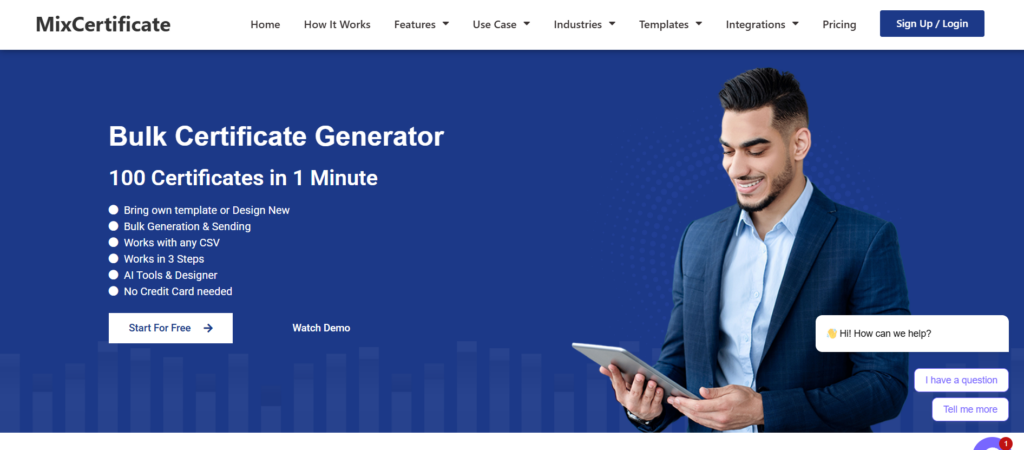
If you are looking for a tool built with educational institutions in mind, MixCertificate is the strongest choice available right now.
MixCertificate is designed to handle everything from small classroom awards to school-wide annual day ceremonies. It brings together bulk generation, beautiful templates, institutional branding, and student dashboards under one clean interface that anyone on your team can use without training.
Why schools love it:
- Bulk certificate generation from CSV upload, handling hundreds of certificates in minutes
- A rich template library covering merit awards, participation certificates, sports day recognition, and academic achievement
- Full school branding support including custom logos, seals, color schemes, and signature fields
- Student and parent self-serve portal to download certificates without contacting admin
- QR-code-based digital verification for shareable and verifiable credentials
- A free plan to get started, with scalable options for larger schools
The interface is clean and straightforward. You pick a template, customize it with your school’s details, upload your student list, and generate. The whole process takes minutes rather than days.
MixCertificate is particularly well-suited for schools running multiple events across the year, each with their own certificate needs. The platform handles volume without slowing down, and the output quality is consistently professional.
Best for: Primary schools, secondary schools, coaching centers, and any institution issuing certificates at scale.
2. Canva

Canva is a popular choice for one-off certificates where design matters more than automation. It has a massive template library and an intuitive drag-and-drop editor.
However, Canva is not built for bulk generation. Creating 300 personalized certificates in Canva means 300 manual edits. Some workarounds exist using Canva’s “bulk create” feature, but it is limited compared to dedicated tools.
Best for: Individual teachers who need a few beautifully designed certificates occasionally.
Limitation: No student portal, limited bulk generation, no built-in verification.
3. Certifier

Certifier focuses on digital and verifiable credentials. It is a decent option if your school wants to issue digital certificates with shareable links.
Best for: Schools with an online learning component where digital-first certificates are preferred.
Limitation: Template variety is more limited for traditional academic certificate formats. Less suited to the formal look most schools expect.
Certificate Magic is a straightforward free tool for generating simple certificates. You choose a template, fill in the details, and download. It is basic but functional for low-volume needs.
Best for: Individual teachers needing a quick certificate for a classroom event.
Limitation: No bulk generation, no school branding, no student dashboard, very limited template quality.
Quick Comparison Table
| Feature | MixCertificate | Canva | Certifier | Certificate Magic |
| Bulk Generation | ✅ Yes | ⚠️ Limited | ✅ Yes | ❌ No |
| Student/Parent Portal | ✅ Yes | ❌ No | ❌ No | ❌ No |
| School Branding | ✅ Yes | ✅ Yes | ⚠️ Limited | ❌ No |
| Digital Verification | ✅ Yes | ❌ No | ✅ Yes | ❌ No |
| Free Plan | ✅ Yes | ✅ Yes | ⚠️ Limited | ✅ Yes |
| School Templates | ✅ Yes | ✅ Yes | ⚠️ Limited | ✅ Yes |
| Easy for Non-Designers | ✅ Yes | ✅ Yes | ✅ Yes | ✅ Yes |
Certificate Use Cases by School Type
Primary Schools Primary schools issue merit certificates, attendance awards, reading achievement recognitions, and inter-house competition prizes. The volume is moderate but the need for branded, cheerful designs and quick turnaround is high. A tool like MixCertificate lets the admin generate a full set of certificates for a school event in a single session.
Secondary Schools Secondary schools deal with a wider range: academic merit lists, sports day participation, debate and quiz competitions, science fair recognitions, and end-of-year awards. Bulk generation and multi-department access are critical. MixCertificate handles cross-departmental use cleanly.
Coaching Institutes and Tuition Centers Coaching centers frequently issue batch completion certificates, rank certificates, and mock exam performance recognitions. These need to go out at volume and on short notice. A bulk-generation tool with CSV support is the right fit.
How to Generate Bulk Certificates for Your School: Step by Step
Here is how the process works on a tool like MixCertificate:
Step 1: Choose Your Template Browse the template library and pick the certificate design that fits your purpose. Merit certificates typically use a portrait layout with formal typography. Sports and participation certificates can use more vibrant designs.
Step 2: Customize Your Branding Upload your school logo, add the principal’s digital signature, set your brand colors, and add any official seals or watermarks. Save this as your school profile so you do not have to repeat it for every event.
Step 3: Upload Your Student Data Prepare a CSV file with the required fields: student name, class, event or award name, date, and any other variable information. Upload the file and map the columns to the certificate fields.
Step 4: Preview and Approve Check a sample certificate to confirm the layout, name formatting, and data accuracy. Make any adjustments before running the full batch.
Step 5: Generate and Distribute Generate the full batch. You can download a ZIP file of all certificates, email them directly to parents, or share access through the student portal where each student logs in and downloads their own certificate.
The entire process for 400 certificates takes under 30 minutes. Compared to hours of manual work, the time savings are significant.
What Makes a Good School Certificate Design
A merit or graduation-style certificate carries more weight than a casual participation slip. Students keep these. Parents frame them. Here is what a well-designed school certificate should include:
Appropriate Typography Use fonts that convey warmth and formality in equal measure. Avoid fonts that look too casual or too corporate. A clean serif or a balanced display font works well for most school certificates.
Clear Hierarchy The student’s name should be the most prominent element. Below that, the award or recognition title, followed by the date, class, and school name. Supporting elements like seals and signatures complete the layout.
Principal’s Signature A scanned or digital signature from the principal or class teacher adds legitimacy. It signals that the certificate is officially issued, not just printed.
Verification Details A unique certificate ID or QR code that links to a verification page protects against forgery and makes the certificate more credible when submitted to other institutions.
School Seal or Crest A properly designed seal or crest adds a layer of formality that distinguishes an official school certificate from a generic award printout.
MixCertificate’s school templates incorporate all of these elements out of the box. You add your school’s specific details and the design takes care of the rest.
Why Student Portals Matter More Than You Think
Most schools underestimate how much time the admin office spends on certificate-related requests after issuing them. A student misplaces their certificate. A parent wants a digital copy. Another student needs their certificate re-issued with a corrected name.
Each of these is a separate support request that lands in someone’s inbox.
A self-serve portal eliminates most of this. Students or parents log in, see their certificates, and download them whenever they need. The certificates are always available. There are no emails to answer, no PDFs to dig out of old folders, and no re-issuance requests for simple downloads.
MixCertificate includes this feature as part of its school plans. For schools that issue certificates across multiple events and terms, this alone justifies the switch from manual processes.
Frequently Asked Questions
Can I generate certificates in bulk for an entire grade?
Yes. Tools like MixCertificate support bulk generation via CSV upload. You upload a file with student names and other variable data, and the tool generates individual certificates for each entry. A grade of 400 students takes minutes.
Are there free certificate generators for schools?
Yes. MixCertificate offers a free plan to get started. Certificate Magic is also free but offers very limited features. For school-scale use with branding and bulk generation, a paid plan is usually necessary.
How do I add my school’s logo and seal to a certificate?
Most dedicated tools allow you to upload your logo and seal as image files and position them on the certificate template. MixCertificate supports this as part of the template customization step.
Are digital school certificates valid?
Digital certificates are valid for most purposes, particularly academic recognition and inter-school program applications. Adding QR-based verification and a unique certificate ID significantly increases their credibility.
What is the difference between a certificate generator and a full credential platform?
A certificate generator focuses on creating and distributing certificates, with design templates and bulk generation tools. A credential platform adds features like blockchain verification, analytics, and LMS integrations. For most schools, a certificate generator like MixCertificate covers all practical needs at a fraction of the cost.
Final Recommendation
For most schools — primary, secondary, or coaching institutes — MixCertificate is the best certificate generator available in 2026. It handles bulk generation at scale, supports full school branding, includes a student and parent self-serve portal, and produces professionally designed certificates that reflect well on your institution.
Whether you are preparing merit certificates for a class of 80 students or issuing sports day participation awards across the whole school, MixCertificate gives you the tools to do it quickly and professionally.
Also Read Related Blog :





5 Responses