
Designing certificates by hand takes time you probably do not have. If you are running a course, an event, or an internal training program, you likely need dozens or even hundreds of certificates that all look professional, on brand, and personalized for each recipient. This is where AI certificate designers come in.
Unlike basic template libraries, AI-powered certificate tools can generate layouts automatically, suggest design elements based on your content, and personalize each certificate at scale without you touching a design tool. In this guide, we look at the top AI certificate designers available today, what makes each one useful, and how to pick the right one for your needs.
What Counts as an AI Certificate Designer
Not every certificate tool that mentions AI actually uses it in a meaningful way. For this list, we focused on platforms that do at least one of the following:
- Generate or suggest certificate layouts automatically instead of relying only on static templates
- Offer smart design assistance, such as automatic color matching, spacing, or text placement
- Support AI-assisted bulk personalization, where recipient names and details are filled in automatically across large batches
- Provide design recommendations based on the type of certificate you are creating
Tools that only offer a drag and drop editor with pre-made templates were not the focus here, even if they are otherwise solid platforms. We wanted to highlight where AI genuinely reduces manual design work.
How We Evaluated These Tools
We tested each platform against five criteria that matter most for anyone creating certificates regularly, whether for a single event or an ongoing training program.
AI design capability. Does the tool actually use AI to generate or suggest layouts, or is “AI” more of a marketing label attached to a standard template system?
Bulk generation and auto fill. Can you upload a spreadsheet of names and generate certificates in batches, or are you stuck creating each one individually?
Ease of use. Can someone without design experience produce a clean, professional certificate in a reasonable amount of time?
Pricing and free tier. Is there a usable free plan, and how does the paid pricing scale as your certificate volume grows?
Export and integration options. Does the platform support PDF export, QR code verification, API access, or integration with tools like Google Sheets?
With that framework in place, here are the tools that stood out.
Top AI Certificate Designers Compared
1. MixCertificate
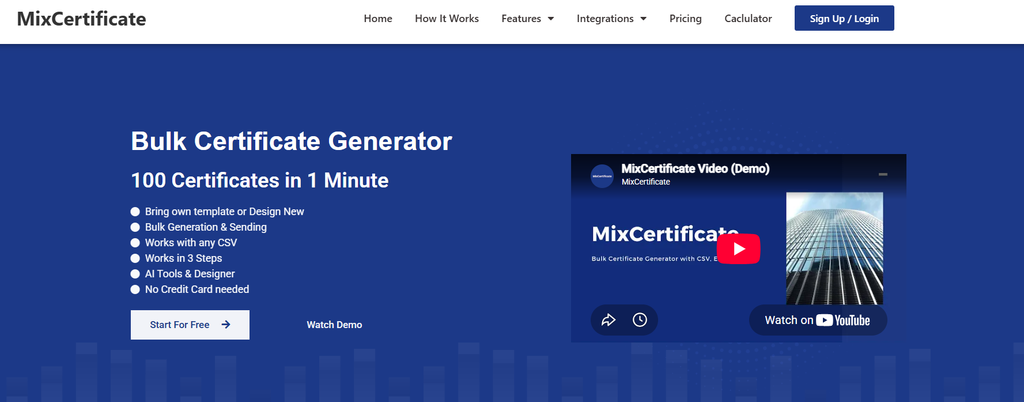
MixCertificate is built specifically for bulk certificate generation, and it uses smart automation to speed up the design and personalization process. Instead of manually placing text boxes for every recipient, you can upload a list of names and details, and the platform handles layout consistency and auto fill across the entire batch. It also supports QR code verification, so recipients and third parties can confirm a certificate is authentic with a quick scan.
MixCertificate works well for HR teams issuing training certificates, course creators handling hundreds of students, and event organizers who need same day turnaround.
Pros:
- Fast bulk generation with automatic personalization
- Built in QR code verification for authenticity
- API access for developers who want to connect certificate generation to their own systems
- Simple interface that does not require design skills
Cons:
- Fewer decorative template styles compared to general design platforms
- Best suited for certificate specific use cases rather than broader graphic design needs
2. Canva
Canva is widely known for its general design tools, and its Magic Design feature extends into certificate creation. You can describe what you need, and Canva will generate certificate layout options based on your input. It also has a large existing template library that you can adapt.
Canva is a strong choice for people who already use it for other design work and want certificates to match their existing brand materials.
Pros:
- Large, well designed template library
- Magic Design speeds up initial layout creation
- Easy to match certificates with other brand assets
- Free plan available with reasonable features
Cons:
- Bulk personalization for large lists is more limited than dedicated certificate platforms
- No built in certificate verification system
- Can feel like overkill if you only need certificates and nothing else
3. Visme

Visme includes an AI design assistant that helps with layout suggestions, color schemes, and content structure. It supports certificate creation alongside other document types like reports and presentations, which makes it useful for teams that need consistent branding across multiple formats.
Pros:
- AI assistant helps non-designers make layout decisions
- Certificates can share branding with other Visme documents
- Solid analytics on how shared documents perform
Cons:
- Learning curve is steeper than simpler, single purpose tools
- Bulk certificate workflows are not as streamlined as platforms built specifically for certificates
4. Adobe Express
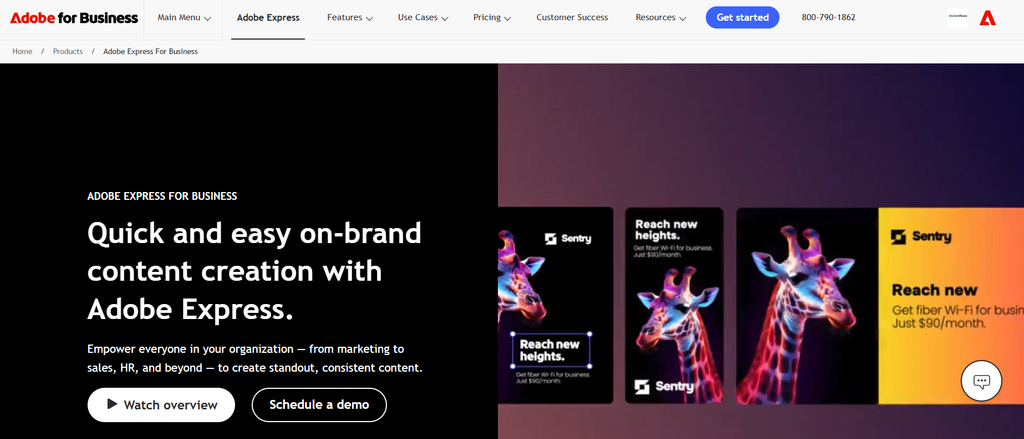
Adobe Express brings Adobe’s design quality into a more accessible tool, and its AI features can suggest layout adjustments and design elements. If you want a certificate with a more polished, agency level look, Adobe Express tends to deliver strong visual results.
Pros:
- High quality visual output backed by Adobe’s design tools
- AI suggestions help refine layout and typography
- Good template variety
Cons:
- Bulk generation and mail merge style workflows are not the platform’s strength
- No native certificate verification or QR code system
5. Certifier
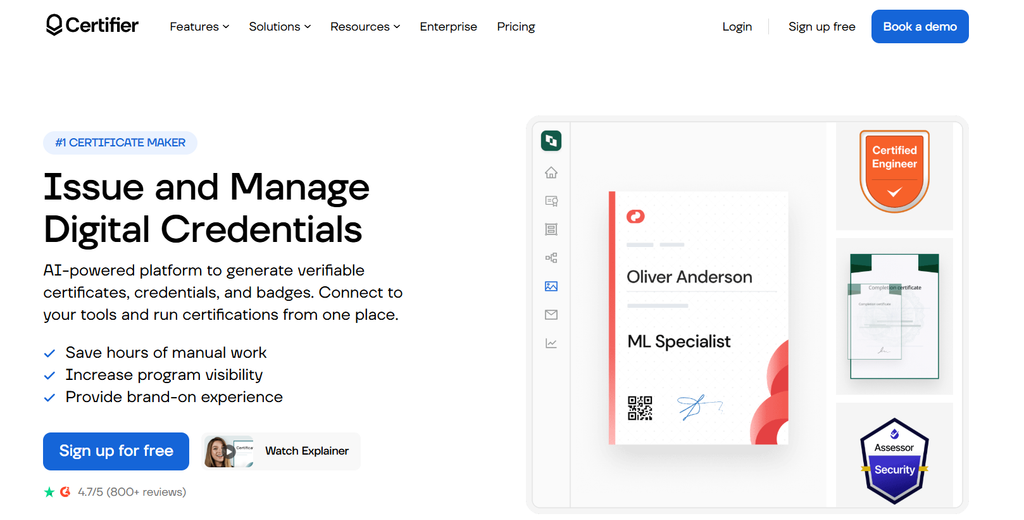
Certifier is built specifically for certificate and badge issuance, with a focus on automation and integrations. It supports bulk sending, verification links, and integrations with platforms like Zapier, which allows you to connect certificate generation to other tools in your workflow.
Pros:
- Purpose built for certificates and digital badges
- Strong integration options through Zapier and API
- Verification links included with each certificate
Cons:
- Design customization is more limited compared to general design tools
- Free tier has restrictions on volume
6. Credly
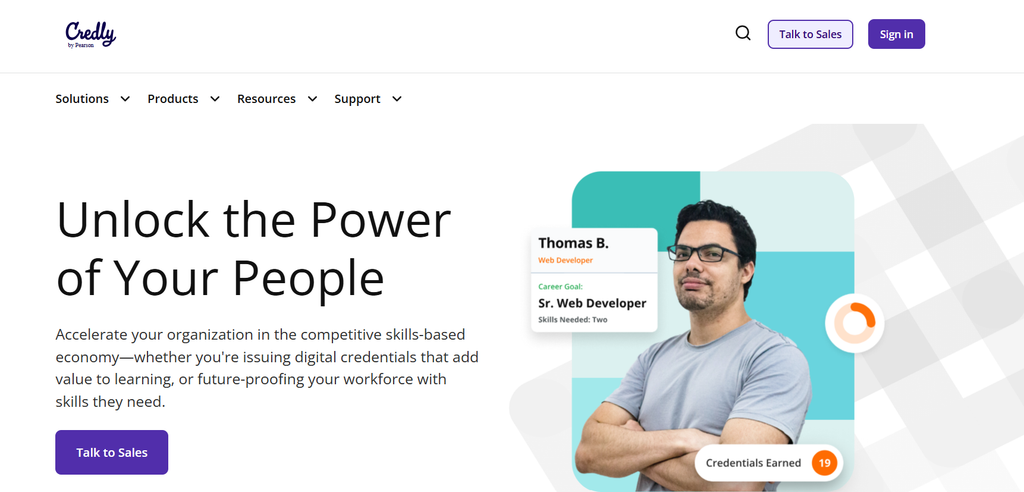
Credly focuses heavily on digital badges and credentials rather than traditional printable certificates. It is widely used by larger organizations and educational institutions that need credential tracking alongside design.
Pros:
- Strong credentialing and tracking features
- Trusted by many established institutions
- Good for organizations issuing ongoing certifications, not just one time events
Cons:
- Less focus on visual certificate design compared to badge management
- Can be more complex to set up for smaller teams
7. Accredible
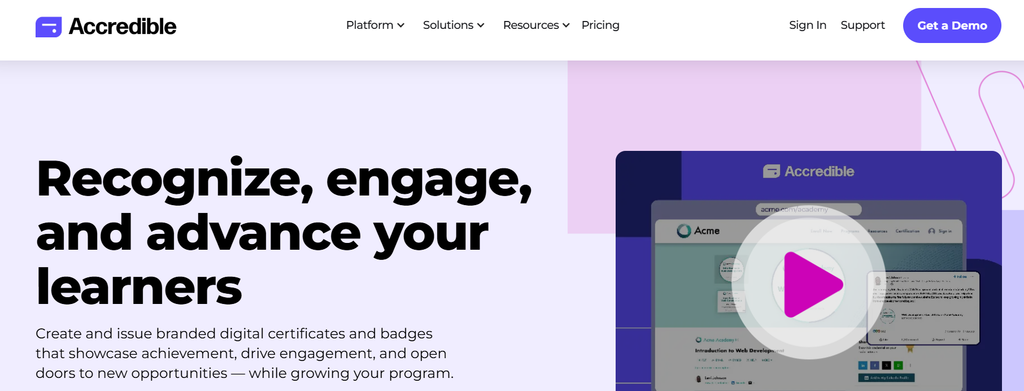
Accredible offers certificate and badge creation with an emphasis on verification and analytics. It is often used by training providers and certification bodies that need to track who has received credentials and verify authenticity at scale.
Pros:
- Solid verification and credential tracking tools
- Good analytics on certificate engagement
- Supports both certificates and digital badges
Cons:
- Design flexibility is more limited than dedicated design platforms
- Pricing can be steep for smaller organizations
8. Fotor
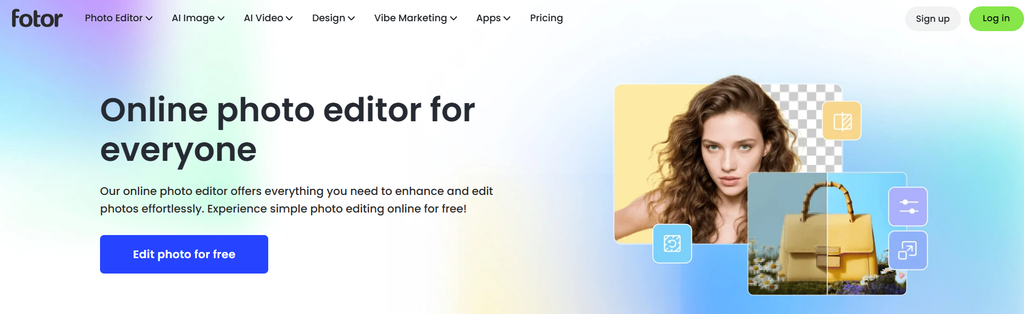
Fotor includes AI powered design tools that extend to certificate creation, along with photo editing features. It is a reasonable option if you want a lightweight tool without a steep learning curve.
Pros:
- Simple interface, easy for beginners
- AI tools help with quick layout generation
- Affordable pricing
Cons:
- Not built specifically for certificates, so bulk workflows are limited
- Fewer verification or authentication features
Comparison Chart
| Tool | AI Design Feature | Bulk Generation | QR Verification | Free Tier | Best For |
|---|---|---|---|---|---|
| MixCertificate | Smart layout automation and auto fill | Strong | Yes | Yes | Bulk certificates with verification |
| Canva | Magic Design suggestions | Moderate | No | Yes | Brand matched design |
| Visme | AI design assistant | Moderate | No | Limited | Multi document branding |
| Adobe Express | AI layout suggestions | Limited | No | Limited | High end visual polish |
| Certifier | Automation and integrations | Strong | Yes | Limited | Workflow automation |
| Credly | Credential tracking tools | Strong | Yes | No | Digital badge programs |
| Accredible | Verification and analytics | Strong | Yes | No | Training providers |
| Fotor | AI layout generation | Limited | No | Yes | Simple, lightweight design |
How to Design a Certificate Using AI
If you want to see how this works in practice, here is a general walkthrough that applies across most AI certificate tools, including MixCertificate.
Step 1: Choose your certificate type. Decide whether you need a course completion certificate, an event participation certificate, an employee recognition award, or something else. This helps the AI tool suggest a relevant layout.
Step 2: Enter your content. Add the certificate title, issuing organization, and any required fields like date or signature. Most AI tools use this information to generate layout suggestions automatically.
Step 3: Let the AI suggest a design. Based on your inputs, the platform will generate one or more layout options. Review these and pick the one that fits your brand best.
Step 4: Upload your recipient list. For bulk certificates, upload a spreadsheet with names and any other details that need to be personalized. The tool will auto fill this data across every certificate.
Step 5: Add verification if needed. If authenticity matters, such as for professional certifications, enable QR code verification so recipients and employers can confirm the certificate is genuine.
Step 6: Export and distribute. Download your certificates as PDFs or images, or send them directly through the platform if it supports email distribution.
This process usually takes a fraction of the time that manual design would require, especially once you are generating certificates for more than a handful of people.
Frequently Asked Questions
Can AI actually design a certificate from scratch?
Yes, to a meaningful extent. Most AI certificate tools can generate a starting layout based on the type of certificate and content you provide. You will likely still want to review and adjust the result, but the heavy lifting of initial design is handled automatically.
Are AI certificate design tools free to use?
Many platforms, including MixCertificate, Canva, and Fotor, offer free tiers with basic features. Free plans usually come with limits on the number of certificates you can generate or restrictions on advanced features like API access or QR verification.
Do these tools support bulk certificate generation?
Platforms built specifically for certificates, such as MixCertificate and Certifier, tend to offer the strongest bulk generation support. General design tools like Canva and Adobe Express can handle bulk work too, but usually with more manual steps involved.
Is QR code verification necessary?
It depends on your use case. For professional certifications, compliance training, or anything where authenticity matters, QR verification adds a layer of trust. For casual event certificates, it may not be necessary.
Final Thoughts
The right AI certificate designer depends on what you are creating and how often you need to create it. If you are issuing certificates in bulk and want built in verification without a steep learning curve, MixCertificate is designed specifically for that workflow. If you already use a general design platform like Canva or Adobe Express for other branding needs, their AI features can work well for certificates too, especially for smaller batches where visual polish matters more than automation.
Whatever you choose, the goal is the same: professional, consistent certificates without spending hours on manual design work.
Also Read Related Blog :





One Response