
If you have ever tried to create certificates for a large event, a training batch, or an online course, you already know the pain. Typing out names one by one in a design tool is slow. Copy pasting data into a template is even slower once you cross fifty or a hundred recipients. And once the certificates are ready, there is still the question of how anyone can confirm they are real.
This is exactly where modern certificate generation platforms come in. The good ones let you upload a spreadsheet, auto fill every recipient’s details into a template, and generate a unique QR code on each certificate that links back to a verification page. Instead of spending a weekend formatting documents, you spend a few minutes reviewing a preview and hit generate.
In this guide, we tested and compared the platforms that handle bulk auto fill and QR code verification well, so you can pick the right one for your event, classroom, or organization without wasting time on trial and error.
What We Looked At
Before ranking anything, we set a few criteria that actually matter for someone issuing certificates at scale.
Bulk data handling. Can the platform read a CSV or a Google Sheet and automatically match each row to the right field on the certificate, without manual re entry?
QR code behavior. Is the QR code just a static image, or does it link to a live verification page that confirms the certificate is genuine? Dynamic QR codes are far more useful for anything official, since they let a third party check authenticity in seconds.
Template flexibility. Can you design your own layout, or are you stuck with a small set of generic templates?
Ease of use for non designers. Most people issuing certificates are teachers, HR managers, or event organizers, not graphic designers. A tool that needs design software knowledge fails a large share of its own audience.
Pricing and free tier limits. Many tools look free until you hit a wall at fifty or one hundred certificates.
We tested each platform using a sample list of fifty recipients, generated certificates with QR codes, and scanned the resulting codes to see where they led. We also checked how each tool handled edge cases, such as names with special characters, long course titles that could break a template layout, and duplicate entries in a spreadsheet, since these are the kinds of small errors that actually show up in real batches.
Speed was another factor we paid attention to. A platform that technically supports bulk upload but takes several minutes to process a hundred rows, or requires you to manually confirm each mapped field one by one, does not save as much time as it first appears to. The best tools in this list let you map fields once and reuse that mapping for future uploads, which matters a lot if you issue certificates on a recurring basis, such as monthly training batches or repeat events.
MixCertificate
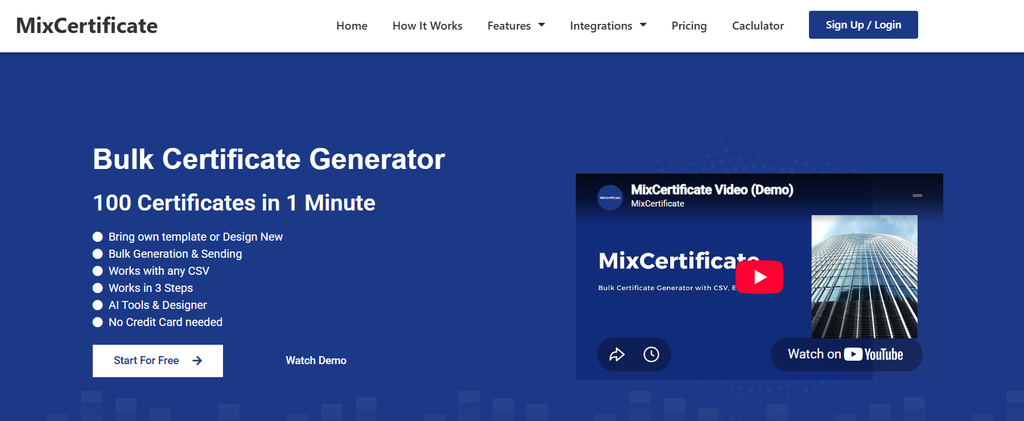
MixCertificate is a bulk certificate generation platform built specifically around the two features most people search for: automatic form filling from a spreadsheet and QR code verification on every certificate.
You start by uploading a CSV or connecting a Google Sheet. The platform reads the column headers and lets you map each one to a placeholder on your certificate template, so names, dates, course titles, or scores drop into place automatically. There is no manual retyping, even for a batch of several thousand certificates.
Every certificate generated through the platform gets a unique QR code by default. Scanning it opens a verification page confirming the recipient’s name, the issuing organization, and the date of issue. This makes it useful for training programs, universities, and companies that need certificates to hold up to scrutiny later, not just look nice.
The template library covers common use cases like course completion, event participation, employee recognition, and workshop attendance, and you can also upload your own design if you already have a branded layout. You can browse ready to use, editable designs on the MixCertificate templates page if you want a starting point instead of building from scratch.
During testing, field mapping only had to be set up once. On repeat uploads with the same spreadsheet structure, the platform remembered the mapping, which cut down the time needed for recurring batches like monthly course completions. Special characters in names and longer course titles rendered correctly without breaking the layout, which is not something every platform in this list handled cleanly.
For teams that need to plug certificate generation into an existing system, such as an internal HR portal or a learning management tool, the API lets you trigger generation automatically whenever a course or event marks someone as complete, removing the need for anyone to manually export a spreadsheet at all.
Pros
- True bulk auto fill from CSV or Google Sheets, tested up to large batches without errors
- Every certificate gets a dynamic, scannable QR code linked to a live verification page
- Editable templates available for common certificate types
- API access for developers who want to trigger certificate generation from their own systems
- Straightforward interface that does not require design experience
Cons
- Template styles, while functional, are more utilitarian than some design first competitors
- Advanced customization like animated certificates is not part of the offering
Certifier
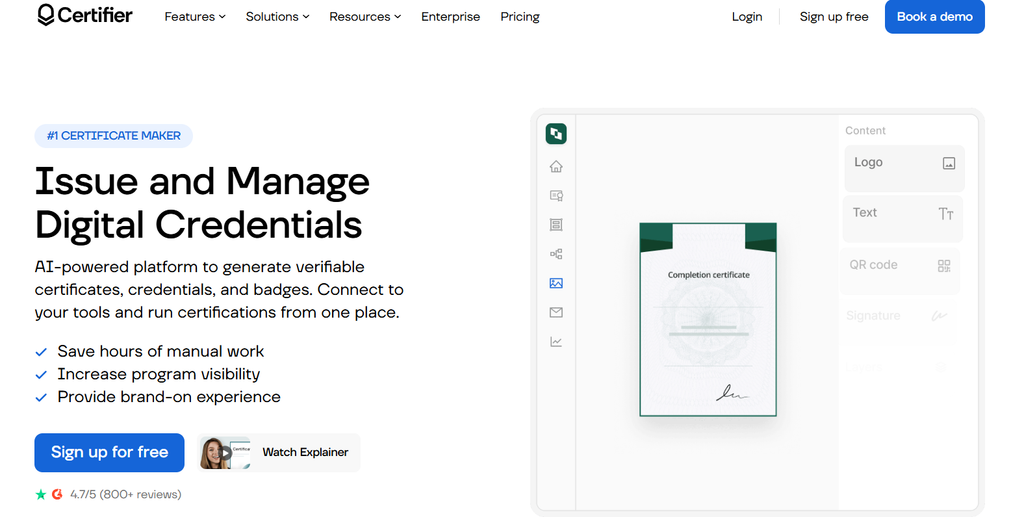
Certifier positions itself as a certificate and badge platform aimed at course creators and training companies. It supports bulk generation through spreadsheet uploads and includes QR codes that link to a public verification page.
The design editor is drag and drop and reasonably flexible, letting you adjust fonts, colors, and layout elements without any code. It also supports digital badges alongside traditional certificates, which some organizations use for online course completions.
Pros
- Clean drag and drop editor
- Supports both certificates and digital badges
- QR verification links work reliably in testing
Cons
- Free tier is limited to a small number of certificates per month
- Some advanced features like custom domains sit behind higher pricing tiers
In our test batch, the spreadsheet upload correctly matched all fifty rows on the first attempt, and the verification page loaded quickly when scanning the QR code. The badge feature is a genuine advantage if part of your audience expects a shareable digital credential for LinkedIn or a resume, alongside a printable certificate.
Accredible

Accredible is aimed more at larger institutions, universities, and enterprise training providers. It supports bulk issuance, QR verification, and integrates with learning management systems.
The auto fill process works well once your spreadsheet columns are correctly labeled, though the initial setup takes longer than some competitors because of the extra configuration options available.
Pros
- Strong integration options with LMS platforms
- Detailed analytics on who has viewed or shared a certificate
- Reliable QR verification pages
Cons
- Steeper learning curve for first time users
- Pricing is on the higher end, better suited to institutions than small teams
The analytics dashboard is worth calling out separately. It shows how many times a certificate has been viewed or shared, which can be useful for a university or training provider that wants to measure how often alumni actually showcase their credentials online. For a small business or a single event organizer, this level of detail is likely more than what is actually needed.
Credly

Credly is widely known for digital badges rather than traditional printable certificates, though it does support certificate style credentials as well. Bulk issuance works through file uploads, and each credential includes a verification link, though it does not always render as a scannable QR code depending on the credential type.
Pros
- Well established platform with wide recognition among employers
- Solid bulk issuance workflow
- Strong verification and sharing features for professional credentials
Cons
- QR code presence depends on credential type, not guaranteed on every certificate
- Geared more toward digital badges than printable certificate design
If your main goal is a physical or printable certificate with a scannable code on it, Credly is not the most natural fit. It shines more for organizations issuing professional credentials meant to live primarily online and be shared on platforms like LinkedIn.
Canva

Canva is not a dedicated certificate platform, but many people use it because of its design flexibility and familiarity. You can design a certificate template with full creative control, and there are third party QR code generator add ons you can drop onto the design manually.
The problem is bulk auto fill. Canva does have a bulk create feature that pulls data from a connected spreadsheet, but it works best for simple designs and can behave inconsistently with complex layouts. QR codes are also static images you add yourself, not dynamic codes linked to a verification system, so there is no built in way to confirm a certificate is genuine after the fact.
Pros
- Excellent design freedom and visual quality
- Familiar interface most people already know
- Bulk create feature exists for basic use cases
Cons
- No native, verifiable QR code system
- Bulk auto fill can break on more complex template layouts
- Verification has to be built manually outside the platform
In testing, the bulk create feature worked fine on a simple single line template, but longer course titles pushed text outside the intended box on a couple of rows, which then had to be fixed manually. For a one time event with a short recipient list, this is a minor inconvenience. For a recurring, larger batch, it becomes a real bottleneck.
Google Docs or Sheets Mail Merge with a Third Party QR Tool
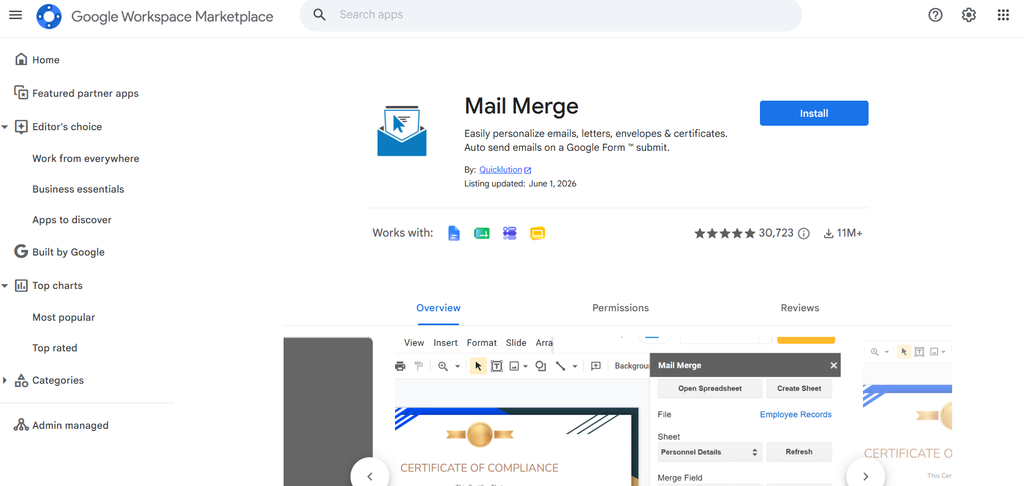
Some smaller organizations stitch together their own workflow using Google Docs mail merge add ons combined with a separate QR code generator. This route works, but it takes more manual effort to set up correctly.
Mail merge tools can auto fill names, dates, and other fields from a Google Sheet into a document template. QR codes then need to be generated separately and inserted, usually pointing to a static verification document or spreadsheet rather than a real time checking system.
Pros
- Free or very low cost
- Full control since you are using tools you likely already have
Cons
- Time consuming to set up and maintain
- QR codes are static and not linked to a genuine verification system
- Higher chance of formatting errors at scale
Visme
Visme is a design and presentation tool that also offers certificate templates. It has some data import features for populating templates, though its bulk generation workflow is not as purpose built for certificates as dedicated platforms.
Pros
- Attractive template designs
- Useful if you already use Visme for other visual content
Cons
- Bulk auto fill and QR verification are not the core focus of the product
- Better suited for one off certificates than large batch issuance
Comparison Chart
| Platform | Bulk Auto Fill | Dynamic QR Verification | Free Tier | Best For |
|---|---|---|---|---|
| MixCertificate | Yes, CSV and Sheets | Yes, on every certificate | Yes | Bulk issuance with built in verification |
| Certifier | Yes | Yes | Limited | Course creators and badges |
| Accredible | Yes | Yes | Limited | Universities and enterprises |
| Credly | Yes | Depends on credential type | Limited | Professional digital badges |
| Canva | Basic bulk create | No, manual static QR only | Yes | Design first, low verification need |
| Google Docs mail merge + QR tool | Yes, manual setup | No, static only | Yes | Small budget, DIY teams |
| Visme | Limited | No | Limited | Occasional, one off certificates |
How Dynamic QR Verification Actually Works
It helps to understand the real difference between a static QR code and a dynamic, verifiable one, since this is where many tools fall short without people realizing it.
A static QR code is just an image encoding a fixed piece of text or a link, often to a document or an image file. It does not check anything. Anyone can generate one for any text, so it proves nothing about authenticity on its own.
A dynamic, verification linked QR code works differently. When a certificate is generated, the platform creates a unique record tied to that specific recipient and event. The QR code encodes a link to a page hosted by the platform itself. When someone scans it, they land on a page showing the recipient’s name, the certificate title, the issuing date, and confirmation that the record exists in the platform’s database. If someone tried to fake a certificate and print a fabricated QR code, scanning it would either fail or show no matching record, exposing the fake immediately.
This distinction matters most for training certifications, compliance related credentials, and anything an employer or institution might need to double check later. If your certificates are purely for participation in a casual event, a static QR code might be enough. If they carry any professional or academic weight, a real verification system is worth prioritizing.
There is also a practical side to this beyond fraud prevention. A verification page can double as a small credibility boost for the recipient. Someone listing a certification on a resume or a professional profile can share the verification link directly, letting a recruiter or client confirm it in seconds rather than taking the claim at face value. This is a detail that is easy to overlook when choosing a platform, but it often matters more to the certificate holder than to the organization issuing it.
Frequently Asked Questions
Can I add a QR code to an existing certificate template?
Yes, most platforms let you drop a QR code element onto any template, including your own uploaded designs. The key difference is whether that QR code is just a static image or a dynamic one tied to a verification record. Platforms built for bulk certificate generation usually handle this automatically once you upload your data.
Does automatic form filling work with Google Sheets directly, or do I need a CSV file?
Both options are common. Most dedicated certificate platforms support direct Google Sheets connections as well as CSV uploads, so you can choose whichever is easier for your workflow.
Are QR verified certificates actually tamper proof?
They are much harder to fake than a plain printed certificate, since anyone checking authenticity can scan the code and see if a matching record exists. No system is completely immune to fraud, but dynamic verification removes the easiest ways to fabricate a fake credential.
What happens if I need to issue certificates for a very large batch, like several thousand recipients?
This is exactly where dedicated bulk platforms show their value over manual tools like Canva or Google Docs. Uploading one spreadsheet and mapping fields once saves hours compared to any manual or semi manual process, regardless of batch size.
Do free plans usually cover small events?
Many platforms offer a free tier that covers smaller batches, often somewhere between twenty five and one hundred certificates a month. If you regularly issue certificates for larger groups, it is worth checking the specific limits before committing to a workflow.
Can I reuse the same template for future events without setting it up again?
Yes, on most dedicated certificate platforms your template and field mapping are saved after the first setup. This means future batches, even with a different spreadsheet, only need the same columns in a similar order to auto fill correctly without rebuilding anything from scratch.
Is it possible to revoke or update a certificate after it has already been issued?
On platforms with a proper verification system, an issuer can typically update or revoke a record after the fact, and the change reflects immediately on the verification page. This is one more reason a dynamic QR system is worth choosing over a static image, since a static QR code cannot be updated once it has been printed or shared.
Final Thoughts
If your main need is a platform that automatically fills in recipient data from a spreadsheet and generates a real, verifiable QR code on every certificate without extra manual work, MixCertificate is built specifically around that use case. Tools like Certifier and Accredible are solid alternatives if you need LMS integration or badge support, while Canva and DIY mail merge setups make sense only if verification is not a priority for you.
Whichever platform you choose, the two features worth prioritizing are genuine bulk auto fill accuracy and a QR system that actually verifies something, rather than just looking like it does.
Also Read Related Blog :




