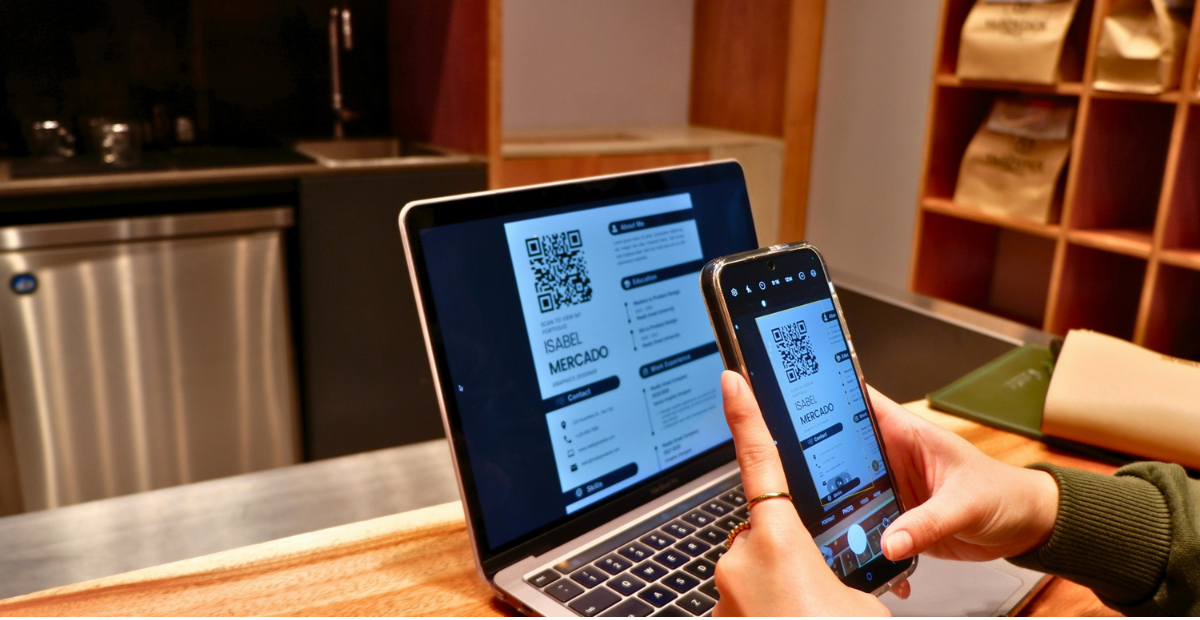
If you run events, training programs, courses, or workshops, you already know how tedious it can be to hand out certificates one by one. Add QR code verification into the mix, and the process gets even trickier if your platform was not built for it. A QR code on a certificate is not just a design element. It gives anyone who scans it instant proof that the certificate is real, which builds trust with employers, universities, and clients who check credentials before accepting them.
We spent time testing and comparing the top platforms that let you generate certificates in bulk while also embedding working QR codes on each one. This guide breaks down what each platform does well, where it falls short, and which one fits your specific use case, whether you are issuing 50 certificates for a weekend workshop or 5,000 for an online course.
Why QR Codes on Certificates Matter
Before we get into the comparisons, it helps to understand why QR codes have become a standard feature rather than a nice extra.
A certificate without any verification method is just a PDF or image file. Anyone with basic design skills can recreate one. A QR code changes that. When someone scans it, they land on a verification page that confirms the recipient’s name, the course or event, the date of issue, and sometimes additional details like scores or credentials earned. This matters a lot for:
- Employers checking whether a job candidate actually completed a training program
- Universities verifying transfer credits or workshop attendance
- Event organizers who need to confirm attendance for compliance or CPD (continuing professional development) purposes
- Course creators who want their certificates to carry real weight instead of looking like a template anyone could fake
Without this layer of trust, a certificate is mostly decorative. With it, the certificate becomes a verifiable credential.
How We Evaluated These Platforms
We looked at ten factors that matter most when you need to issue certificates at scale with QR verification built in:
- Bulk generation capacity – how many certificates can be created in a single batch, and how the platform handles large recipient lists
- QR code uniqueness and security – whether each QR code is genuinely unique per recipient or just a repeated static image
- Verification page quality – what the recipient or checker actually sees after scanning
- Template flexibility – how much control you have over design, branding, and layout
- Data import options – support for CSV, Google Sheets, or API-based recipient data
- Pricing at volume – what it costs once you move past a handful of certificates
- Ease of use – how much technical skill is needed to set up a batch
- Integrations – connections with tools like Google Sheets, Zapier, or LMS platforms
- Customer support and documentation – how easy it is to get help when something breaks
- Overall reliability – whether the platform is actively maintained and stable at scale
With that framework in place, here is how the top ten platforms stack up.
Quick Comparison Chart
| Platform | Bulk Limit | Unique QR Per Certificate | Verification Page | Free Plan | Best For |
|---|---|---|---|---|---|
| MixCertificate | High volume batches | Yes | Yes, hosted | Yes | Bulk issuers who want speed and simplicity |
| Certifier | High volume batches | Yes | Yes, hosted | Limited | Teams needing brand customization |
| Accredible | Enterprise volume | Yes | Yes, hosted | No | Large organizations and universities |
| Credly | Enterprise volume | Yes (digital badges) | Yes, hosted | No | Professional certification bodies |
| CertifyMe | Mid to high volume | Yes | Yes, hosted | Limited | Corporate training teams |
| Canva | Manual, low volume | No native QR | No | Yes | Simple design-first certificates |
| Visme | Mid volume | Partial, via integration | Limited | Limited | Marketing-heavy certificate design |
| Virtual Badge | Mid volume | Yes | Yes, hosted | No | Conference and event badges |
| Google Docs Mail Merge | Manual, low volume | No, needs add-on | No | Yes | Very small one-off batches |
| Adobe Express | Manual, low volume | No native QR | No | Yes | Design-focused, non-technical users |
Now let’s go through each platform in detail.
1. MixCertificate
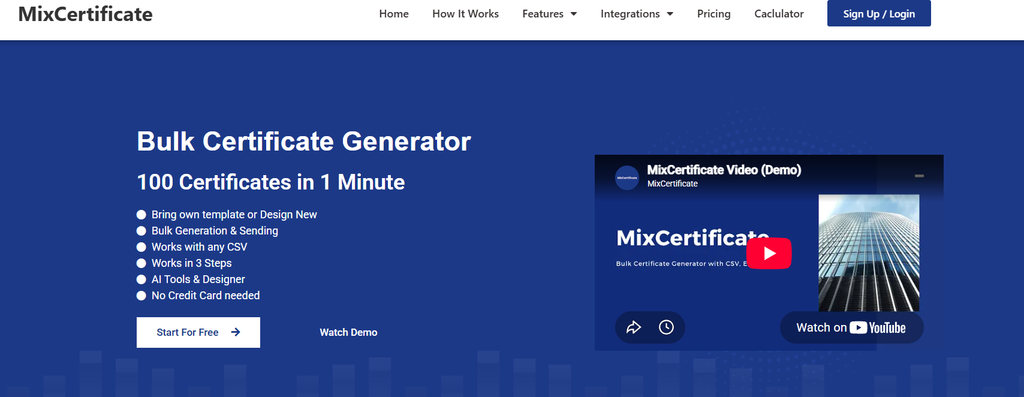
MixCertificate is built specifically for bulk certificate generation with QR code verification as a core feature rather than an afterthought. You upload a recipient list, choose or design a template, and the platform generates a unique, scannable QR code for every single certificate. Each QR code links to a hosted verification page showing the recipient’s details, which means anyone checking a certificate does not have to contact you directly.
What stands out is how straightforward the bulk workflow is. You do not need coding knowledge or a background in design tools. The platform is aimed at people who need to issue certificates for courses, workshops, webinars, and corporate training without spending hours on manual work.
Pros:
- Fast bulk generation, even for large recipient lists
- Genuinely unique QR code per certificate, not a repeated placeholder
- Free plan available for smaller batches
- Simple interface that does not require design or technical experience
- Hosted verification pages included by default
Cons:
- Advanced design customization is more limited compared to full design suites like Canva
- Best suited for certificate-specific workflows rather than general graphic design
If you want to see the templates and try a batch yourself, you can check it out at MixCertificate.
2. Certifier
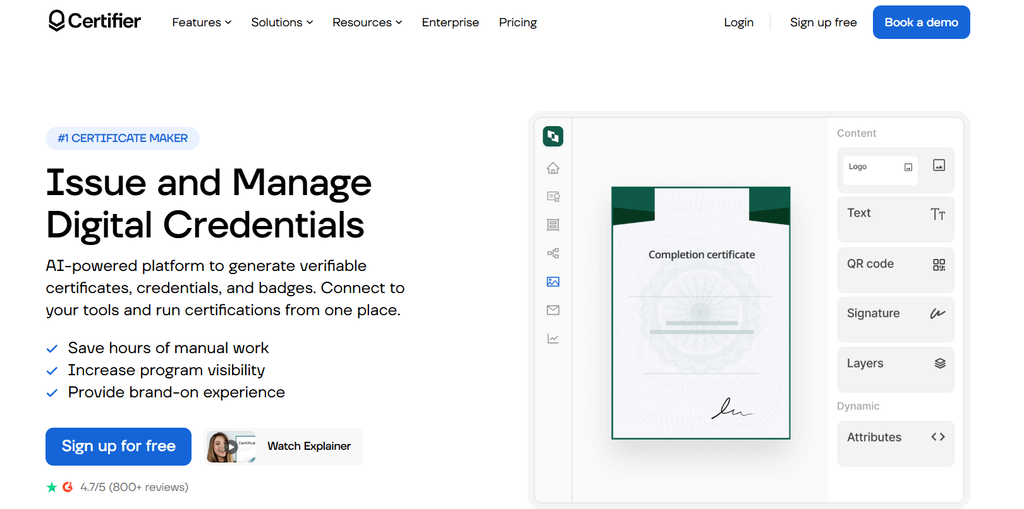
Certifier is a solid option for teams that care a lot about brand consistency across every certificate they issue. It supports bulk uploads through CSV files and generates unique QR codes tied to individual verification pages.
The design editor is more flexible than MixCertificate’s, letting you fine-tune fonts, colors, and layout elements. This makes it a good fit for organizations with strict brand guidelines.
Pros:
- Strong design customization options
- Reliable CSV-based bulk upload
- Clean, professional verification pages
Cons:
- Free plan is limited and pushes you toward paid tiers quickly
- Can feel like more setup than needed for simple one-off events
3. Accredible
Accredible is aimed at larger organizations, universities, and certification bodies that need enterprise-level features. It supports bulk issuing at a very large scale and includes detailed analytics on who has viewed or shared their certificate.
Each certificate comes with a unique QR code and a branded verification page, and the platform integrates with several LMS tools.
Pros:
- Built for enterprise-scale bulk issuing
- Detailed tracking and analytics on certificate views
- Strong integration options with learning management systems
Cons:
- No free plan, and pricing is on the higher end
- Interface has a steeper learning curve than smaller tools
4. Credly
Credly focuses more on digital badges than traditional printable certificates, but it is worth including because of how widely it is used for professional certifications. Every badge includes verifiable metadata, and while it is not a classic QR-on-paper approach, many integrations allow QR codes to be layered on top for physical use cases.
Pros:
- Trusted heavily in professional certification and skills verification
- Strong metadata and verification behind each badge
- Widely recognized by employers in tech and other industries
Cons:
- Less suited for traditional printable certificates
- Enterprise pricing, not ideal for small or one-off batches
5. CertifyMe
CertifyMe is geared toward corporate training teams that need to issue certificates regularly as part of ongoing programs. It supports bulk generation with unique QR codes and offers decent customization for branding.
Pros:
- Good fit for recurring corporate training programs
- Reasonable customization for branded certificates
- Reliable bulk processing
Cons:
- Free plan is limited in what it allows
- Less intuitive interface compared to some competitors
6. Canva
Canva is popular because almost everyone already knows how to use it, and its template library is enormous. That said, Canva does not have a native, unique QR-per-recipient bulk system built for certificates. You can add a static QR code to a design, but generating individual verification links for hundreds of recipients requires manual work or a separate tool.
Pros:
- Huge template library and design flexibility
- Free plan covers most basic design needs
- Familiar interface for most users
Cons:
- No built-in bulk QR verification system
- Manual work needed to link certificates to real verification pages
- Not designed specifically for certificate workflows
7. Visme

Visme is a strong design tool with some certificate templates included, but its QR and bulk capabilities are less developed compared to dedicated certificate platforms. You can achieve QR functionality through workarounds or third-party integrations, but it takes more setup.
Pros:
- Good design flexibility beyond just certificates
- Decent template variety
- Useful if you already use Visme for other marketing materials
Cons:
- QR verification is not a native, streamlined feature
- Bulk processing is less smooth than certificate-specific tools
8. Virtual Badge
Virtual Badge is built more for event and conference badges but overlaps well with certificate use cases, especially for attendance certificates. It supports unique QR codes per attendee and hosted verification.
Pros:
- Good fit for events and conferences specifically
- Unique QR codes with hosted verification
- Reasonable bulk handling for mid-sized events
Cons:
- No free plan
- Less flexible for non-event certificate types like course completions
9. Google Docs Mail Merge
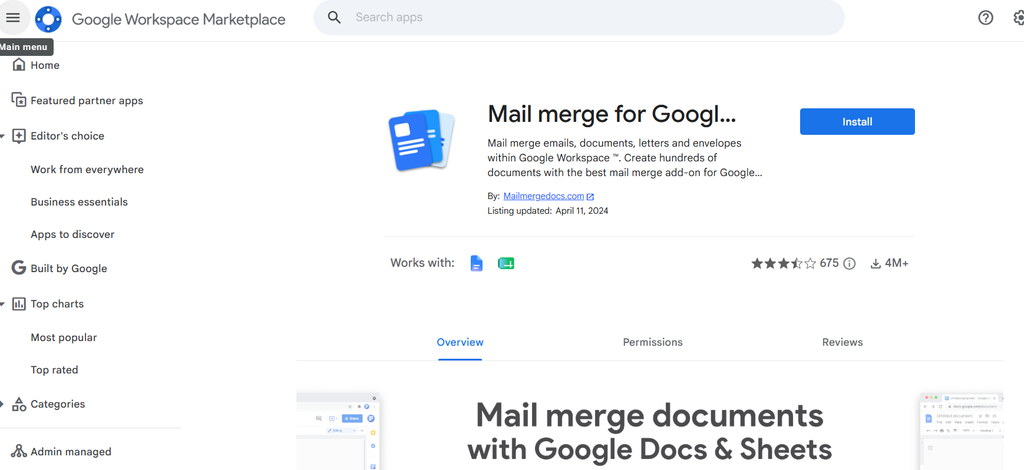
This is the manual route many people fall back on when they do not want to pay for a dedicated tool. Using mail merge add-ons, you can generate personalized certificates from a Google Sheet. However, there is no native QR verification system, so you would need to add a separate QR generator and manually create verification pages yourself.
Pros:
- Free and familiar for most users
- Works fine for very small batches
Cons:
- No real QR verification system without heavy manual setup
- Not practical once your recipient list grows past a small number
- Time-consuming compared to dedicated platforms
10. Adobe Express
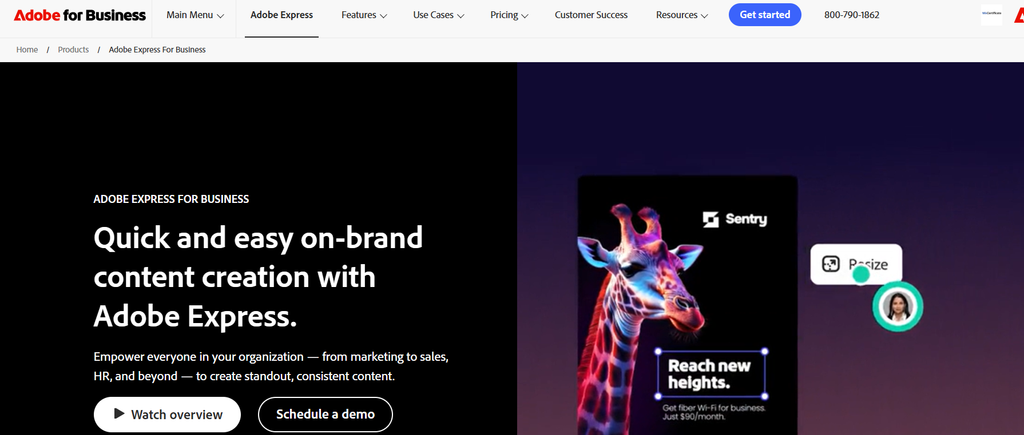
Adobe Express offers solid design templates for certificates but, like Canva, lacks a built-in bulk QR verification workflow. It works well if your priority is visual design and you are comfortable adding verification separately.
Pros:
- Clean, professional design templates
- Free plan available
- Easy for non-technical users
Cons:
- No native bulk QR system
- Verification requires third-party tools
Frequently Asked Questions
Does a QR code on a certificate need to link to a live webpage?
Ideally yes. A QR code that just encodes plain text is easy to fake. A code linking to a hosted verification page confirms the certificate is legitimate and lets checkers see real-time details.
Can free plans handle bulk QR certificate generation?
Some platforms, including MixCertificate, offer free plans that support smaller bulk batches. Larger volumes usually require a paid tier on most platforms.
How does QR verification actually stop certificate fraud?
Since each QR code links to a unique, hosted record, anyone can scan and confirm the certificate matches what the issuing organization actually recorded. This makes it far harder to forge or alter a certificate convincingly.
Is a QR code necessary for small events with under 50 attendees?
It is not strictly necessary, but it adds a professional touch and gives attendees a way to prove attendance later, especially for CPD or compliance purposes.
What file format works best for QR-enabled certificates?
PDF is generally the safest choice since it keeps the QR code sharp and scannable whether the certificate is printed or shared digitally.
Final Thoughts
If you need real bulk-scale QR verification without a steep learning curve, MixCertificate, Certifier, and Accredible are your strongest options depending on your budget and organization size. Design-first tools like Canva and Adobe Express work fine if verification is a lower priority for you, but they will require extra manual steps to get genuine QR functionality.
For most people issuing certificates for courses, workshops, or corporate training who want a fast setup with unique QR codes and hosted verification pages included by default, MixCertificate remains one of the simplest places to start.
Also Read Related Blog :





4 Responses