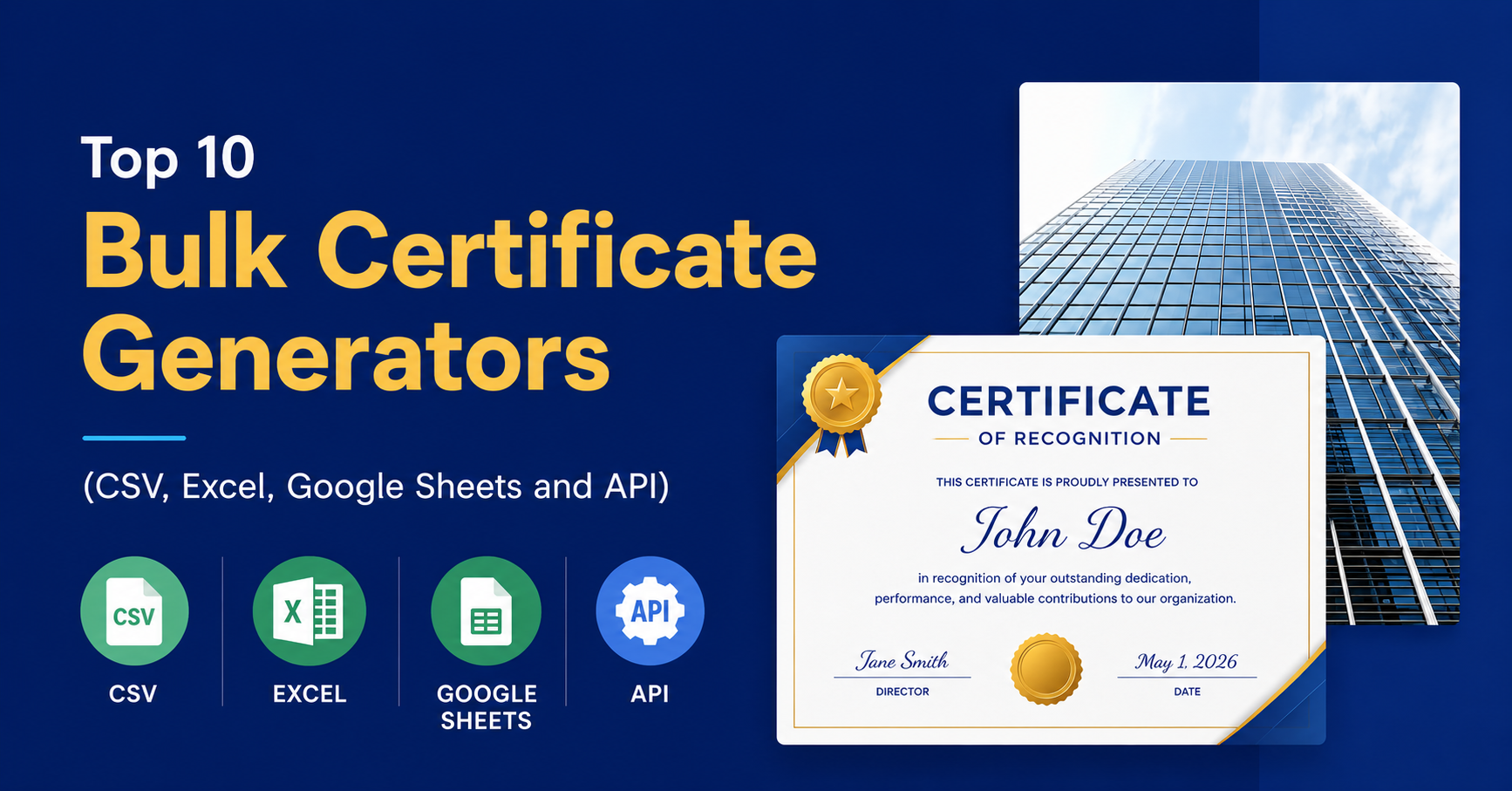
Did you know that 79% of employees who quit their jobs say that a lack of appreciation was a major reason they left? Recognition is not a nice-to-have. It is a core driver of employee retention, engagement, and morale.
For years, HR managers have struggled with the same problem. Someone wins Employee of the Month. Someone hits a 5-year milestone. A team completes a major training program. And then begins the tedious process of creating certificates one by one, manually entering names, adjusting layouts, and exporting files.
That process does not scale. It wastes hours. It produces inconsistent results. And it delays the recognition that employees deserve.
Bulk certificate generators solve this problem. By connecting to your existing data in CSV files, Excel spreadsheets, Google Sheets, or via API, these tools let you generate hundreds (or thousands) of personalized certificates in minutes.
This guide covers the 10 best bulk certificate generators available today, who they are best for, and how to pick the right one for your team.
What to Look for in a Bulk Certificate Generator
Before diving into the tools, here is what actually matters when evaluating a bulk certificate generator for employee recognition.
CSV and Excel import support. Your employee data likely already lives in a spreadsheet. The tool should make it easy to import that data without reformatting.
Google Sheets sync. Real-time or one-click sync from Google Sheets saves time for teams that manage recognition programs on an ongoing basis.
API access. If you want to automate certificate generation as part of a larger HR workflow, API access is essential.
Custom branding and templates. Certificates should look like they came from your company, not a generic template library.
Bulk export options. PDF is the standard, but PNG and print-ready formats are useful depending on how you plan to deliver certificates.
Digital delivery. The best tools let you send certificates directly by email so recipients get them instantly.
Scalability. Some tools handle 50 certificates just fine but fall apart at 5,000. Know your volume before you commit.
The Top 10 Bulk Certificate Generators
1. Certifier
Best For: HR teams running ongoing recognition programs
Data Input: CSV, Excel, Google Sheets, API
Customization: Fully branded templates, custom fonts, logos, and colors
Export Options: PDF, PNG, email delivery, shareable links
Pricing: Free plan available; paid plans start at around $29/month
Certifier is purpose-built for certificate generation at scale. You can import your employee list from a CSV or connect directly to Google Sheets so your data stays in sync. The drag-and-drop editor makes it easy to build branded templates without any design experience. Once your template is ready, generating 500 certificates takes the same amount of effort as generating 5.
The platform also supports digital certificate links, which means employees can share their recognition on LinkedIn or in their email signatures.
Pros: Clean UI, excellent Google Sheets integration, email delivery built in
Cons: Advanced automation features require a paid plan
Verdict: Certifier is the best all-around choice for HR teams that want a reliable, polished certificate workflow without needing a developer.
2. Canva Bulk Create

Best For: Teams that prioritize design quality and already use Canva
Data Input: CSV, Excel (via CSV export)
Customization: Thousands of templates, full design control
Export Options: PDF, PNG, MP4 (for animated certificates)
Pricing: Free with Canva account; Canva Pro at $15/month unlocks more templates
Canva’s Bulk Create feature lets you upload a CSV and map columns to text fields inside any Canva template. It is a surprisingly powerful feature tucked inside a design tool most people already use.
The limitation is that there is no native Google Sheets sync or API, so you will need to export your data to CSV before each generation run. For teams that run recognition programs on a schedule, this adds a manual step.
Pros: Beautiful templates, easy to use, free tier is genuinely useful
Cons: No API, no Google Sheets sync, no built-in email delivery
Verdict: Great for teams that want stunning certificates and already live in Canva, but not ideal for fully automated workflows.
3. Accredible

Best For: Enterprise HR and L&D teams
Data Input: CSV, Excel, Google Sheets, API
Customization: Digital certificates and badges with rich metadata
Export Options: PDF, digital credential links, email delivery
Pricing: No free plan; pricing is custom and enterprise-focused
Accredible is one of the most powerful platforms in this space. It goes beyond certificates to offer digital badges and verifiable credentials, which is valuable for organizations that want employees to showcase their achievements professionally.
The API is robust and well-documented, making it a strong choice for organizations that want to trigger certificate generation automatically based on events in an HRIS or LMS.
Pros: Enterprise-grade security, verifiable credentials, excellent API
Cons: No free plan, pricing is opaque, overkill for small teams
Verdict: The right choice for large organizations that need credentials tied to actual data and verification.
4. Visme
Best For: Teams that want visually rich, branded certificates
Data Input: CSV, Google Sheets
Customization: Extensive design library, brand kit support
Export Options: PDF, PNG, interactive digital links
Pricing: Free plan available; paid plans start at $12.25/month
Visme is primarily a visual content platform, but its bulk generation feature makes it a solid option for certificate creation. You can import CSV data or connect to Google Sheets and map fields to dynamic placeholders in your certificate design.
The platform shines when brand consistency matters. You can lock certain design elements so that only the variable data (names, dates, awards) changes across the batch.
Pros: Gorgeous templates, good Google Sheets support, brand kit integration
Cons: Interface can feel overwhelming, not built primarily for certificates
Verdict: A good choice for marketing or creative teams that want certificates to feel like premium design pieces.
5. Jotform PDF Editor

Best For: Teams that trigger certificates based on form submissions
Data Input: Form submissions (CSV import available), API
Customization: Template builder with drag-and-drop fields
Export Options: PDF, email delivery
Pricing: Free plan available; paid plans start at $34/month
Jotform is best known as a form builder, but its PDF editor enables an interesting use case: automatically generating a certificate every time someone submits a form. This is useful for training completions, event registrations, or onboarding milestones.
If you already collect employee data through Jotform, connecting that to a certificate template is straightforward. The API is also solid for developers who want to trigger certificates programmatically.
Pros: Great for form-triggered workflows, solid API, easy to set up
Cons: Less design control than dedicated certificate tools
Verdict: Perfect for teams that already use Jotform and want certificates to flow automatically from form data.
6. DocuSeal

Best For: Developers and teams that want open-source flexibility
Data Input: CSV, API
Customization: Fully customizable via code, template builder available
Export Options: PDF, API delivery
Pricing: Free and open-source; cloud-hosted plans start at $19/month
DocuSeal is an open-source document generation and signing platform. It is developer-friendly and highly flexible. You can self-host it, which is appealing to organizations with strict data privacy requirements.
The API lets you generate certificates programmatically by passing in JSON data, making it straightforward to integrate with any HRIS, LMS, or internal tool.
Pros: Open-source, strong API, self-hosting option, cost-effective
Cons: Requires technical setup, no out-of-the-box Google Sheets sync
Verdict: The best option for developer teams or organizations that want full control over their certificate infrastructure.
7. Credly

Best For: Organizations focused on digital badges and professional credentials
Data Input: CSV, API
Customization: Badge and certificate design, metadata and skills tagging
Export Options: Digital credential links, email delivery, LinkedIn sharing
Pricing: Enterprise pricing only; no public free plan
Credly is the industry leader in digital credentials. It is more focused on badges than traditional paper-style certificates, but the two often go hand in hand for employee recognition programs.
What sets Credly apart is the ecosystem. When you issue a Credly credential, recipients can share it on LinkedIn, where it becomes a verified, clickable badge on their profile. This adds real professional value for employees.
Pros: Most recognized credential platform, LinkedIn integration, verifiable
Cons: Enterprise pricing, not ideal for simple certificate generation
Verdict: Choose Credly when the goal is to give employees credentials they can actually use to advance their careers.
8. CertificateOwl
Best For: Small businesses that need a lightweight, no-frills solution
Data Input: CSV
Customization: Basic template library, custom text and logo upload
Export Options: PDF, PNG
Pricing: Pay-per-use and subscription options; affordable for low volume
CertificateOwl is a straightforward tool that does one thing well: bulk certificate generation from a CSV file. There is no Google Sheets sync or API, but for small businesses that run annual or quarterly recognition programs, it covers the basics at a reasonable price.
Pros: Simple to use, affordable, quick setup
Cons: Limited integrations, basic templates, no API
Verdict: A solid no-frills option for small teams that just need certificates fast without a steep learning curve.
9. Google Slides and Apps Script

Best For: Teams that are fully in the Google ecosystem and have some technical confidence
Data Input: Google Sheets (native)
Customization: Full design control via Google Slides
Export Options: PDF, Google Drive delivery
Pricing: Free
This is the DIY option, and it is surprisingly capable. Using a Google Slides template and a small Apps Script, you can automatically populate certificates with data from Google Sheets and export them as PDFs to Google Drive.
There are free templates and tutorials available online that make this accessible even for non-developers. The setup takes a few hours upfront, but once it is running, the cost is zero and the workflow is fully within tools your team already uses.
Pros: Free, fully Google-native, highly customizable
Cons: Requires setup time, no built-in email delivery, limited design quality
Verdict: The best free option for Google Workspace teams willing to invest a couple of hours in setup.
10. Zapier with Any Design Tool
Best For: Teams that want to connect certificate generation to a larger automation workflow
Data Input: Any app Zapier supports (Google Sheets, Excel, HRIS, LMS, and more)
Customization: Depends on the connected design tool
Export Options: Depends on connected tools
Pricing: Zapier free plan limited; paid starts at $19.99/month
Zapier is not a certificate generator on its own. It is the glue that connects your data sources to your certificate tools. For example, you can build a Zap that watches a Google Sheets row for a new entry, triggers Certifier or Jotform to generate a certificate, and then sends the PDF via Gmail.
This approach gives you maximum flexibility because you are not locked into any single tool’s built-in workflow.
Pros: Connects anything to anything, powerful automation, no code required
Cons: Adds cost on top of other tools, requires setup, can break if APIs change
Verdict: Best used as a layer on top of another tool in this list, not as a standalone solution.
Comparison Table
| Tool | CSV | Excel | Google Sheets | API | Free Plan | Best For |
| MixCertificate | Yes | Yes | Yes | Yes | Yes | HR Teams |
| Canva Bulk Create | Yes | Via CSV | No | No | Yes | Designers |
| Accredible | Yes | Yes | Yes | Yes | No | Enterprise |
| Visme | Yes | No | Yes | No | Yes | Brand-focused teams |
| Jotform PDF Editor | Yes | No | Via Zapier | Yes | Yes | Form-triggered workflows |
| DocuSeal | Yes | No | No | Yes | Yes | Developers |
| Credly | Yes | No | No | Yes | No | Digital credentials |
| CertificateOwl | Yes | No | No | No | No | Small businesses |
| Google Slides + Apps Script | No | No | Yes | Via script | Yes | Google Workspace teams |
| Zapier + Any Tool | Any | Any | Any | Any | Limited | Automation layers |
How to Generate Bulk Certificates from a CSV (Step by Step)
This process applies to most tools on this list and takes less time than you might expect.
Step 1: Prepare your CSV file. Your spreadsheet should include columns for each variable that will appear on the certificate. At minimum, include: Employee Name, Award Title, Date, and Department. Clean up any inconsistencies in spelling or formatting before you import.
Step 2: Choose and customize your template. Pick a certificate template that fits your company brand. Upload your logo, set your brand colors, and choose fonts that match your visual identity. This is a one-time setup step.
Step 3: Map your CSV columns to certificate fields. Most tools let you click on a text element in the certificate and link it to a specific column in your CSV. For example, the “Name” field on the certificate maps to the “Employee Name” column in your file.
Step 4: Preview a sample before generating. Always preview 2 or 3 certificates before running the full batch. Check for truncated names, misaligned text, and any formatting issues.
Step 5: Generate and export in bulk. Once the preview looks good, run the full generation. Download as PDF or PNG, or trigger email delivery directly from the tool.
Pro Tip: If you use Google Sheets to manage your recognition data, switch to a tool with native Sheets sync (Certifier, Visme, or Apps Script). This way, adding a new row automatically generates a new certificate without any extra steps.
Use Cases by Role
HR Managers can use bulk certificate tools for quarterly performance awards, years-of-service milestones, onboarding completion certificates, and safety training recognition.
Business Owners benefit most from sales contest winners, team appreciation events, training program completions, and customer service excellence awards.
Learning and Development Teams can automate course completion certificates, upskilling program badges, and leadership development recognition at scale.
Event Organizers can issue certificates for hackathon winners, conference speakers, volunteer appreciation, and workshop participants without manual effort.
Free vs. Paid: When Should You Upgrade?
Free tools are enough when:
- You generate fewer than 50 certificates per month
- Your designs do not need to match strict brand guidelines
- You do not need automated email delivery
- You have time to handle manual steps in the workflow
Paid tools are worth it when:
- You need API access for automation
- You are generating 500 or more certificates per month
- You require branded templates with locked design elements
- You want certificates delivered automatically by email
- You need audit trails or verifiable credentials
On the ROI question: if a paid certificate tool saves your HR team 10 hours per month and costs $30/month, the math is straightforward. Employee time costs far more than the tool.
Frequently Asked Questions
Can I bulk generate certificates without any design skills? Yes. Tools like Certifier, CertificateOwl, and Canva all offer pre-built templates that require no design experience. You simply upload your data and the tool does the work.
What is the best free tool for Google Sheets integration? Google Slides combined with Apps Script is the most powerful free option with native Google Sheets support. Visme also offers Google Sheets integration on its free plan.
Can I automate certificate sending via email? Yes. Certifier, Accredible, Jotform, and Credly all support email delivery from within the platform. You can also use Zapier to trigger emails through Gmail or Outlook.
Is there a good open-source bulk certificate generator? DocuSeal is the best open-source option. It is actively maintained, has a solid API, and can be self-hosted for complete data control.
How do I add digital signatures to bulk certificates? DocuSeal and Accredible both support digital signatures. Jotform PDF Editor also supports signature fields that can be populated at generation time.
Conclusion and Recommendations
Employee recognition is one of the highest-return investments a company can make in its people. The tools exist to make it scalable, automated, and genuinely meaningful. There is no reason to spend hours on manual certificate creation when the right tool can handle hundreds of certificates in minutes.
Here are the quick picks based on what you need most:
Best Overall: Certifier. Clean, powerful, and built specifically for this use case.
Best Free Option: Canva Bulk Create for design quality, or Google Slides and Apps Script for Google Workspace teams.
Best for Developers: DocuSeal or Accredible API for full programmatic control.
Best for Digital Credentials: Credly when you want employees to share verifiable achievements professionally.
Best for Automation: Zapier layered on top of Certifier or Jotform for multi-step workflows.
Start generating your first bulk certificates today. Your employees have earned the recognition. The only thing left is to make sure they actually receive it.
Also Read Related Blog :





One Response