Compliance training is only half the job. The other half is proving it happened. If an auditor, a regulator, or a client asks for proof that your employees completed safety training, data privacy training, or workplace harassment training, you need a certificate that is accurate, verifiable, and easy to produce in bulk.
This guide compares the ten most widely used compliance certificate generators in 2026. It is based on public product documentation, pricing pages, and hands-on review of each platform’s certificate and verification workflow, along with feedback gathered from HR managers, training coordinators, and compliance officers who actually issue these certificates every month. The goal is simple: help you pick a tool that fits your team’s size, budget, and audit requirements without wasting a week testing platforms one by one.
Why Compliance Certificates Matter More Than People Think
A compliance certificate is not just a nice PDF you hand someone after a training session. In regulated industries like healthcare, finance, manufacturing, and logistics, these certificates often serve as legal evidence during an audit or investigation. If a workplace accident happens and an inspector asks whether the employee completed safety training, a certificate with a verifiable ID and issue date can be the difference between a clean audit and a costly penalty.
Beyond the legal angle, certificates also build trust. When a vendor shows a client proof of a completed compliance course, or a franchise shows a regulator proof of staff certification, it signals that the organization takes its obligations seriously.
Because of this, the tool you use to generate these certificates matters. A generic design app might make a certificate look nice, but it will not give you an audit trail, a verification link, or the ability to issue five hundred certificates in one afternoon without manually editing each one.
What to Look For in a Compliance Certificate Generator
Before jumping into the list, here are the features that actually matter for compliance use cases, not just aesthetics.
- Bulk generation from a spreadsheet. You should be able to upload a CSV of names, course titles, and dates, and generate every certificate in one batch.
- Unique verification IDs or QR codes. Anyone checking a certificate’s authenticity should be able to scan a code or enter an ID and confirm it is real.
- Template locking. Once a compliance template is approved by legal or HR, it should not be editable by every user who touches the platform.
- Audit trail and issue logs. You need a record of who issued what certificate, to whom, and when.
- Integration with LMS or HRMS tools. This saves time by pulling completion data directly instead of manual entry.
- Data security. Since certificates often contain employee names and sometimes ID numbers, the platform should have reasonable data protection practices in place.
With those criteria in mind, here is the list.
Quick Comparison Chart
| Platform | Best For | Bulk Generation | Verification | Starting Price |
|---|---|---|---|---|
| MixCertificate | Bulk compliance issuance | Yes, CSV upload | Unique ID + QR | Free tier available |
| Certifier | Mid-size HR teams | Yes | Public verification page | Paid plans from a few hundred a month |
| Accredible | Enterprise credentialing | Yes | Blockchain-backed option | Custom enterprise pricing |
| Credly | Digital badges for compliance | Limited | Badge-based verification | Enterprise pricing |
| Canva | One-off certificates | Manual | None built in | Free, paid tiers available |
| Adobe Express | Design-heavy certificates | Manual | None built in | Free, paid tiers available |
| Visme | Branded certificate design | Manual to limited | None built in | Free, paid tiers available |
| CertifyMe | Course completion certs | Yes | Verification link | Paid plans |
| PandaDoc | Document-heavy workflows | Limited | Document tracking | Paid plans |
| Foduu Certificate Maker | Simple bulk certs | Yes | Basic ID lookup | Paid, budget friendly |
1. MixCertificate
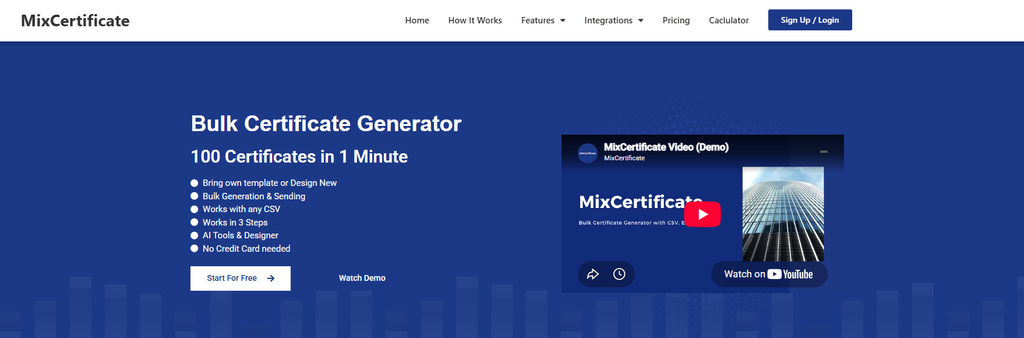
MixCertificate is built specifically for organizations that need to issue certificates in bulk without sacrificing verification or control. HR teams, training providers, and franchise operators use it to generate hundreds of compliance certificates at once by uploading a simple spreadsheet of names and course details.
Every certificate generated through the platform gets a unique verification ID, so anyone checking authenticity can confirm it in seconds rather than calling HR to ask. Templates can be locked once approved, which matters when legal or compliance teams need certainty that the format in use has not drifted from what was signed off.
Pros
- Fast bulk generation from CSV or spreadsheet upload
- Built-in verification so certificates cannot be easily faked
- Template locking keeps compliance formats consistent
- Free tier makes it accessible for small teams testing the workflow
Cons
- Fewer built-in design templates compared to general design tools like Canva
- Best suited for organizations that issue certificates regularly rather than a single one-off event
You can explore the platform directly at MixCertificate if bulk issuance and verification are your main requirements.
2. Certifier
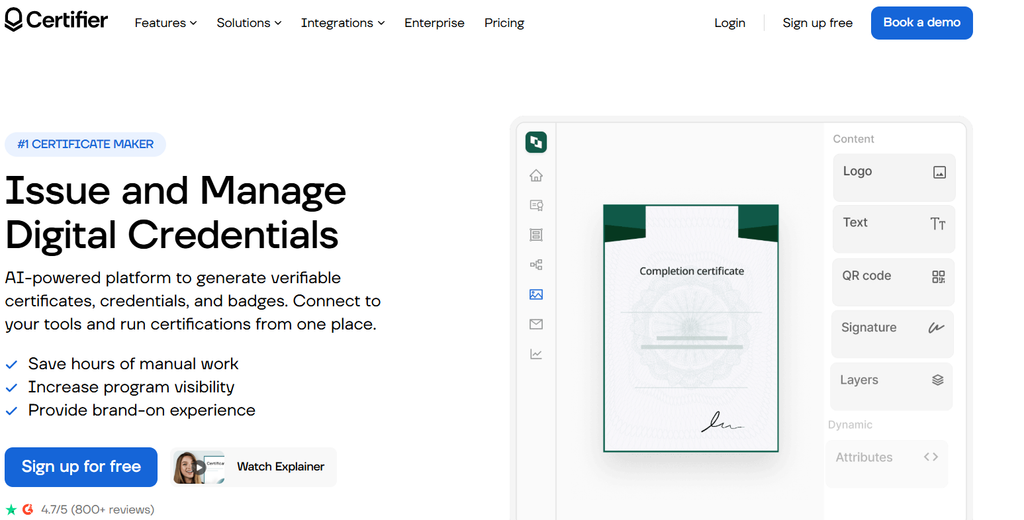
Certifier is a popular choice among mid-size HR and training teams. It offers a clean interface for building certificate templates and issuing them with a public verification page that recipients and third parties can check.
Pros
- User-friendly template editor
- Public verification pages built in
- Good integrations with common training platforms
Cons
- Pricing rises quickly once you need more than a few hundred certificates a month
- Customization options for compliance-specific fields, like regulatory codes, are somewhat limited
3. Accredible

Accredible leans toward the enterprise end of the market. It is often used by universities and large corporate training departments that need robust credentialing infrastructure, including optional blockchain-backed verification for high-stakes certifications.
Pros
- Strong enterprise-grade verification options
- Handles large volumes of credentials reliably
- Detailed analytics on who has viewed or shared a credential
Cons
- Pricing is not transparent and typically requires a sales conversation
- Overkill for smaller teams that only issue a few dozen compliance certificates a month
4. Credly
Credly is best known for digital badges rather than traditional certificates. Many organizations use it alongside a certificate tool to give employees a shareable badge for LinkedIn once they complete compliance training.
Pros
- Strong brand recognition, especially in professional development circles
- Badges are easy to share on social platforms, which can boost employee engagement
Cons
- Not designed primarily for formal, printable compliance certificates
- Verification is tied to the badge ecosystem rather than a simple ID lookup
5. Canva

Canva is a design tool many teams reach for because it is familiar and free to start with. It works fine for a one-off certificate, like recognizing a single employee’s achievement.
Pros
- Huge library of design templates
- Very easy to use, even for non-designers
- Free plan covers basic needs
Cons
- No built-in bulk generation from a spreadsheet
- No verification system, so certificates can be easily copied or altered
- Not suitable for audit-heavy compliance environments
6. Adobe Express
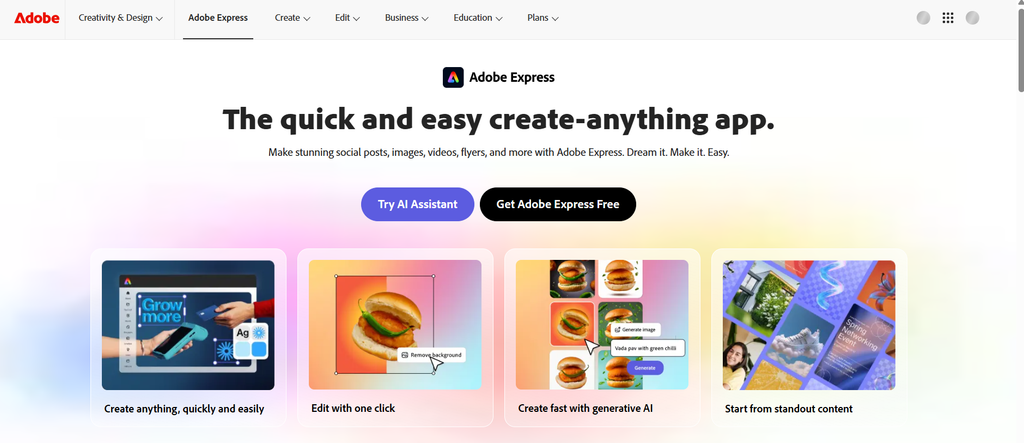
Adobe Express, formerly Adobe Spark, offers similar design-first functionality to Canva with the backing of Adobe’s broader creative ecosystem.
Pros
- Clean, professional templates
- Integrates with other Adobe tools if your team already uses Creative Cloud
Cons
- Like Canva, it lacks native bulk issuance and verification features
- Better suited for marketing certificates than regulatory compliance records
7. Visme
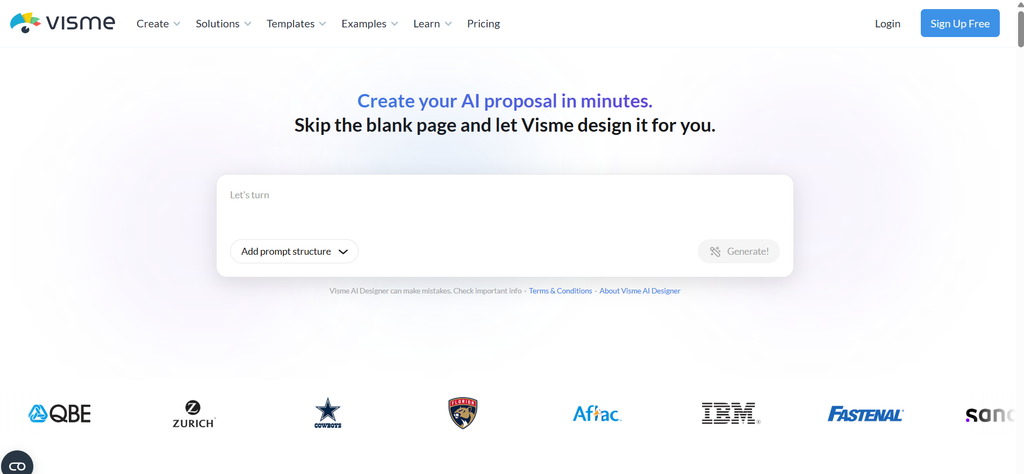
Visme is a design and data visualization platform that also supports certificate creation. It is popular with teams that want more branding control over their documents.
Pros
- Strong design flexibility and branding options
- Good for teams that also need infographics or reports alongside certificates
Cons
- Bulk generation exists but is less streamlined than dedicated certificate tools
- No native verification system for compliance audits
8. CertifyMe
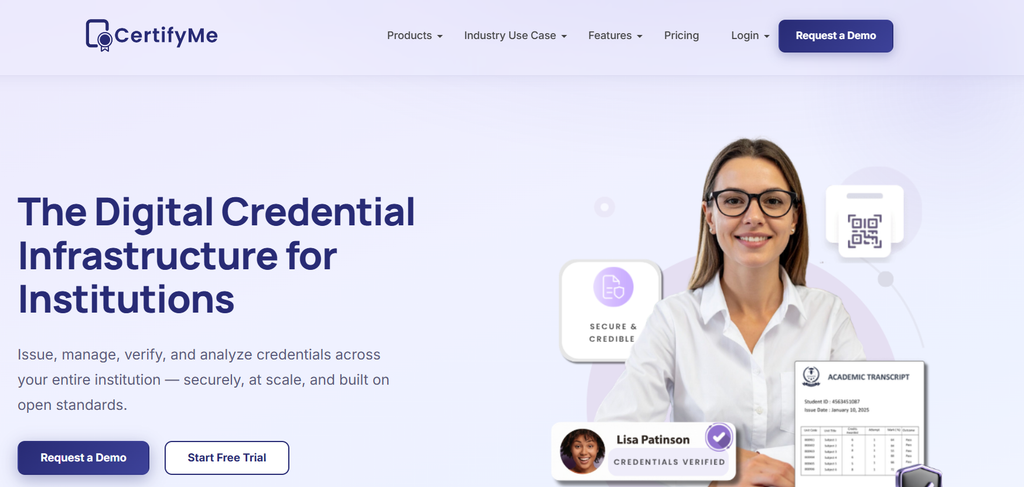
CertifyMe focuses specifically on course completion certificates, making it a reasonable option for training providers who need to issue certificates tied to specific course modules.
Pros
- Purpose-built for course completion workflows
- Offers verification links for each certificate
Cons
- Interface feels dated compared to newer competitors
- Limited flexibility for non-course-based compliance certificates, like safety inspections or one-time audits
9. PandaDoc
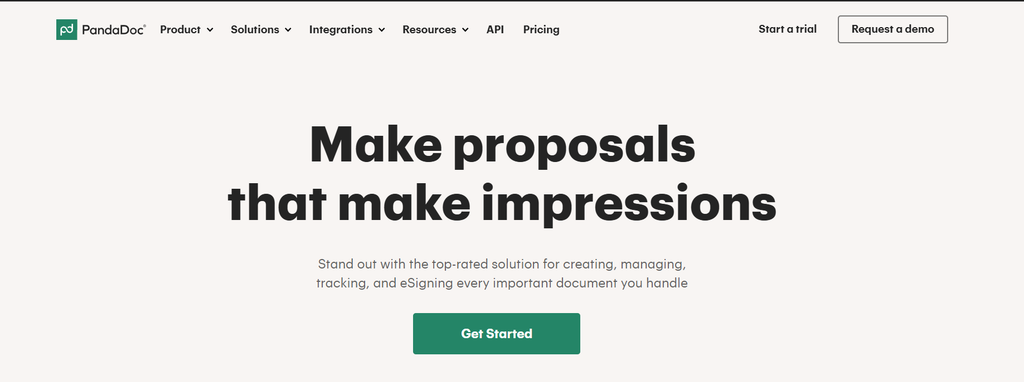
PandaDoc is primarily a document and e-signature platform, but some compliance teams use it to generate and track certificate-style documents, especially when a signature is required as part of the compliance record.
Pros
- Useful when a signature or sign-off is legally required alongside the certificate
- Strong document tracking and audit trail features
Cons
- Not designed specifically for certificate templates, so setup takes more effort
- Pricing is based on document workflows, which can get expensive for high-volume certificate issuance
10. Foduu Certificate Maker

Foduu offers a budget-friendly option for teams that need basic bulk certificate generation without a lot of extra features.
Pros
- Affordable pricing for smaller teams
- Supports bulk generation from a list
Cons
- Verification and audit features are more basic than dedicated compliance platforms
- Template design options are limited
How These Tools Compare on the Features That Matter Most
If your priority is speed and volume, MixCertificate, Certifier, and Foduu stand out for their bulk generation workflows. If your organization needs enterprise-grade credentialing with detailed analytics, Accredible is worth the higher price tag. If you only need a handful of certificates for a single event, Canva or Adobe Express will get the job done without any learning curve.
The real dividing line for compliance work is verification. Tools without a built-in way to confirm a certificate is genuine put your organization at risk if a certificate is ever questioned during an audit or a legal dispute. This is why compliance officers tend to favor platforms like MixCertificate, Certifier, and Accredible over pure design tools.
A Simple Framework for Choosing the Right Tool
- Count your volume. If you issue fewer than twenty certificates a year, a design tool may be enough. If you issue hundreds, prioritize bulk generation.
- Check your audit requirements. Regulated industries almost always need a verification system, not just a nice-looking PDF.
- Map your budget against features. Enterprise tools like Accredible make sense for large organizations, but many mid-size teams get everything they need from a more affordable, purpose-built platform.
- Test the workflow before committing. Most tools on this list offer a free trial or free tier. Run a real batch of certificates through the system before signing an annual contract.
Frequently Asked Questions
What is a compliance certificate generator?
It is a software tool that creates certificates documenting that an individual completed a required training, inspection, or compliance activity, often with a way to verify the certificate is authentic.
Do I need a paid tool for compliance certificates?
Not always. Small teams issuing a handful of certificates a year can get by with a free design tool. Organizations issuing certificates regularly, especially in regulated industries, usually need a paid tool with verification and audit features.
Can I bulk-generate compliance certificates from a spreadsheet?
Yes. Most dedicated certificate platforms, including MixCertificate, Certifier, and CertifyMe, allow you to upload a CSV file with names and course details and generate all certificates in a single batch.
What happens if a compliance certificate is questioned during an audit?
If the certificate was issued through a platform with verification, you can provide the auditor with a unique ID or QR code that confirms the certificate’s authenticity and issue date. This is much stronger evidence than a plain PDF with no verification trail.
Final Thoughts
Choosing a compliance certificate generator comes down to matching the tool to your actual workflow, not just picking the one with the nicest templates. For teams that issue certificates in volume and need a clear audit trail, a purpose-built bulk generation and verification platform will save far more time and reduce far more risk than a general design tool ever could. Whatever you choose, test it with a real batch of certificates before rolling it out organization-wide, so you know exactly how it performs when your compliance deadline actually arrives.
Also Read Related Blog :