
Online course completion certificates do more work than most creators give them credit for. They’re the difference between a learner quietly closing a browser tab and a learner posting their achievement on LinkedIn with your course name attached. But picking the wrong certificate tool for your course platform means broken integrations, manual busywork, or certificates that look like they were made in five minutes.
We spent time actually setting up sample courses, generating batches of certificates, and checking how each tool behaves with real course platforms, not just their marketing pages, to put together this list of the 13 certificate makers worth considering for an online course in 2026.
Why This List Is Different From a Generic “Best Certificate Maker” Roundup
Certificate tools split into two very different jobs: designing a one-off certificate for a single event, and issuing certificates automatically to every learner who finishes a course. Online course creators need the second job done well. That means this list weighs LMS and course-platform compatibility, automated triggering on course completion, and bulk issuing far more heavily than raw template variety.
How We Tested These Tools
For each platform, we created a free account or started a trial, then ran through three checks specific to course certificates rather than generic certificate generation:
- Bulk issuing test — we uploaded a spreadsheet of 25 sample “students” with names, course titles, and completion dates, and timed how long it took to generate and export the full batch.
- LMS/course-platform connection test — where a native integration or Zapier/API connection existed, we checked whether a certificate could actually be triggered by a course-completion event, not just manually generated afterward.
- Verification check — we generated a sample certificate and tested whether a third party (an employer, say) could confirm it was genuine without contacting the course creator directly, via a QR code or public verification link.
We also pulled current pricing directly from each platform’s pricing page rather than relying on older third-party comparisons, since certificate tool pricing changes often. Where a platform is primarily a full LMS with certificates as one feature among many, we’ve flagged that distinction clearly, since it changes whether the tool is a replacement for your course platform or an add-on to it.
What Actually Matters for Course Certificates
- Automated triggering on completion. The best setups need zero manual work once a learner finishes your course. A certificate that requires you to log in and generate it by hand doesn’t scale past your first cohort.
- LMS and course-platform compatibility. Whether you’re on Teachable, Thinkific, Kajabi, Podia, LearnDash, or Moodle, check whether the certificate tool has a direct integration, a supported plugin, or at minimum a clean CSV/API path.
- Bulk generation from a spreadsheet. For cohort-based courses, you need to issue dozens or hundreds of certificates in one pass rather than one at a time.
- Branding control. Fonts, logos, colors, and layout should match your course brand, not look like a stock template every other course uses.
- Verification. QR codes or unique verification links matter more as learners increasingly list certificates on resumes and LinkedIn, where employers may want to confirm they’re real.
- Pricing model. Per-certificate pricing, monthly subscriptions with caps, and free tiers all behave differently as your student count grows, so match the pricing model to your expected volume, not just your current one.
The 13 Best Certificate Makers for Online Courses
1. MixCertificate
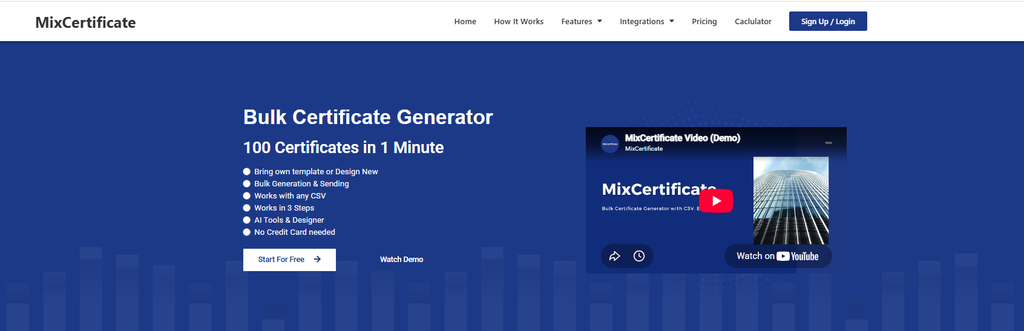
MixCertificate is purpose-built for bulk digital certificate generation, which makes the online-course use case a natural fit rather than an afterthought. In our test batch, uploading a spreadsheet of student names and course details and generating 25 certificates with a branded template took only a few minutes. Every certificate ships with dynamic QR code verification, so an employer can confirm a credential is real without emailing you.
Pros
- Fast bulk generation from CSV, Google Sheets, or API
- Branded templates with logo and color customization
- Dynamic QR code verification built in on every plan, including free
- Straightforward, transparent pricing
Cons
- Fewer native one-click LMS integrations than platforms built as full LMS suites
- Template library is smaller than pure design tools like Canva
Best for: Course creators and training providers issuing certificates to entire cohorts at once, especially outside a single locked-in LMS ecosystem. You can see how a batch comes together at the MixCertificate template library.
2. Certifier
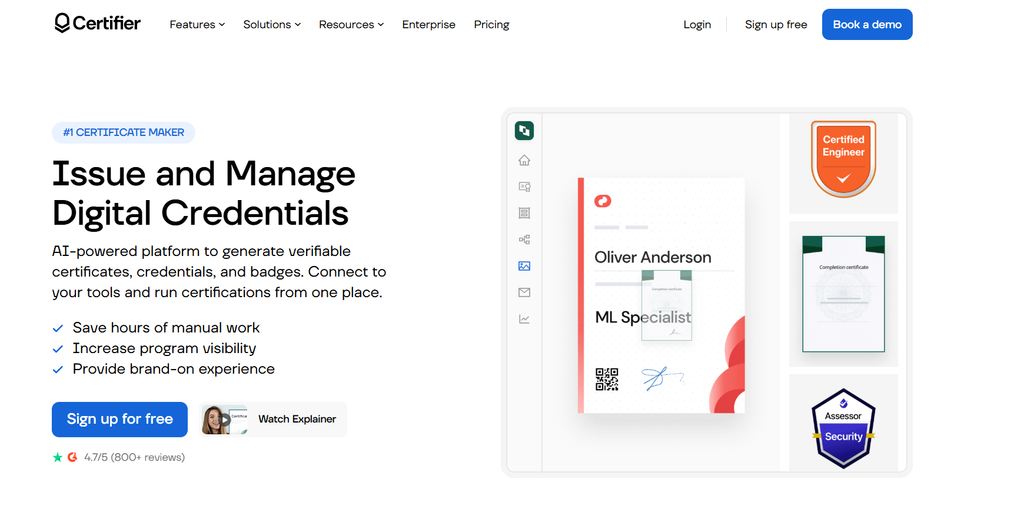
Certifier combines certificates and digital badges in one platform, with automated email delivery once a batch is generated. It’s aimed squarely at educators and training organizations running structured programs.
Pros: Certificates and badges in one tool; automated delivery emails; decent course-tool integrations. Cons: Free tier caps certificate volume quickly; some verification and branding features sit behind paid tiers. Best for: Programs that want badges alongside certificates for the same course.
3. Accredible
Accredible is an established name in digital credentialing, widely used by universities and larger training providers. It supports blockchain-backed credentials for organizations that want extra tamper resistance, plus detailed analytics on how certificates get shared.
Pros: Strong verification and credential management; detailed sharing analytics; built for compliance-heavy institutions. Cons: Pricing targets larger organizations rather than solo creators; steeper learning curve than lighter tools. Best for: Universities, bootcamps, and larger providers with compliance requirements.
4. Credly
Now part of Pearson, Credly is better known for digital badges than traditional certificates, though it handles both. Many employers already recognize Credly badges, which adds instant credibility to professional or technical courses.
Pros: Strong employer recognition; badges display cleanly on LinkedIn; detailed skill tagging. Cons: Certificate design is secondary to badge functionality; setup feels enterprise-heavy for small creators. Best for: Professional certification programs where badge recognition outweighs certificate aesthetics.
5. Kajabi
Kajabi is a full course-hosting and marketing platform with certificate delivery built into its course completion flow. If you already run your course business on Kajabi, certificates trigger automatically without any extra tool.
Pros: Certificates issue automatically on course completion; no separate tool needed if you host on Kajabi; ties into Kajabi’s broader marketing automation. Cons: Certificate design options are basic compared to dedicated tools; only useful if your course already lives on Kajabi. Best for: Kajabi-hosted course businesses that want one less tool to manage.
6. Moodle (with a certificate plugin)

Moodle is the open-source LMS behind a huge share of university and corporate training programs. It doesn’t issue certificates natively, but plugins like “Custom Certificate” add automated, condition-based certificate issuance directly inside the platform.
Pros: Free and highly configurable once the plugin is installed; certificates can trigger on quiz scores, activity completion, or course finish; full control since it’s self-hosted. Cons: Requires plugin setup and some admin comfort; design options depend entirely on the plugin chosen; no vendor support if something breaks. Best for: Institutions and training teams already running Moodle who want certificates handled inside the LMS itself.
7. Canva
Canva isn’t a dedicated certificate platform, but its large library of free certificate templates and drag-and-drop editor make it a common starting point for creators who want full design control.
Pros: Huge template library; easy brand-kit matching; familiar interface for anyone already using Canva. Cons: No bulk generation or automation; no verification or QR codes; every certificate requires manual export and distribution. Best for: Creators who want maximum design freedom and are comfortable handling distribution by hand.
8. TalentLMS
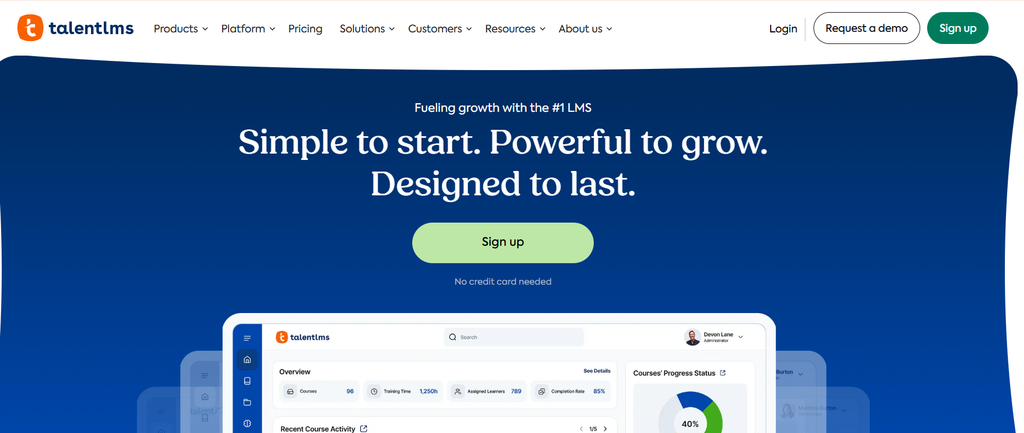
TalentLMS is a full learning management system with certificate generation included as a standard feature. If your course runs through TalentLMS, certificates issue automatically once a learner completes the required modules.
Pros: Automatic issuance on completion; no separate certificate tool needed; reasonable pricing for small to mid-size teams. Cons: Certificate design is limited compared to dedicated tools; only useful if you host on TalentLMS itself. Best for: Creators already using TalentLMS as their course platform.
9. Thinkific
Thinkific is one of the most popular course-hosting platforms and includes a built-in certificate feature on its paid plans, generated automatically on course completion.
Pros: Fully automatic issuance; zero setup if you already host on Thinkific; simple for basic certificate needs. Cons: Customization is fairly basic; no QR code or public verification page; gated to certain pricing plans. Best for: Thinkific users who want a no-fuss, built-in certificate without adding another tool.
10. Teachable
Teachable offers similar built-in certificate functionality to Thinkific for creators hosting their courses on its platform.
Pros: Native integration with zero setup friction; automatic issuance tied to completion; simple for creators who prioritize ease over customization. Cons: Limited templates and branding; no advanced verification features; tied entirely to the Teachable ecosystem. Best for: Teachable-hosted courses that need a basic, automatic certificate.
11. Podia
Podia is an all-in-one platform for selling courses, memberships, and digital downloads, with certificate issuance built into its course completion settings.
Pros: Certificates issue automatically as part of the course flow; one less integration to manage if you sell through Podia; clean, simple setup. Cons: Certificate customization is minimal; not usable outside the Podia ecosystem; no verification features. Best for: Creators running their whole course business through Podia who want a basic completion certificate without extra tooling.
12. Visme

Visme is a broader design tool, similar in spirit to Canva, with a solid range of certificate templates alongside its other content creation features. It suits creators who also produce infographics, slides, or other visual course materials.
Pros: Wide template variety with strong visual quality; useful if you already use Visme for other materials; brand-kit tools keep certificates consistent. Cons: No bulk generation for large classes; no verification or QR support; distribution is manual. Best for: Creators who want design flexibility and already use Visme elsewhere.
13. Google Docs Mail Merge

For creators just starting out or working with a very small cohort, a manual Google Docs mail merge setup remains a genuinely free option. A certificate template in Google Docs, combined with a mail merge add-on, personalizes and generates certificates from a Google Sheet.
Pros: Completely free; familiar if you already use Google Workspace; full control over the design. Cons: Time-consuming past a small class size; no automation, verification, or QR codes; requires setting up a mail merge add-on. Best for: Solo creators issuing certificates to a handful of students on a limited budget.
Comparison Chart
| Tool | Bulk Generation | Course Platform Fit | QR Verification | Free Tier | Best For |
|---|---|---|---|---|---|
| MixCertificate | Yes | Platform-agnostic (CSV/API) | Yes | Yes | Bulk issuing at scale |
| Certifier | Yes | Moderate | Yes | Limited | Certificates + badges |
| Accredible | Yes | Moderate | Yes | No | Institutions, compliance |
| Credly | Yes | Moderate | Yes | Limited | Professional badges |
| Kajabi | Automatic | Native (Kajabi) | No | No | Kajabi-hosted courses |
| Moodle + plugin | Automatic | Native (Moodle) | Plugin-dependent | Yes (self-hosted) | Institutions on Moodle |
| Canva | No | None | No | Yes | Custom design |
| TalentLMS | Automatic | Native (TalentLMS) | No | Limited | All-in-one LMS |
| Thinkific | Automatic | Native (Thinkific) | No | Paid plans only | Thinkific-hosted courses |
| Teachable | Automatic | Native (Teachable) | No | Paid plans only | Teachable-hosted courses |
| Podia | Automatic | Native (Podia) | No | No | Podia-hosted courses |
| Visme | No | None | No | Yes | Design-heavy creators |
| Google Docs | Manual | None | No | Yes | Small, budget classes |
How to Choose Based on Your Setup
You’re hosted entirely on one platform (Thinkific, Teachable, Kajabi, Podia, or TalentLMS): Check the built-in certificate feature first. If it covers branding and automation well enough, you may not need a separate tool at all.
You run courses across your own website, multiple platforms, or a cohort-based program: This is where a platform-agnostic bulk tool like MixCertificate earns its place, since it doesn’t depend on which LMS your students happen to be enrolled through.
You’re an institution running Moodle or need compliance-grade credentialing: Accredible, Credly, or a Moodle certificate plugin fit better than a lightweight design tool.
You’re just starting out with a handful of students: Canva or Google Docs mail merge cost nothing and get the job done manually until your volume justifies automation.
Frequently Asked Questions
Can certificates be issued automatically the moment a student finishes my course?
Yes. If you host on Thinkific, Teachable, Kajabi, Podia, or TalentLMS, automatic issuance is usually built in. If you’re outside those ecosystems, tools like MixCertificate and Certifier support automation through bulk uploads or API connections tied to your completion data.
Do I actually need QR codes on course certificates?
They’re not required, but they add real value once certificates start circulating on resumes and LinkedIn. A QR code lets anyone confirm a certificate is genuine in seconds without contacting you.
Is there a free way to make certificates for a small online course?
Yes. Canva and Google Docs mail merge both work at no cost, though each requires manual work per certificate and neither includes verification.
What file formats do these tools export?
Most export to PDF for printing and formal sharing, with several also offering PNG or JPG for quick social posts.
Can I use my own logo and brand colors?
Yes, nearly every tool here, including MixCertificate, Canva, and Visme, supports custom branding with your own logo, fonts, and colors.
What if my course platform isn’t on this list?
Check first whether it has a native certificate feature or a Zapier connection. If not, a platform-agnostic tool that works from a CSV export, like MixCertificate, will work regardless of which LMS you use, since it doesn’t depend on a direct integration.
Do bulk certificate tools work for one-off cohorts as well as ongoing enrollment?
Yes. Bulk upload tools handle a one-time batch (a graduating cohort, for example) just as easily as an automated, ongoing trickle of individual completions through an API connection.
Final Thoughts
The right certificate tool depends less on which one has the prettiest templates and more on how your course is actually hosted and how many students you’re issuing to. If you’re locked into one course platform, its native certificate feature is usually the path of least resistance. If you run courses across multiple platforms, sell cohort-based programs, or need certificates that work independently of any single LMS, a dedicated bulk tool built for that job, like MixCertificate, saves the manual work as your student count grows.
You can see how a full batch of branded, verification-ready certificates comes together at the MixCertificate template library.
Also Read Related Blog :




