Most of us have earned some kind of certificate at some point, maybe for finishing a course, attending a workshop, or completing a training program. In the past, that certificate showed up as a printed sheet with a signature and a gold seal. Today, it is far more likely to arrive in your inbox as a PDF or a digital file. That electronic version is what people mean when they talk about a digital certificate, or eCertificate.
This article walks through what a digital certificate actually is, how organizations create and issue them, and what makes a good one worth trusting.
Digital Certificate, Simply Explained
A digital certificate is an official record, delivered electronically, that confirms someone completed a course, attended an event, or achieved some kind of recognition. The word “eCertificate” is just shorthand for the same thing, used interchangeably in most industries.
Think of it as the digital equivalent of the certificates you might remember from school, minus the paper, the printing, and the wait. Instead of being handed to you in person, it is generated by software and sent directly to your email or made available for download.
There is one distinction worth making early on. A digital certificate is not simply a scanned copy of a paper one. A scanned document is just an image of something that was originally printed. A true digital certificate is created natively as an electronic file, often with built-in details that let anyone check whether it is genuine.
Where You Will Actually See Digital Certificates
Rather than starting with theory, it helps to look at where these certificates show up in everyday life, because the concept becomes much clearer once you see it in context.
Online learning platforms. Nearly every online course today ends with a certificate of completion, generated automatically the moment you finish the final lesson.
Webinars and virtual conferences. Organizers often issue attendance certificates so participants have proof they were there, particularly useful for professionals who need documented learning hours.
Workplace training. Companies use digital certificates to track employee completion of safety training, compliance courses, and internal upskilling programs.
Schools and universities. Many institutions now issue digital transcripts, short-course certificates, and even full diplomas electronically, especially for continuing education.
Independent workshops and certifications. Coaches, consultants, and trainers running their own programs use digital certificates to give their offering a more professional, credible finish.
What Happens Behind the Scenes
It is worth understanding the basic mechanics of how a digital certificate gets made, because it explains why this format has become so efficient compared to the old paper process.
First, someone designs a certificate template. This usually includes a logo, a signature line, some decorative border or design element, and placeholders for the recipient’s name and the details of what they completed.
Next, the organization gathers the data needed to fill in those placeholders. This is typically a list of names, email addresses, and course or event details, often sitting in a simple spreadsheet.
From there, a certificate platform merges the data into the template automatically. Instead of designing five hundred certificates by hand, the software produces all five hundred in a single batch, each one personalized correctly.
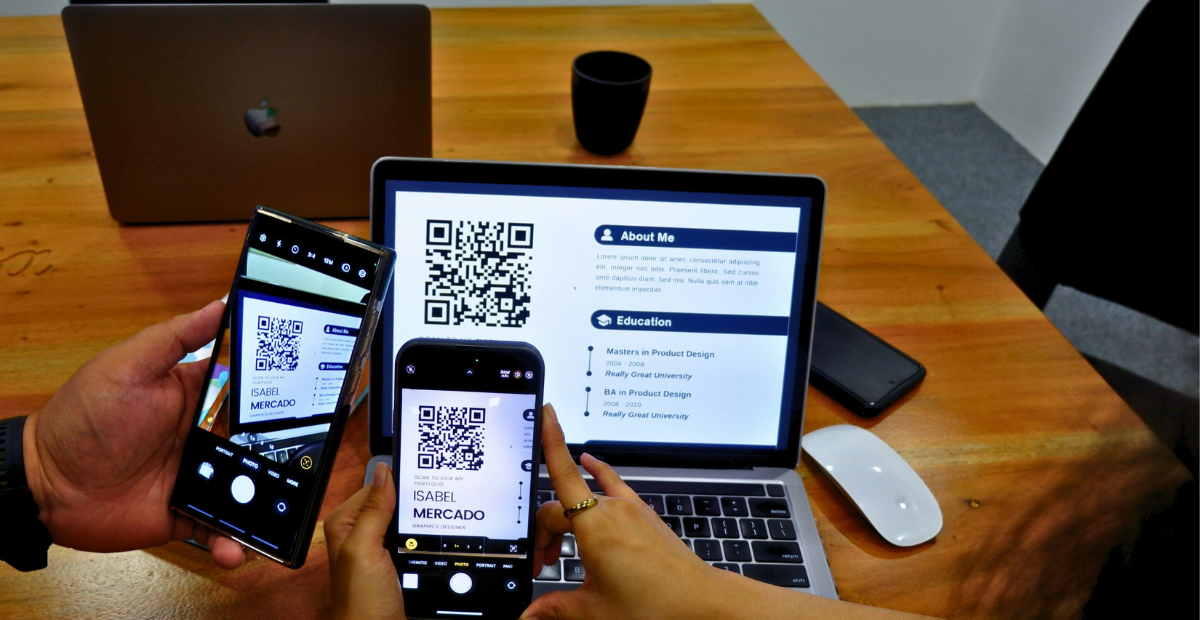
Finally, the certificates are distributed, usually by email, though sometimes through a download link or a dashboard the recipient can log into. Some platforms add a verification layer at this stage too, such as a unique certificate number or a scannable QR code, so the certificate can be checked for authenticity later.
Digital Certificates Compared to Paper Certificates
Seeing the two formats side by side makes the practical differences easy to understand.
| What Matters | Digital Certificate | Paper Certificate |
|---|---|---|
| Cost per certificate | Very low | Higher due to printing and materials |
| Time to issue in bulk | Minutes | Days or longer |
| Ability to verify authenticity | Strong, with IDs or QR codes | Weak, easy to forge |
| Risk of loss or damage | Very low, stored digitally | Higher, physical copies can be lost |
| Sharing on social platforms | Instant | Requires scanning first |
| Environmental footprint | Minimal | Higher, ongoing paper use |
| Making corrections | Fast, reissue instantly | Slow, requires reprinting |
This is why so many training providers, HR teams, and schools have moved away from paper almost entirely, particularly for anything issued at scale.
The Good and the Not So Good
No format is perfect for every situation, so it helps to weigh the benefits against the drawbacks honestly.
What works well
- Certificates can be created and sent to thousands of people in a short amount of time.
- There is no ongoing cost for paper, ink, or postage.
- Verification features make it much harder for someone to fake a credential.
- Recipients can post their certificate directly to LinkedIn or other platforms, which helps with visibility.
- Mistakes like a misspelled name are simple to fix and resend.
- Records of who received what stay organized in one place, which is useful for audits later.
What to watch out for
- Recipients need internet access to view or download their certificate, which can be a barrier in some regions.
- A portion of older or more traditional audiences may still see a printed certificate as more prestigious.
- If the certificate platform you use shuts down or has a data issue, retrieving old records can be harder without your own backup.
- Free or very basic tools sometimes limit how much you can customize the design.
- Without proper verification features, a digital certificate can still be copied or edited, so not every platform offers the same level of protection.
For most organizations issuing certificates regularly, the advantages outweigh the drawbacks by a wide margin, especially once volume becomes a factor.
Why Verification Matters More Than People Expect
One question that comes up often is how anyone can trust that a digital certificate is real, given that a PDF can technically be edited. This is a fair concern, and it is the main reason verification features exist.
A properly built digital certificate usually includes one of these safeguards.
A unique certificate ID lets anyone look up the certificate in a database to confirm it matches the recipient’s name and the details claimed. A QR code takes this a step further, linking directly to a verification page when scanned. Some platforms go even further and use blockchain technology to make tampering essentially impossible to hide.
If you are issuing certificates that carry real professional weight, such as compliance training records or paid certification programs, choosing a platform that includes at least one of these features is worth the extra effort. It protects your organization’s credibility just as much as the recipient’s.
Are Digital Certificates Taken Seriously?
Yes, in almost every professional context today. Employers, universities, and certifying bodies are generally very familiar with digital certificates and treat them as legitimate proof of achievement, particularly when the certificate includes some form of verification.
It has become common practice for people to add digital certifications directly to their LinkedIn profile or resume. Hiring managers reviewing these credentials rarely question the format itself. What matters more is whether the certificate can be verified and whether it came from a credible source.
For industries with strict documentation requirements, it is worth checking specific regulations, but for the vast majority of training, courses, and events, a properly issued digital certificate meets professional expectations without any issue.
Designing a Certificate People Actually Want to Share
A certificate is often the final impression someone gets after finishing your course or event, which makes it worth a bit of extra care in the design.
Keep the layout clean rather than overloaded with colors and graphics. Make the recipient’s name the most visible element on the page, since that is what they will look for first. Include the essential details clearly, such as the course or event name, the date, and the issuing organization. Add a logo and a signature, even a digital one, to give it a more authoritative feel. If you plan to include a QR code or verification ID, design the space for it from the start rather than squeezing it in as an afterthought.
If you would rather skip the design process altogether, browsing an existing collection of ready-made certificate templates can save considerable time, letting you pick a layout and start generating certificates right away instead of building one from scratch.
Mistakes Worth Avoiding
A few missteps tend to repeat themselves when organizations first start issuing digital certificates, and most are easy to avoid once you know to look for them.
Always run a small test batch before generating certificates for your entire list, since a single template error can multiply across every certificate if it goes unnoticed. Check how the certificate looks on a phone screen, not just a desktop, since many recipients will open it there first. Keep your own backup record of who received a certificate and when, separate from the platform’s internal history. Resist the urge to overdesign, since a cluttered certificate often looks less credible, not more. And if you include a QR code or verification link, test it yourself before sending certificates out to confirm it actually works.
Frequently Asked Questions
Is an eCertificate the same as a digital certificate?
Yes, the two terms describe the same thing and are used interchangeably.
Can someone fake a digital certificate?
Without verification features, it is possible to edit a basic PDF. This is why unique IDs and QR codes matter, since they let anyone confirm a certificate is genuine.
Do employers accept digital certificates?
Generally yes. Most employers are familiar with digital credentials and accept them as valid, especially when they include some way to verify authenticity.
What is the fastest way to issue certificates for a large group?
Using a platform that supports bulk generation from a spreadsheet is the quickest approach, allowing hundreds or thousands of personalized certificates to be created in one batch.
Do digital certificates ever expire?
It depends on the type. Compliance or safety certifications often have renewal periods, while course completion certificates typically remain valid indefinitely.
In Short
A digital certificate is simply the modern, electronic version of the paper certificates we grew up with, built for speed, easy sharing, and far better verification. Whether you are running an online course, hosting webinars, or managing corporate training, switching to digital certificates tends to save time and money while giving recipients something they can actually use and share right away
Also Read Related Blog :





One Response